Головна > База знань > CubeCart > 9. How to manage your images in CubeCart
9. How to manage your images in CubeCart
This tutorial assumes you've already logged in to CubeCart
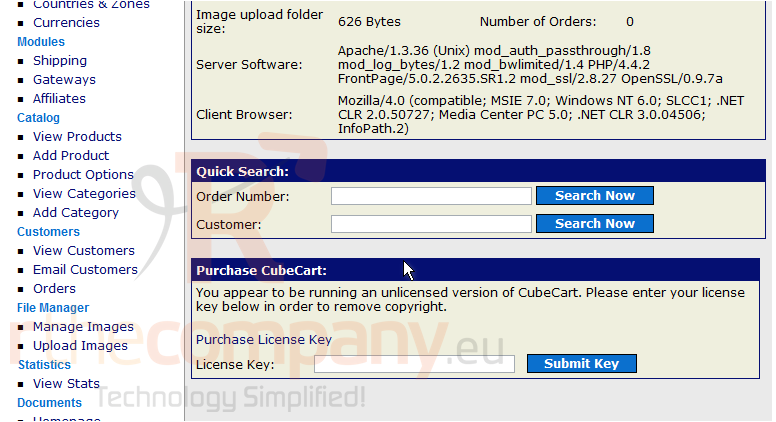
Now let's learn how to manage our images. Scroll down
1) Click Upload Images
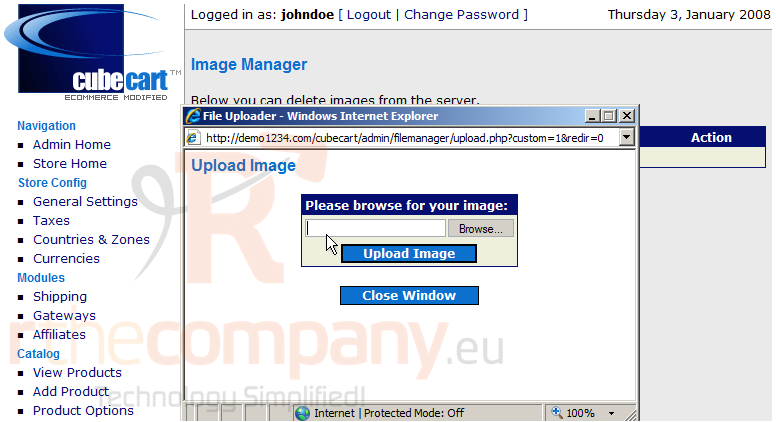
2) Enter a file name here. You optinally can click the Browse button as well
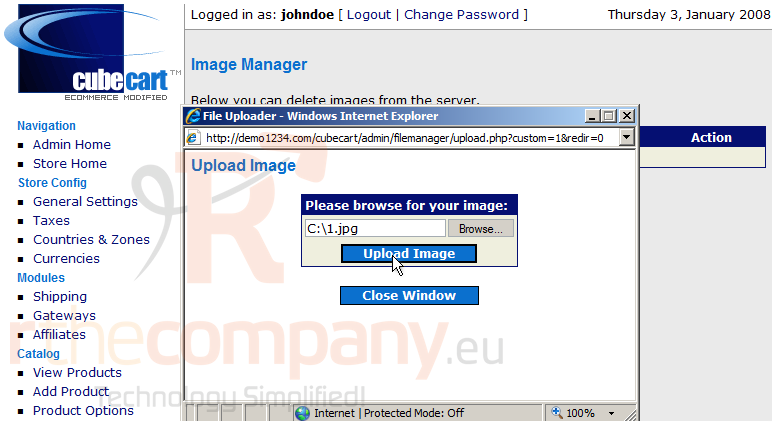
3) Click Upload Image
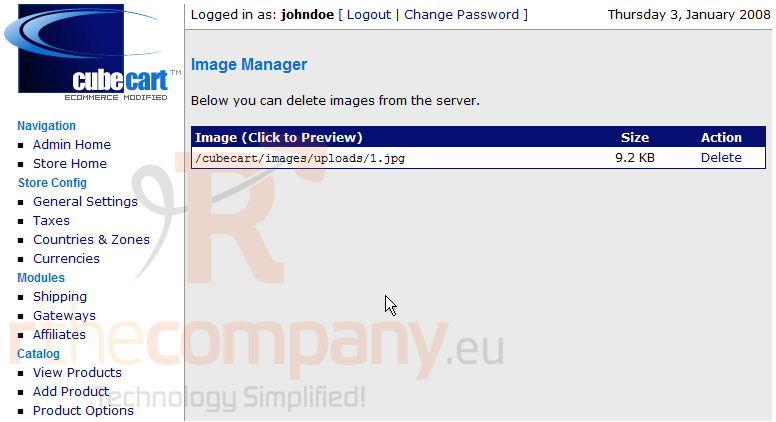
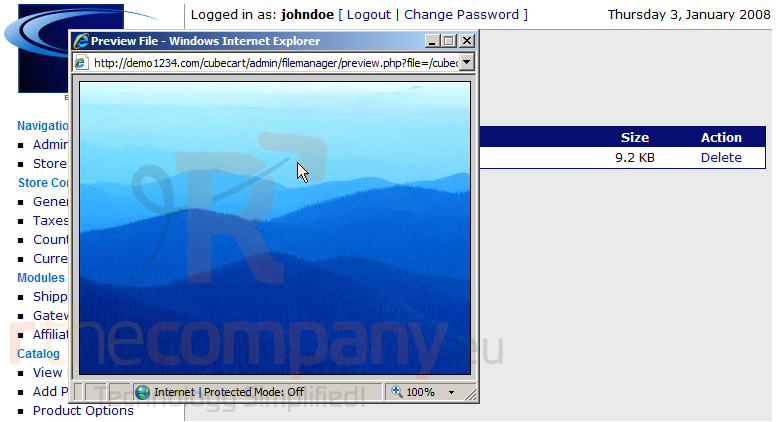
4) That's it! The image has been added. Click on the file name to preview the image
5) This is the image we added, now close this window
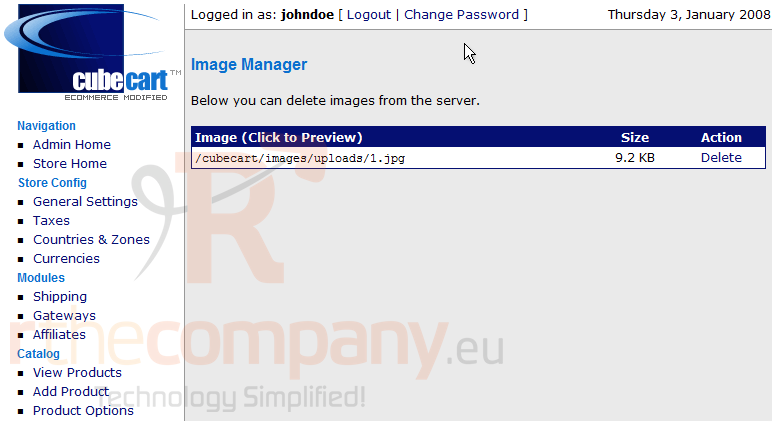
Now let's delete the image we just added
6) Click Delete
This is the end of the tutorial. You now know how to manage your images in CubeCart
 Додати до обраного
  Роздрукувати цю статтю