客戶系統 > 知識庫 > CubeCart > 11. How to add product options in CubeCart
11. How to add product options in CubeCart
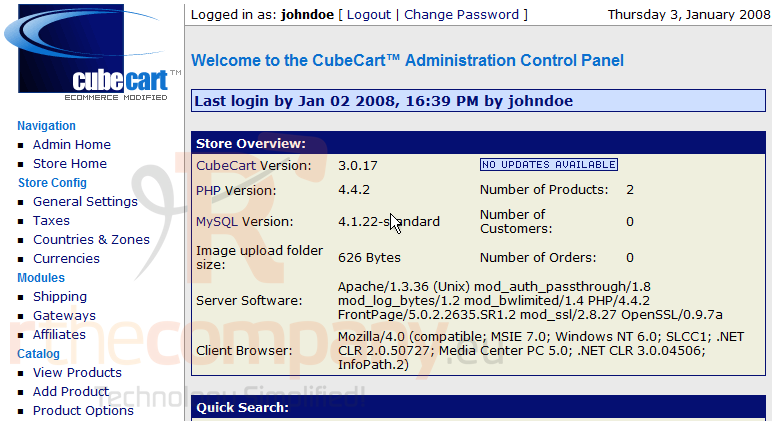
This tutorial assumes you've already logged in to CubeCart
Now let's learn how to add product options
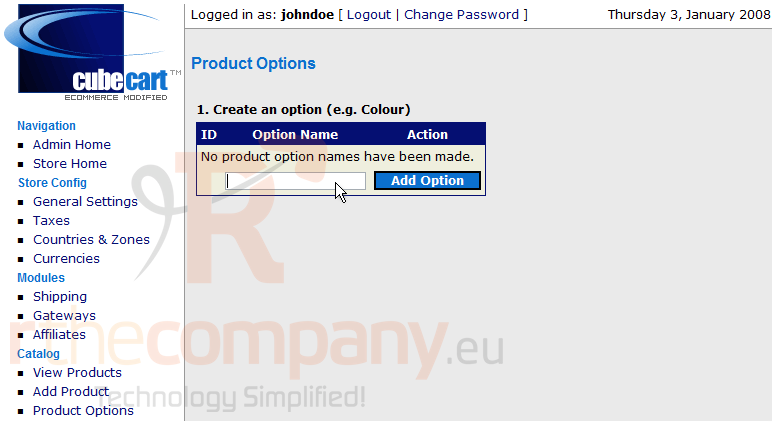
1) Click Product Options
2) Enter a name for the Product Option
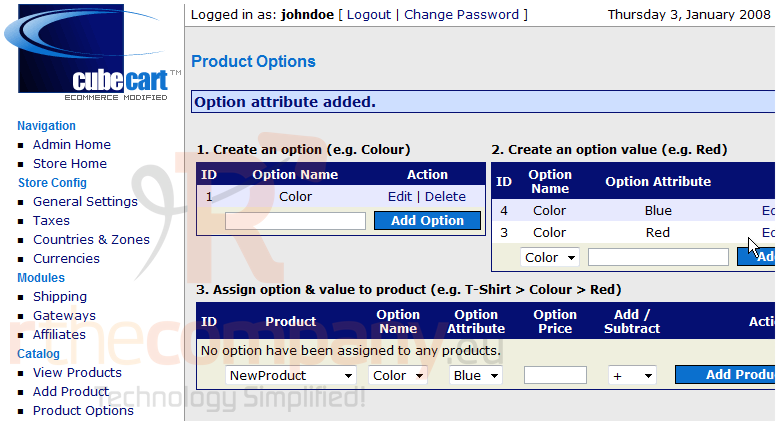
This is the Product Options page. A Product Option expands the selection for customers
3) Click Add Option
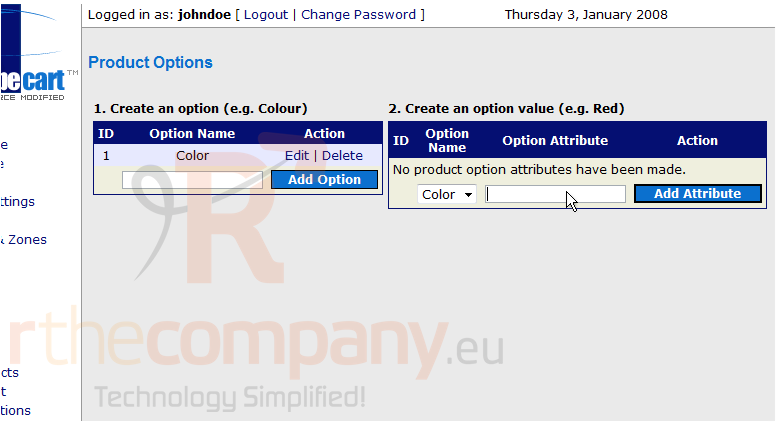
4) Enter an Attribute for the new option
5) Click Add Attribute
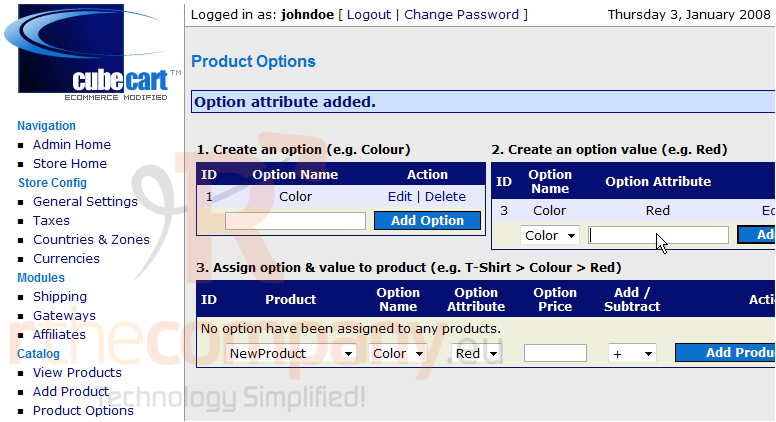
6) Let's enter another Attribute for the option now
7) Click Add Attribute
8) Click Add Product Option
That's it! We have now added Product Options
This is the end of the tutorial. You should now know how to add product options in CubeCart