Почетна > База на знаења > CubeCart > 12. How to add payment modules in CubeCart
12. How to add payment modules in CubeCart
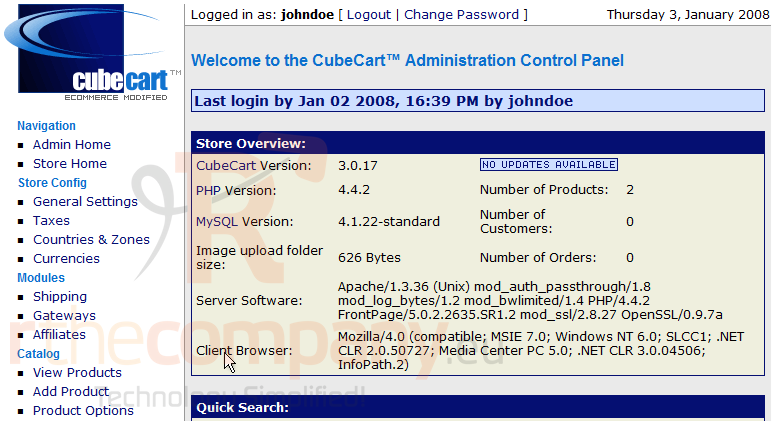
This tutorial assumes you've already logged in to CubeCart
Now let's learn how to add payment modules
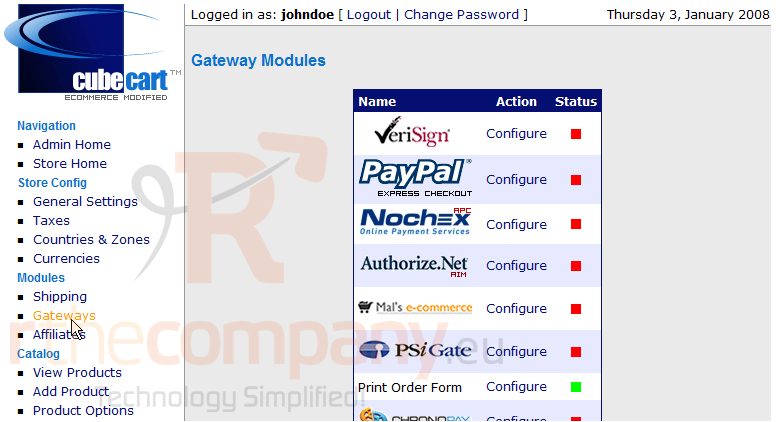
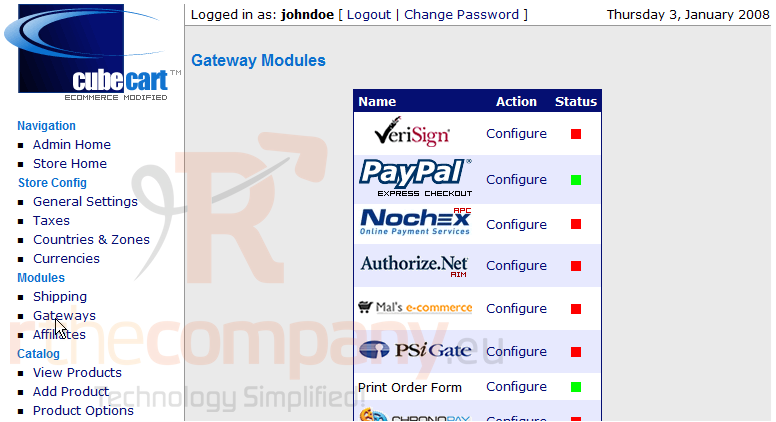
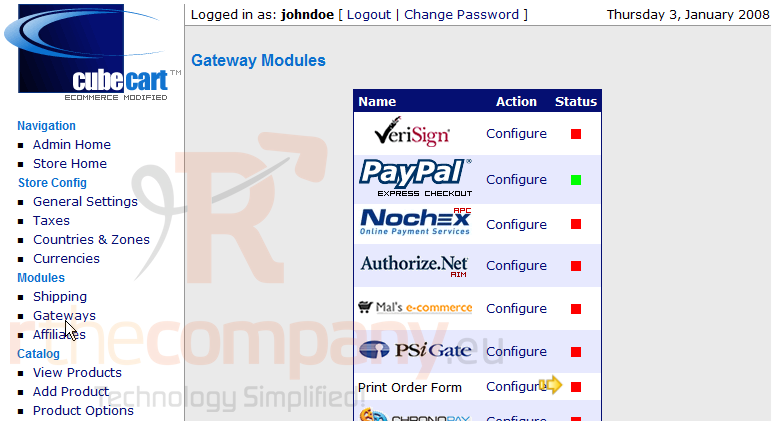
1) Click Gateways
This page contains the Payment Modules for our store, from here we can configure each one
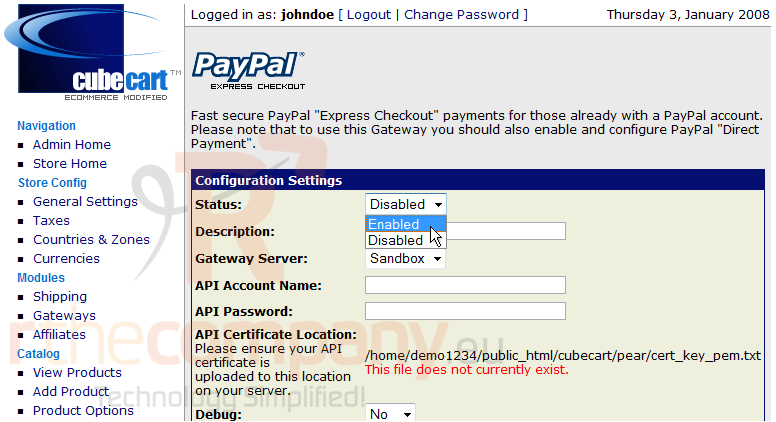
2) Click Configure
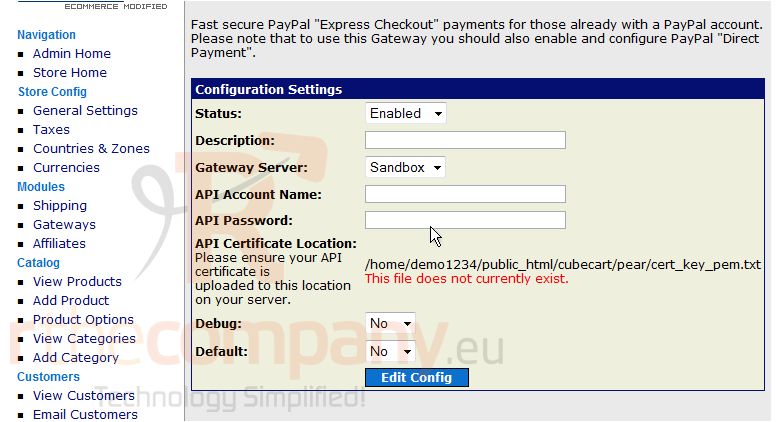
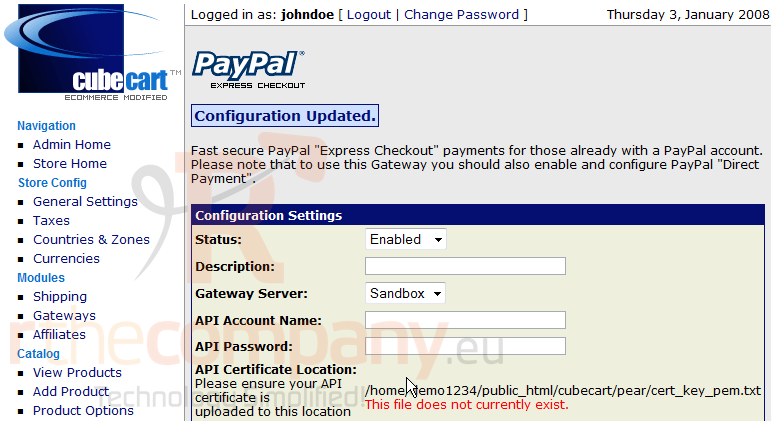
Let's enable this payment module
3) Click Edit Config
4) Click Gateways
That's it! We have now enabled this payment module
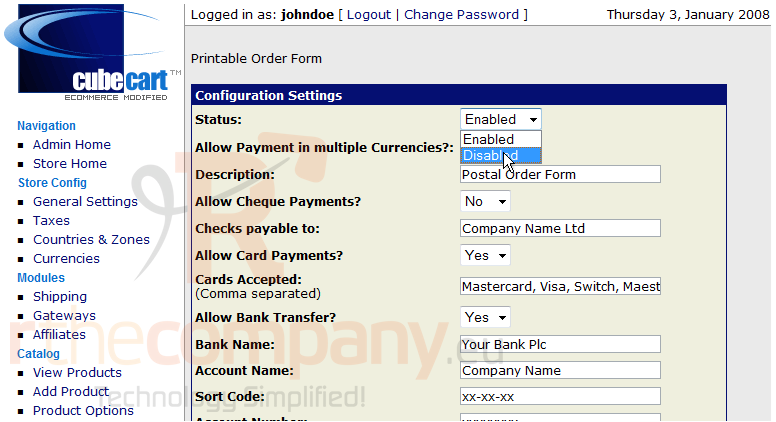
5) Now let's disable one, click Configure
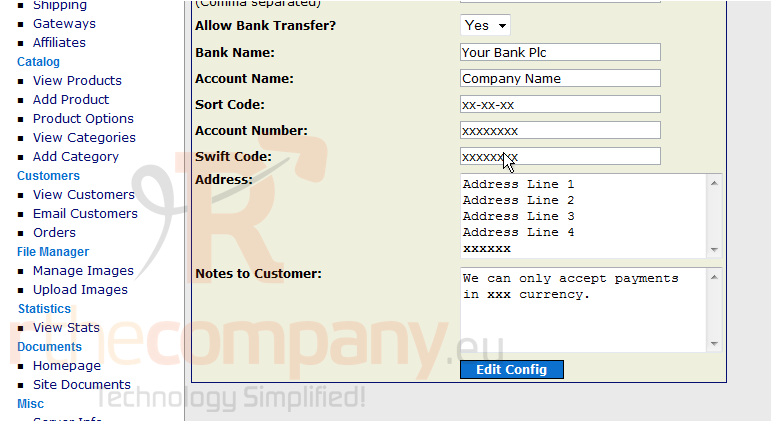
6) Click Edit Config
7) Click Gateways
As we can see here, the gateway has now been disabled
This is the end of the tutorial. You should now know how to add payment modules in CubeCart
 Додате го во листа на фаворитни прашања
  Испечати