Support > Wissensdatenbank > CubeCart > 13. How to manage admin personnel in CubeCart
13. How to manage admin personnel in CubeCart
This tutorial assumes you've already logged in to CubeCart
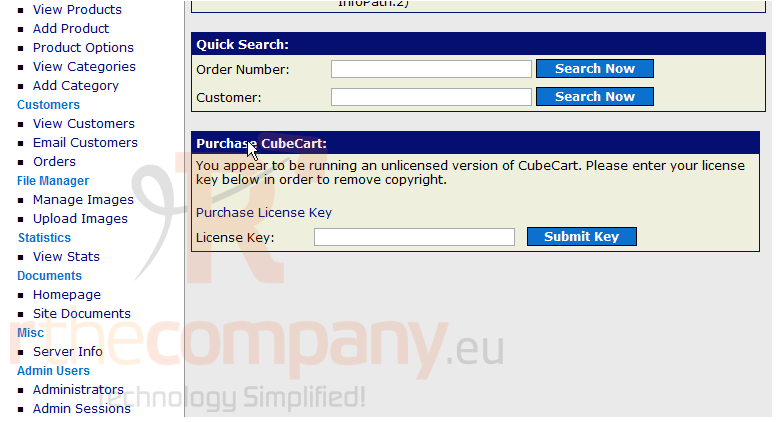
Now let's learn how to manage admin personnel. Scroll down
1) Click Administrators
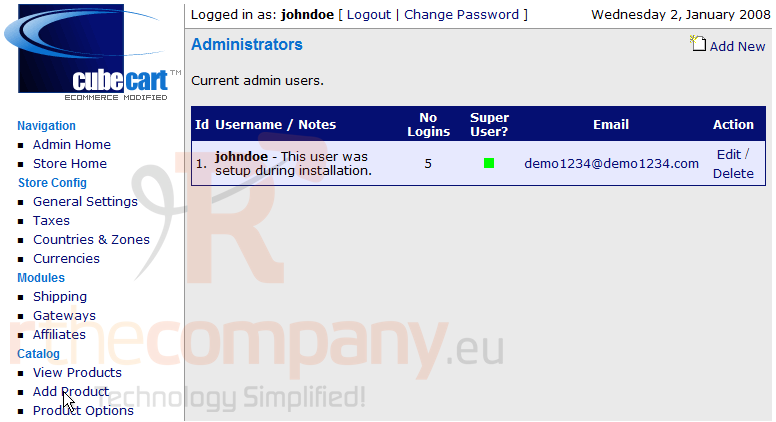
On this page we can create a new Administrator, let's go ahead and create one now
2) Click Add New
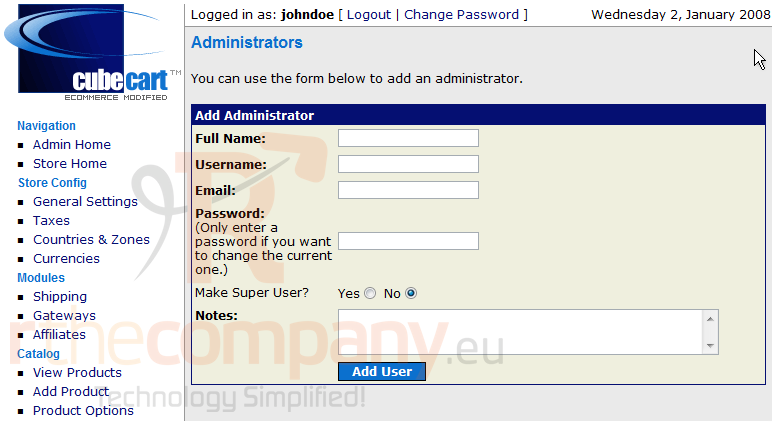
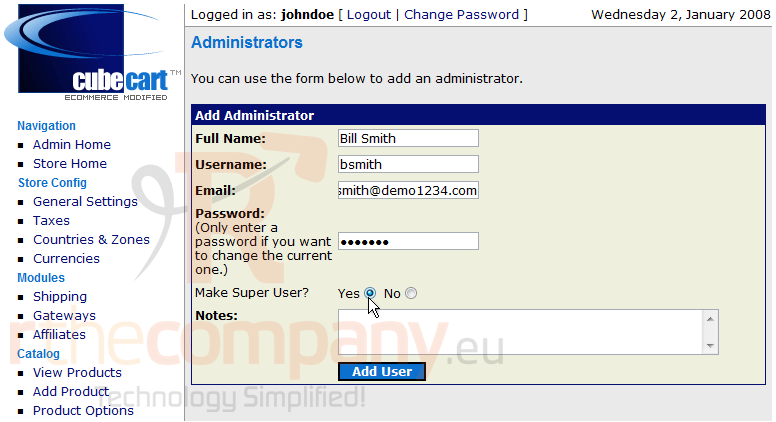
3) Fill out this form
4) Click Add User
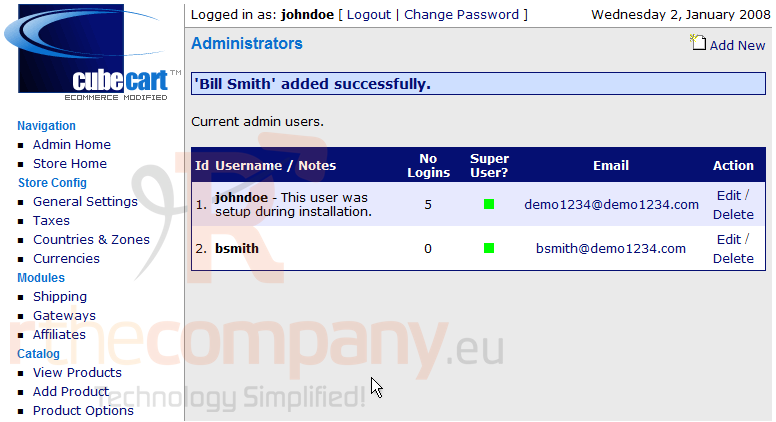
That's it! The new account has been added. Let's go ahead and delete the new Administrator now
5) Click Delete
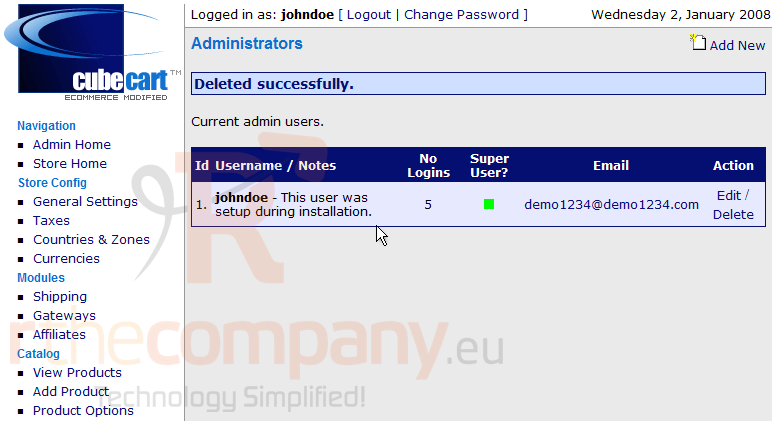
That's it! The new Administrator has been deleted
This is the end of the tutorial. You should now know how to manage admin personnel in CubeCart
 Zu Favoriten hinzufügen
  Artikel drucken