Головна > База знань > CubeCart > 15. How to add shipping modules in CubeCart
15. How to add shipping modules in CubeCart
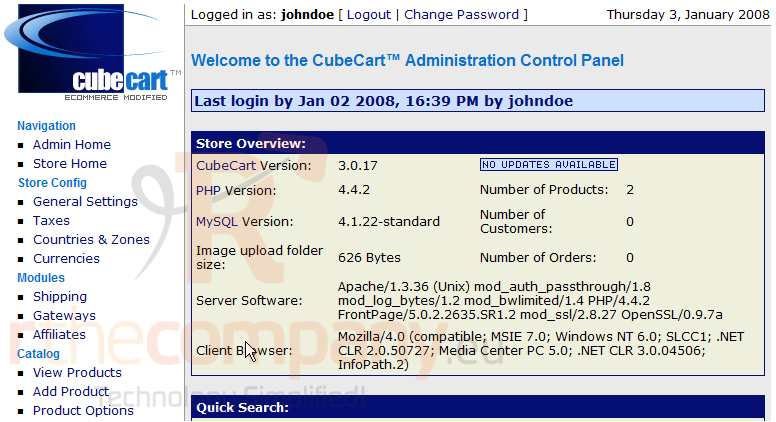
This tutorial assumes you've already logged in to CubeCart
Now let's learn how to add shipping modules
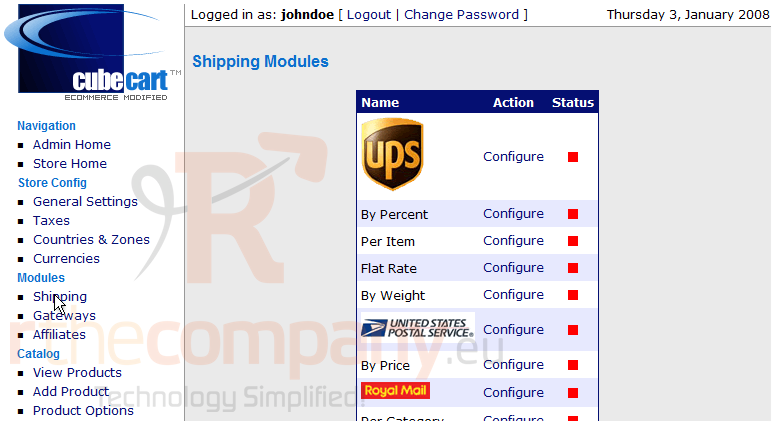
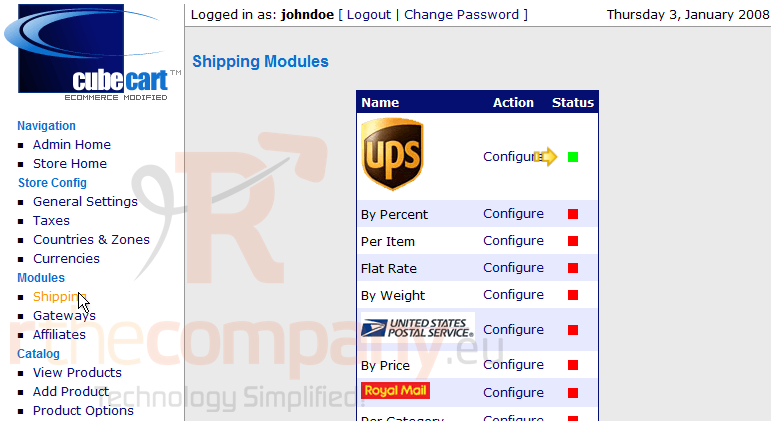
1) Click Shipping
This is the Shipping Modules page. We can enable and disable shipping methods for our store here
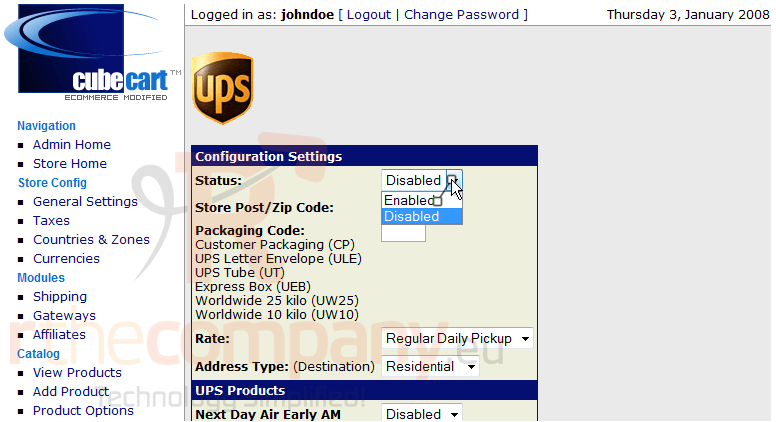
2) Click Configure
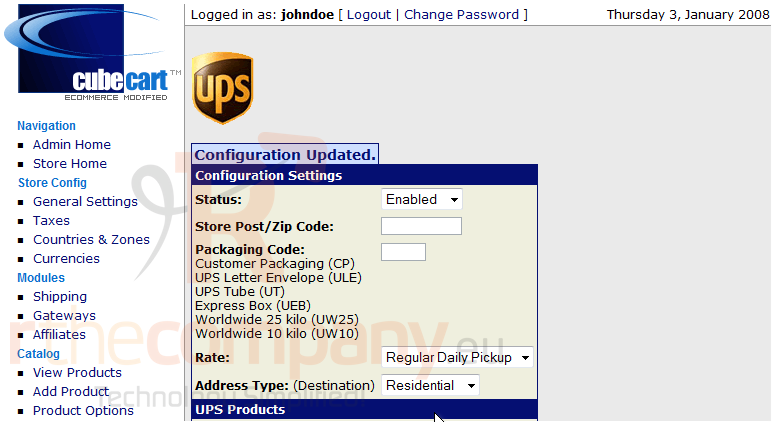
3) Let's enable this shipping method now
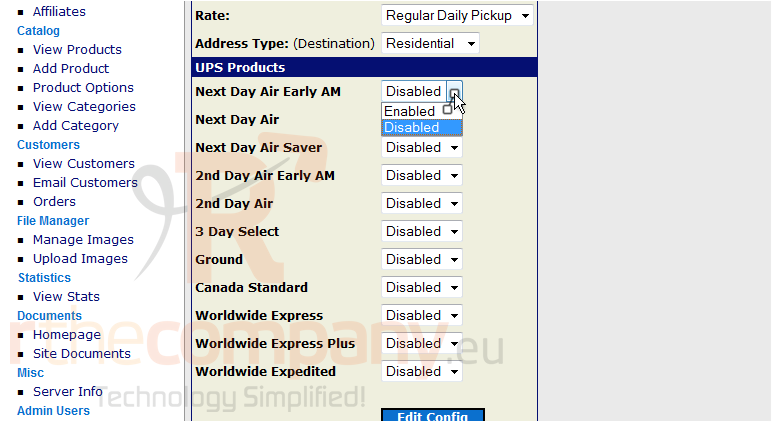
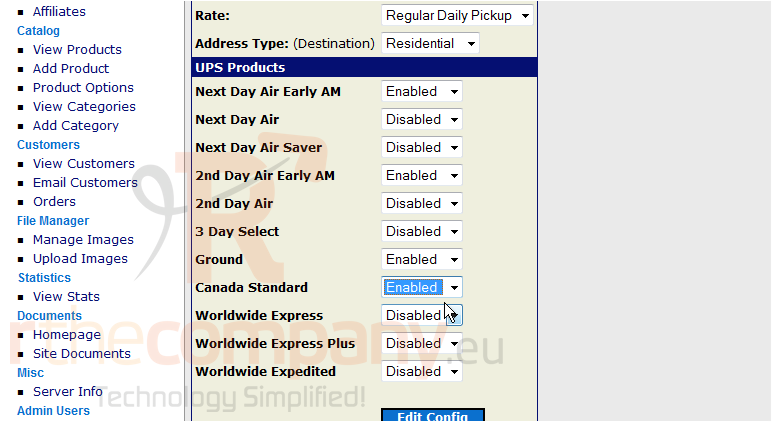
4) Now, we can enable individual aspects of this shipping method
5) Click Edit Config
6) Click Shipping
That's it! As we can see here, the shipping module has been enabled
This is the end of the tutorial. You should now know how to add shipping modules in CubeCart
 Додати до обраного
  Роздрукувати цю статтю