البوابة الرئيسية > مكتبة الشروحات > Joomla: Admin > 2. How to change the default admin's username in Joomla
2. How to change the default admin's username in Joomla
This tutorial assumes you are already logged in to your Joomla admin panel
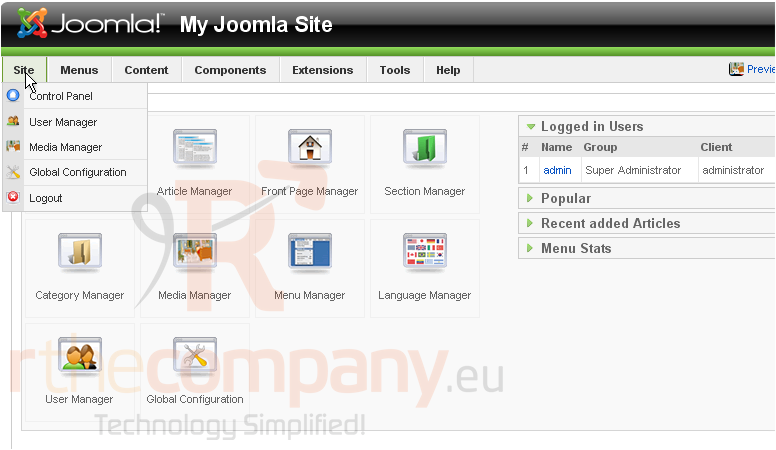
1) Click Site
2) Then User Manager
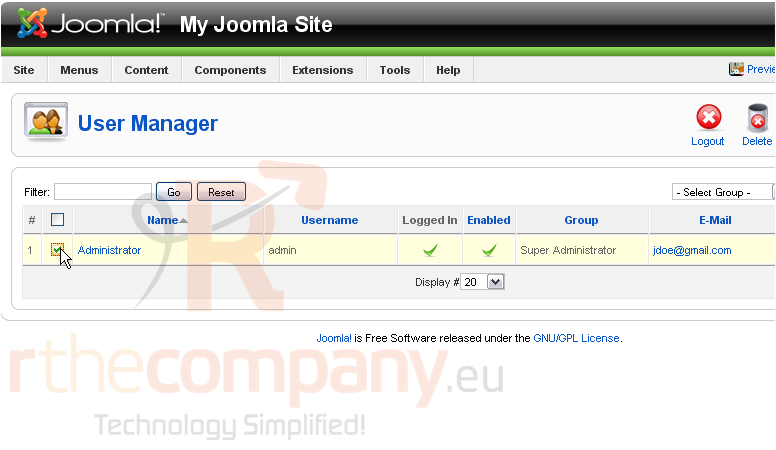
3) Check the box next to the administrator
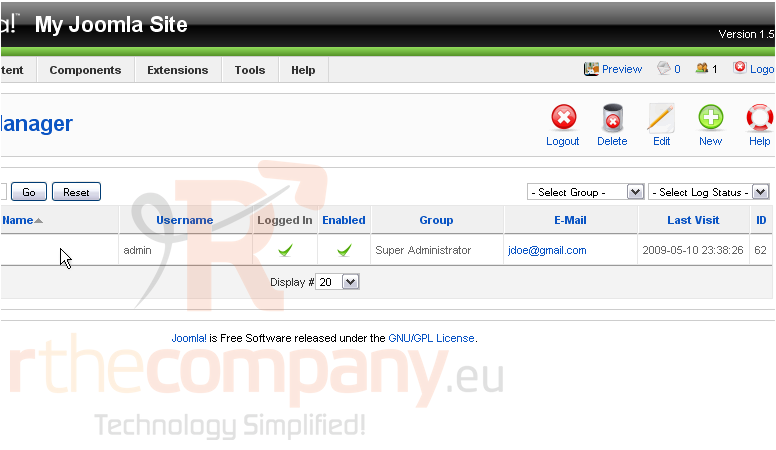
Scroll right
4) Click Edit
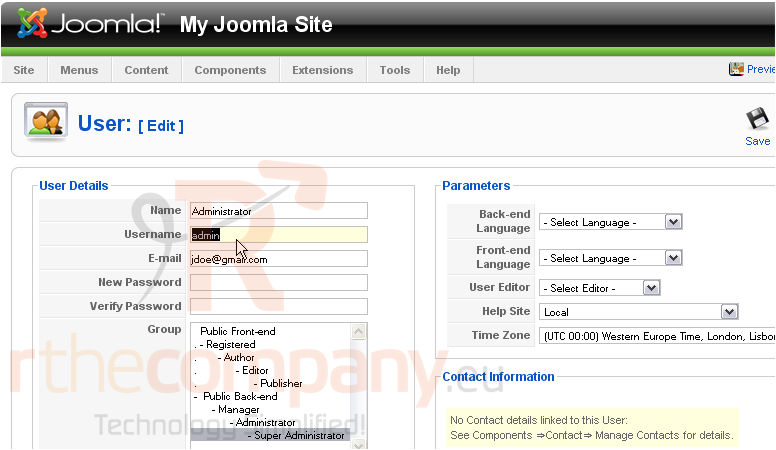
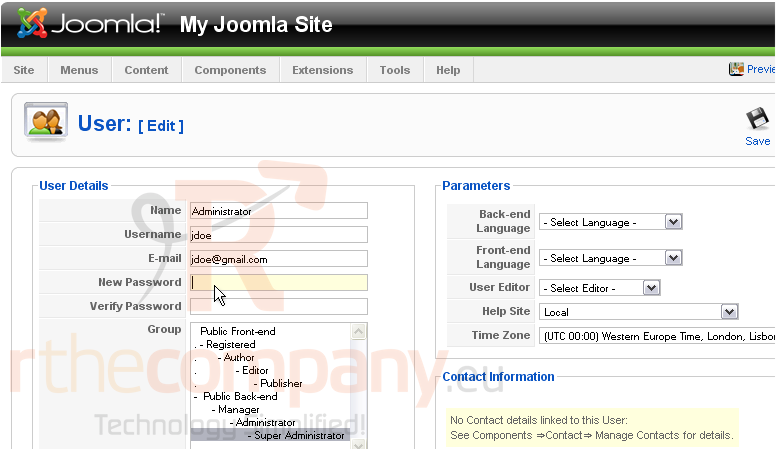
5) Enter a new name in the Username field
You can also change the password
6) Click Save
That's it! You now know how to change the admin username and password in Joomla