Ana Sayfa > Bilgi Bankası > Joomla: Admin > 12. How to use the Mass Mail system in Joomla
12. How to use the Mass Mail system in Joomla
This tutorial assumes you are already logged in to your Joomla admin panel
The Mass Mail system allows you to email all registered users or those in a particular group
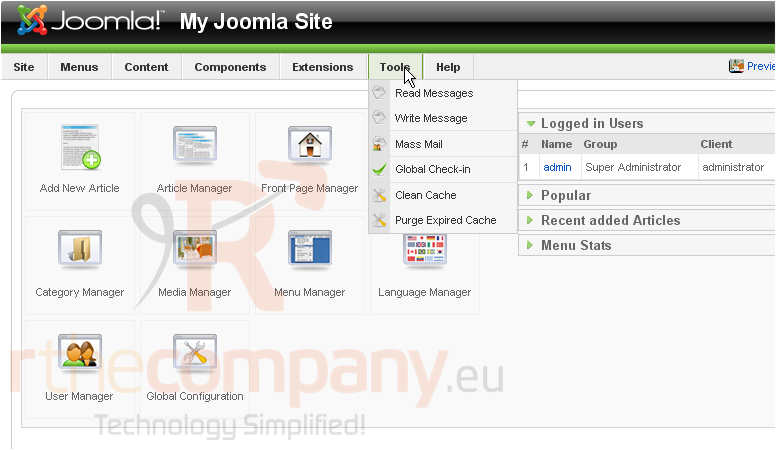
1) Click Tools
2) Then Mass Mail
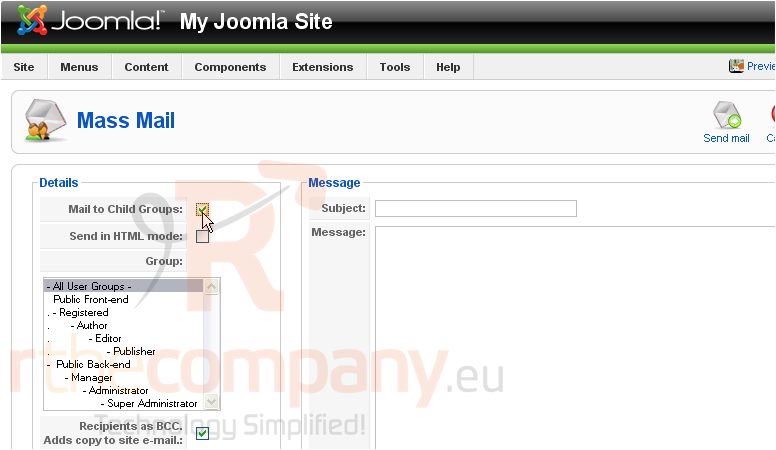
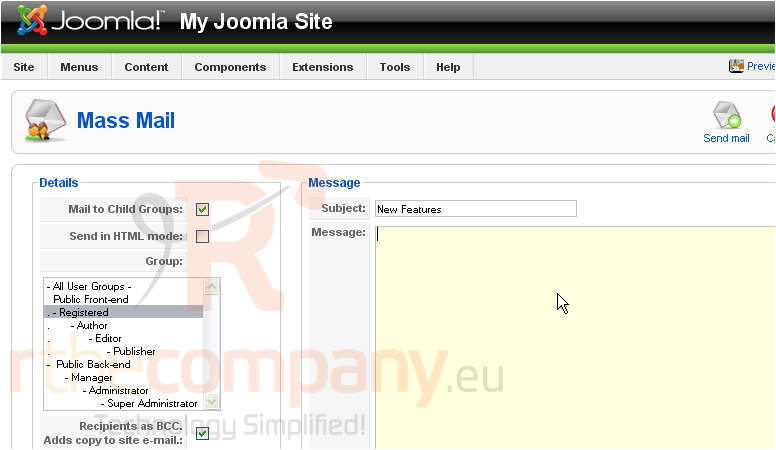
3) Check this box if you would like to send the email to all groups under the selected one
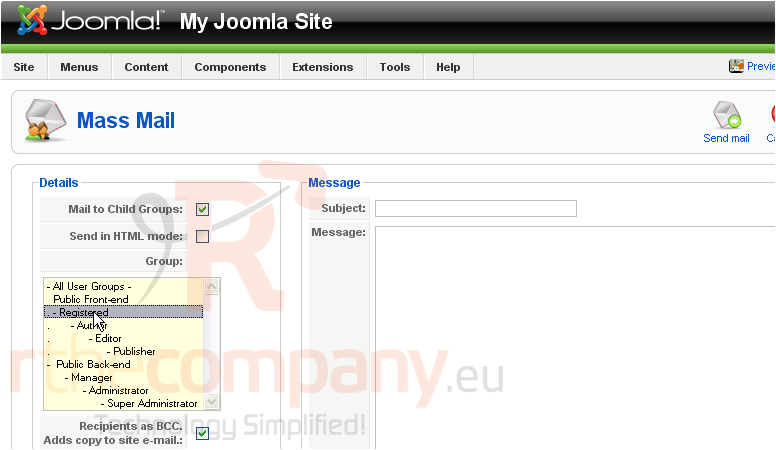
4) Select the group this email should be sent to
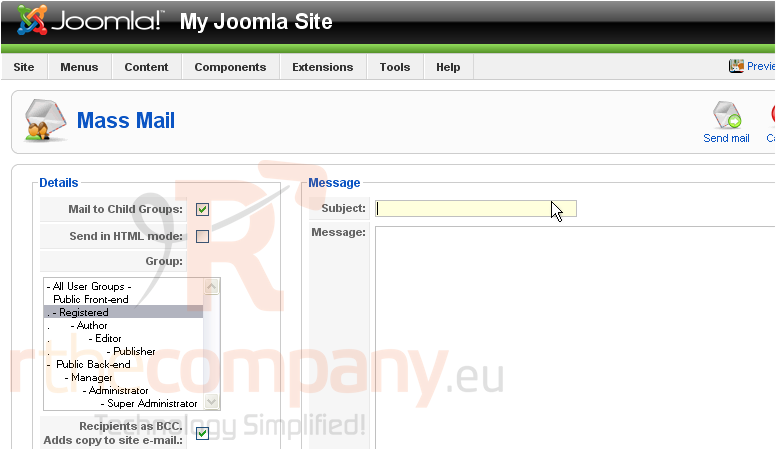
5) Enter a subject
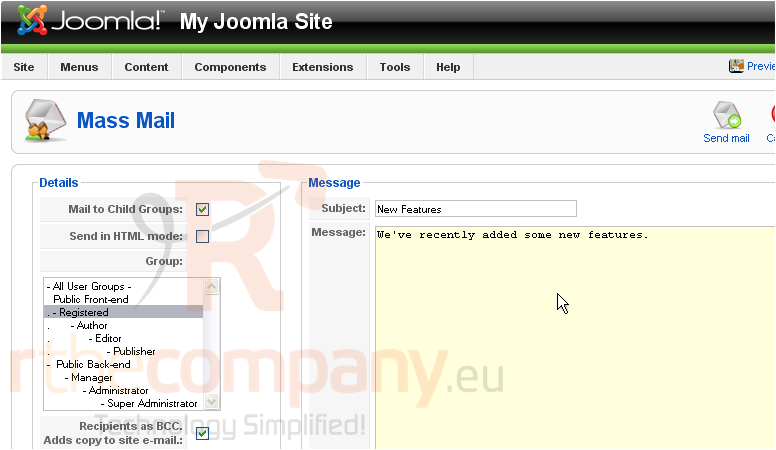
6) Type in your message
7) Click Send Mail
That's it! You now know how to use the Mass Mail system in Joomla
 Sık kullanılanlara ekle
  Bu dökümanı yazdır