Портал > База знаний > Joomla: Admin > 8. How to specify what media can be uploaded in Joomla
8. How to specify what media can be uploaded in Joomla
This tutorial assumes you are already logged in to your Joomla admin panel
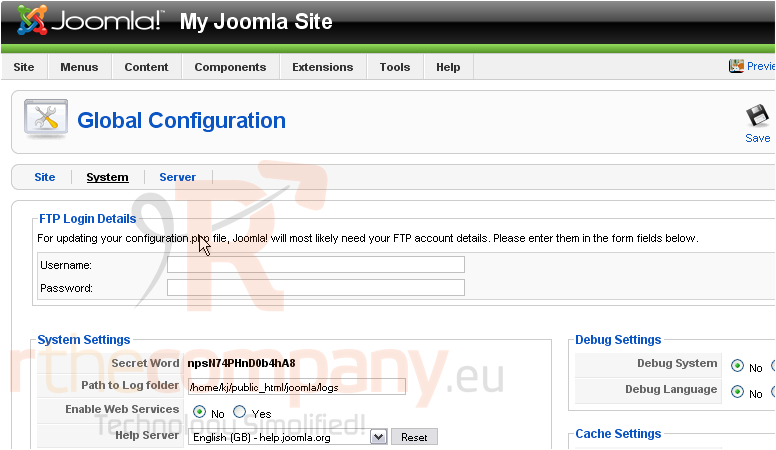
In order to specify what types of media can be uploaded to your site, you will need to set the allowed file extensions
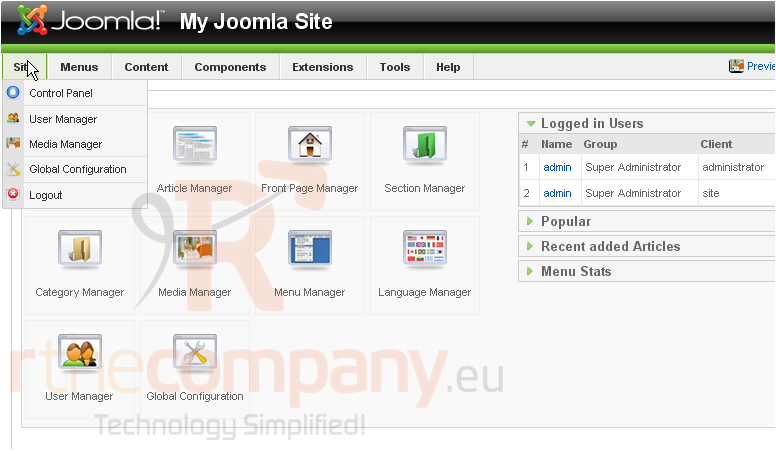
1) Click Site
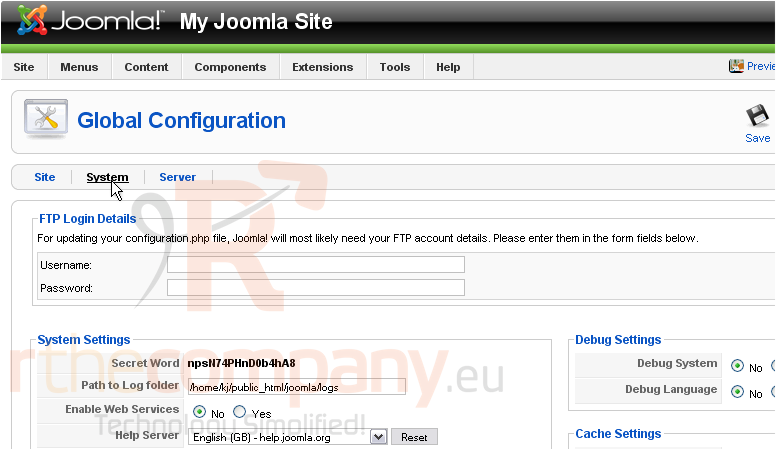
2) Then Global Configuration
3) Go to the System settings
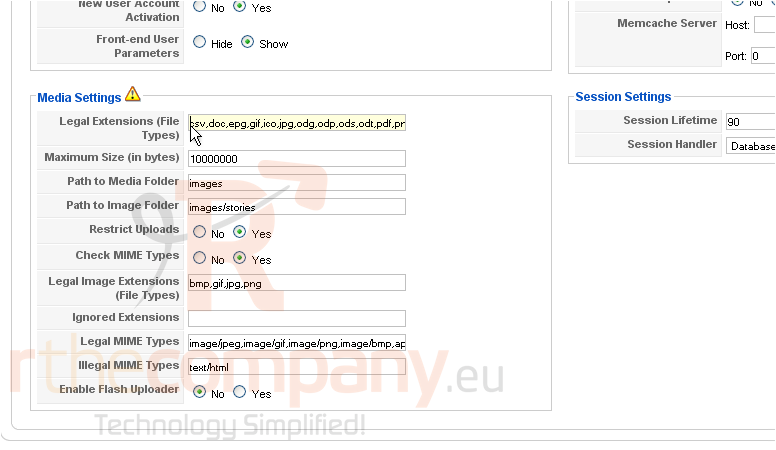
Scroll down
4) Next to Legal Extensions, enter the file types you want to allow and separate each with a comma
You can also change the maximum file size and the paths to the media and image folders
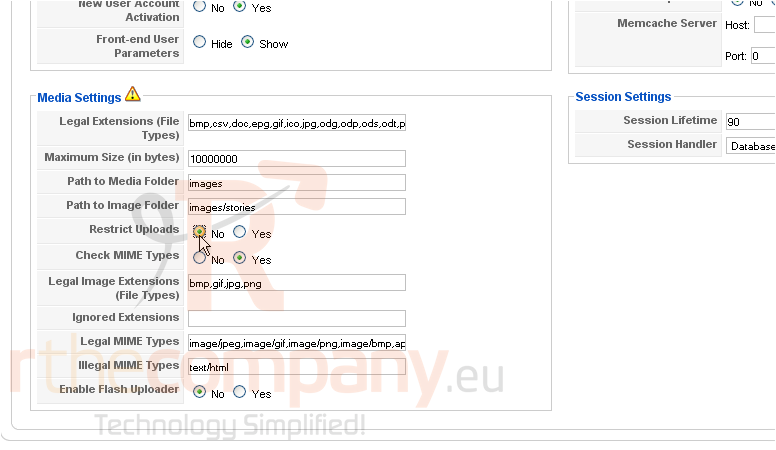
5) If you would like to allow any users to be able to upload files, click No next to Restrict Uploads
Scroll up
6) Click Save
That's it! You now know how to specify what file extensions can be uploaded in Joomla
 Добавить в избранное
  Распечатать статью