Azerbaijan Hosting Provider > Məlumat bazası > Joomla CMS > 16. How to enable Search Statistics logging in Joomla
16. How to enable Search Statistics logging in Joomla
This tutorial assumes you are already logged in to your Joomla admin panel
Enabling search statistics allows you to keep track of what users type in the search box
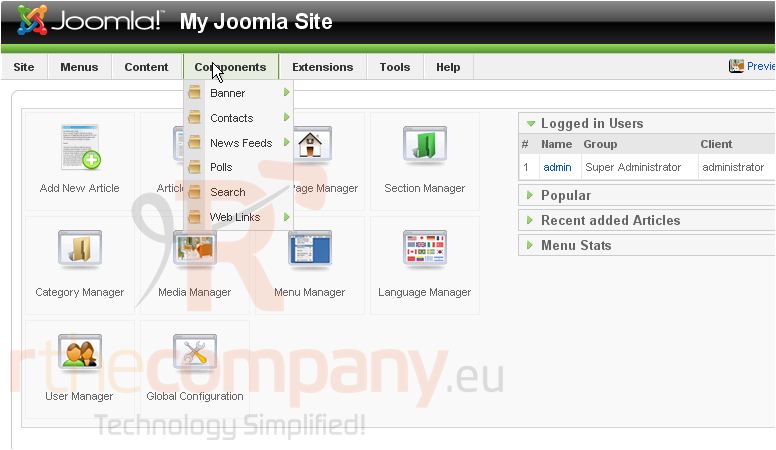
1) Click Components
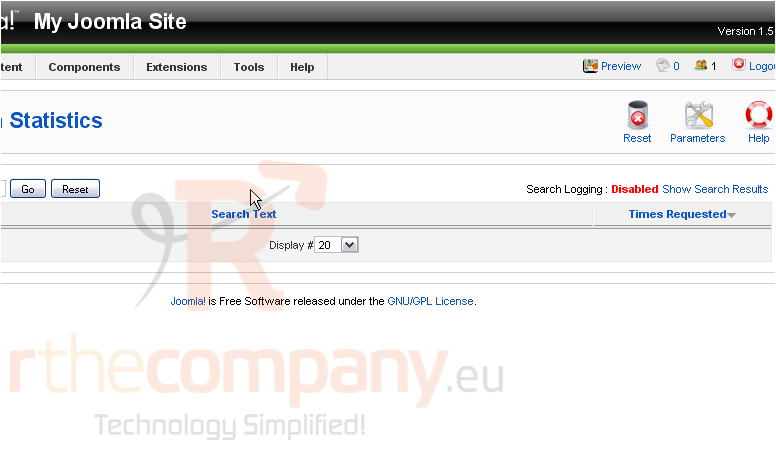
2) Click Search
Scroll right
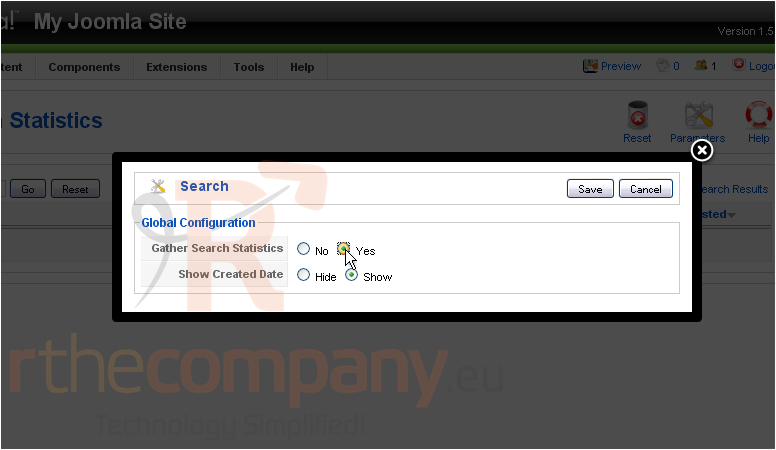
3) Click Parameters
4) Click Yes next to Gather Search Statistics
5) Click Save
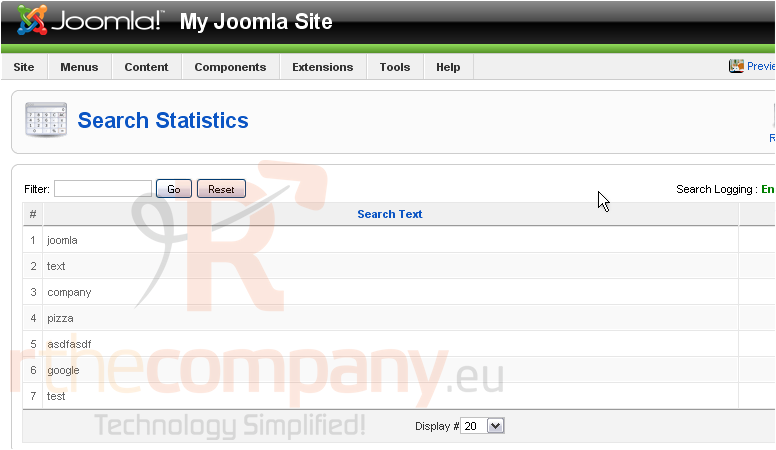
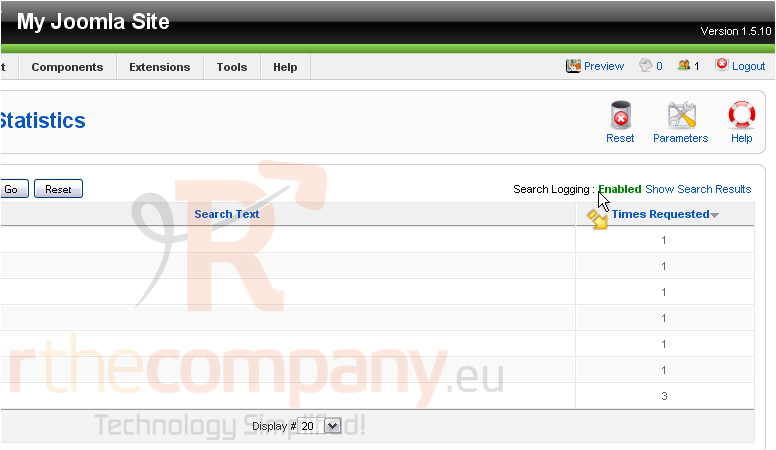
After several searches have been performed, the results will show up here
Scroll right
This column will show the number of times each search item was requested
That's it! You now know how to enable search statistics in Joomla
 Seçilmişlərə əlavə et
  Məqaləni çap et