Головна > База знань > Joomla: End-user > 1. How to register a new user account in Joomla
1. How to register a new user account in Joomla
Registering on a Joomla site will give you varying levels of increased access, depending on your user group
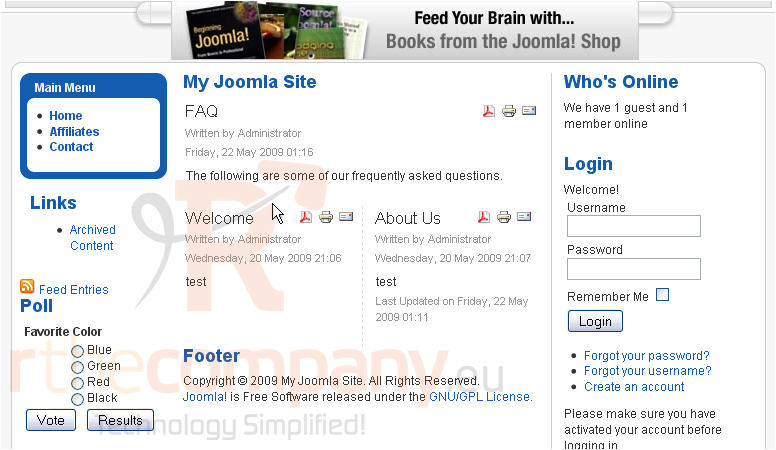
Scroll down
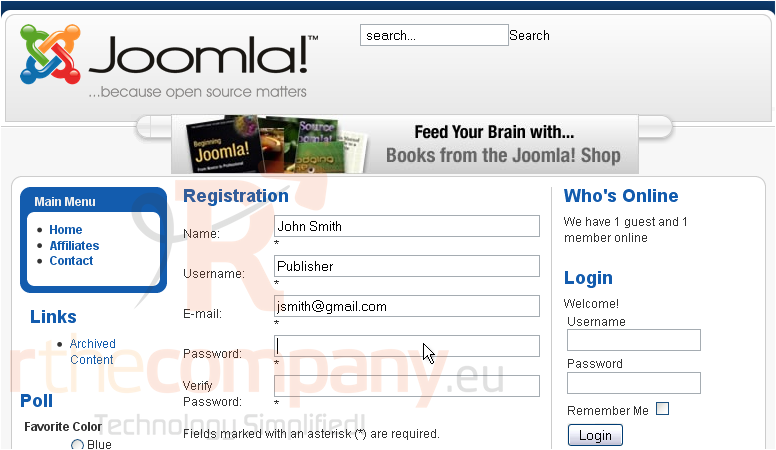
1) Click Create an account
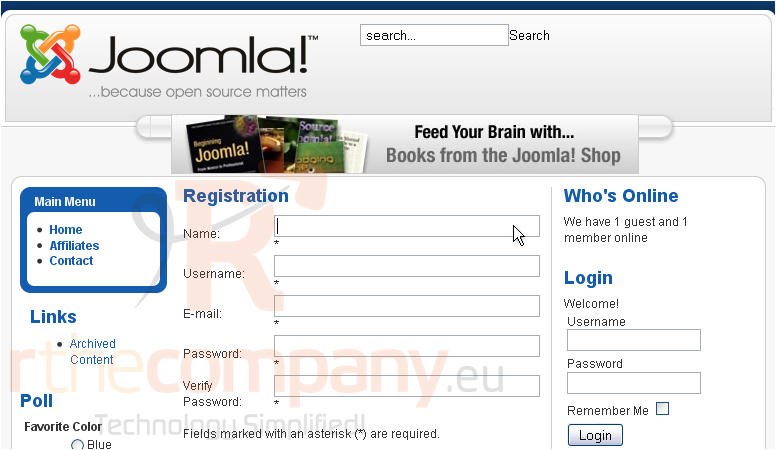
2) Type your name here
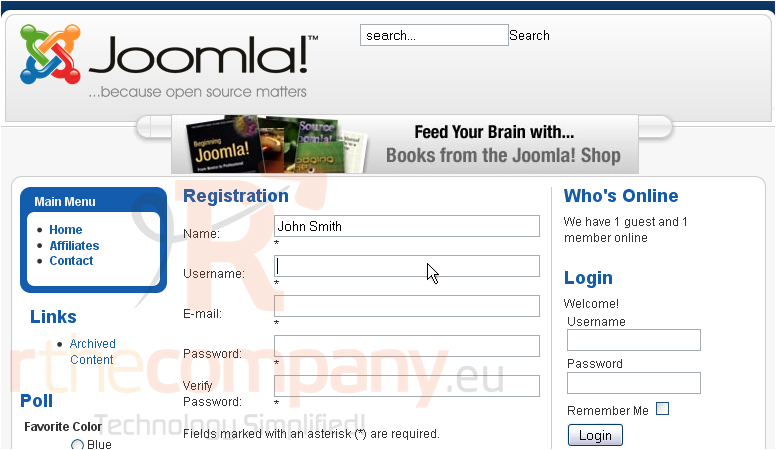
3) Enter a username
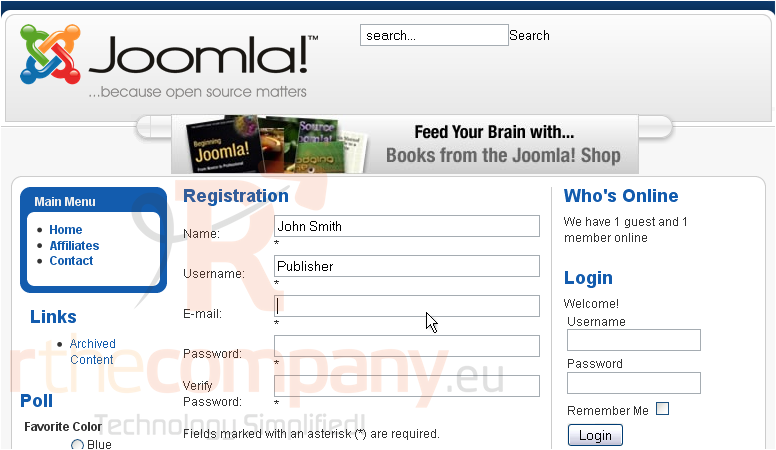
4) Type your email address
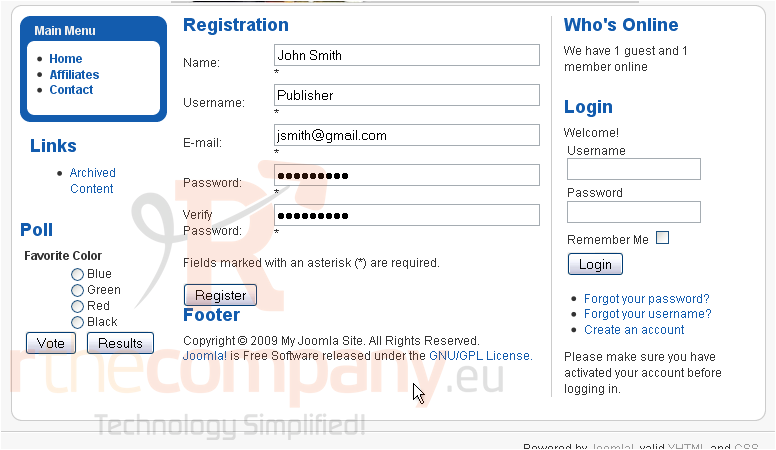
5) Enter a password and verify it
Scroll down
6) Click Register
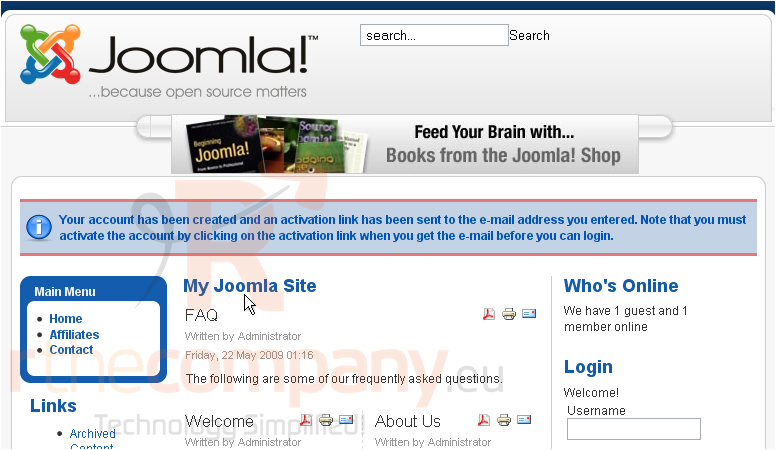
7) If the Joomla site you are visiting has email activation on, you will need to go to your email and click the link in the email that's sent automatically before you will be able to login
That's it! You now know how to register a new user account in Joomla
 Додати до обраного
  Роздрукувати цю статтю