פורטל ראשי > מאגר מידע > Joomla: End-user > 2. How to log in to your new Joomla account
2. How to log in to your new Joomla account
Registering on a Joomla site will give you varying levels of increased access, depending on your user group
Once you have registered and activated your account, if necessary, you will then be able to log in
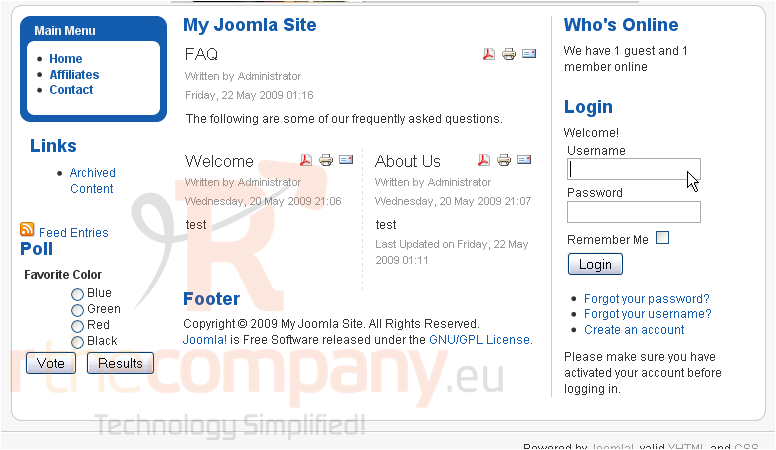
Scroll down
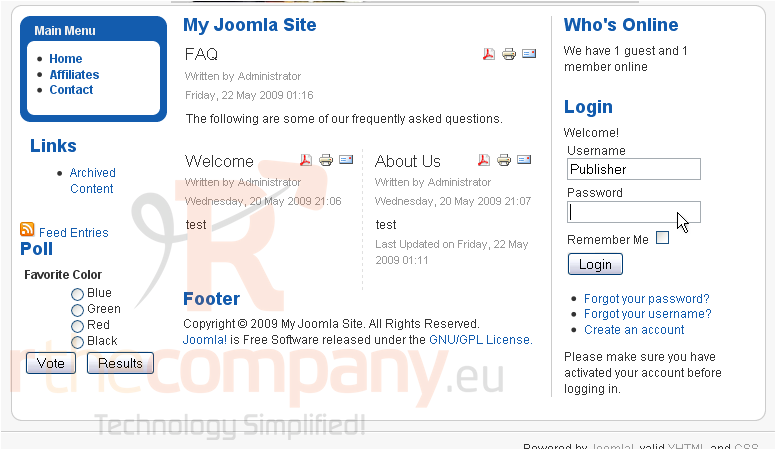
1) Type your username
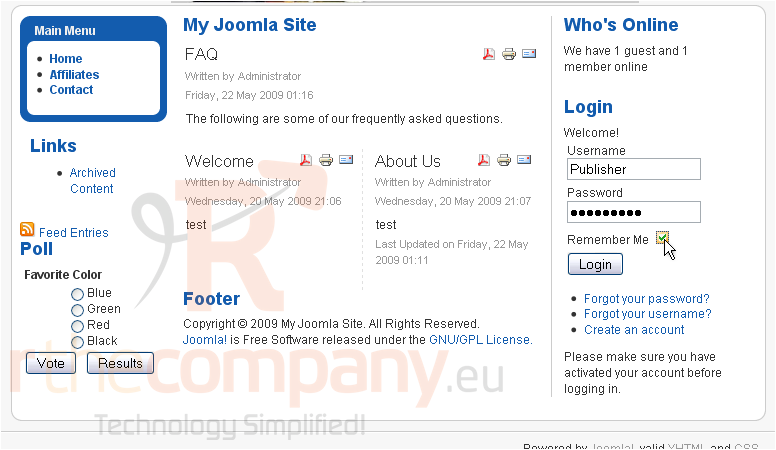
2) Now enter your password
3) If you would like to be logged in automatically, select the checkbox next to Remember Me
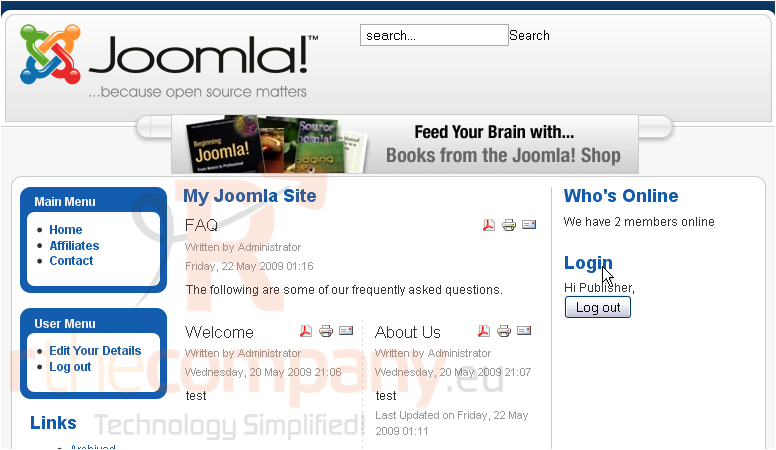
4) Click Login
You are now logged in to Joomla
That's it! You now know how to log in to your new Joomla account