Azerbaijan Hosting Provider > Məlumat bazası > Joomla: End-user > 3. How to edit your account details in Joomla
3. How to edit your account details in Joomla
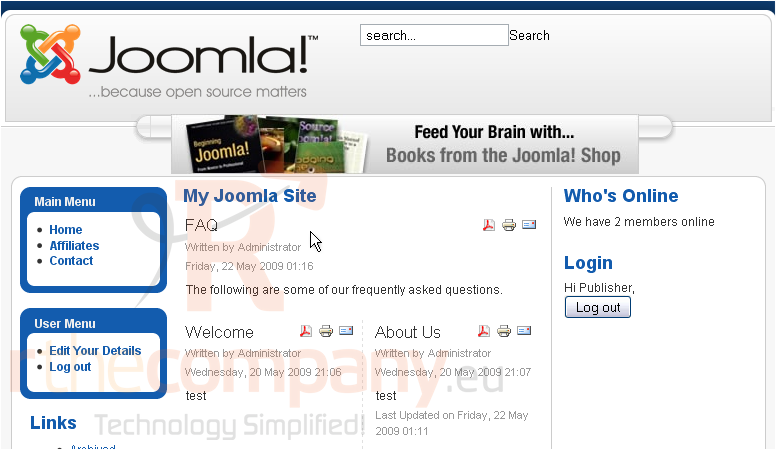
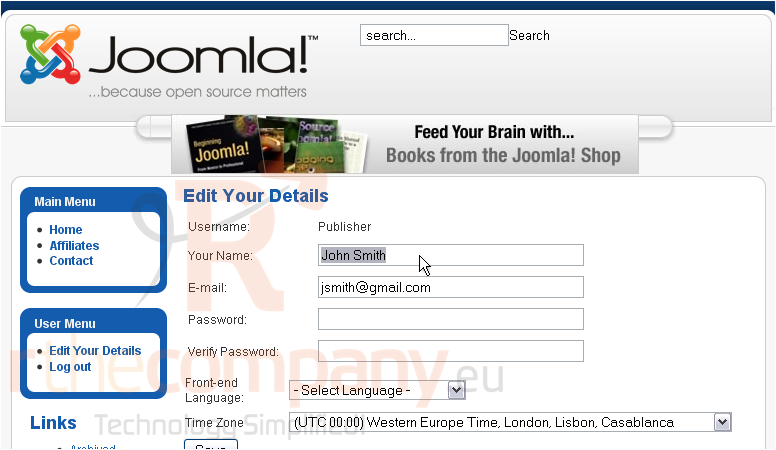
Once you have registered and logged in to your Joomla account, you can then edit your user details, such as your email address and password
1) Click Edit Details
2) Make any changes
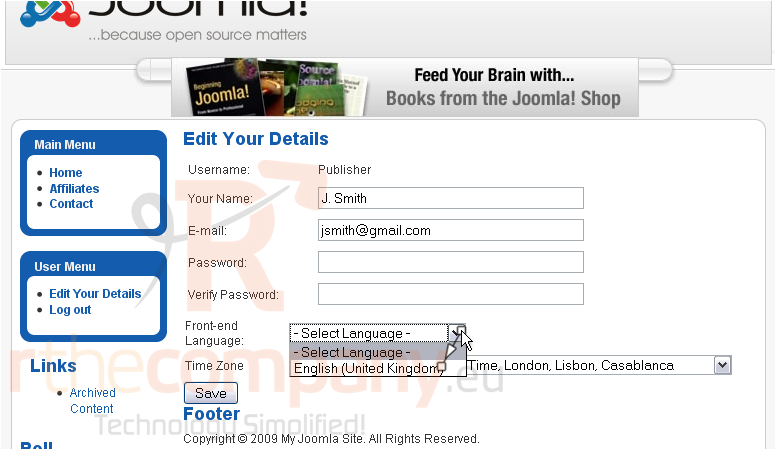
3) Now that you are registered, you will be able to change your default site language
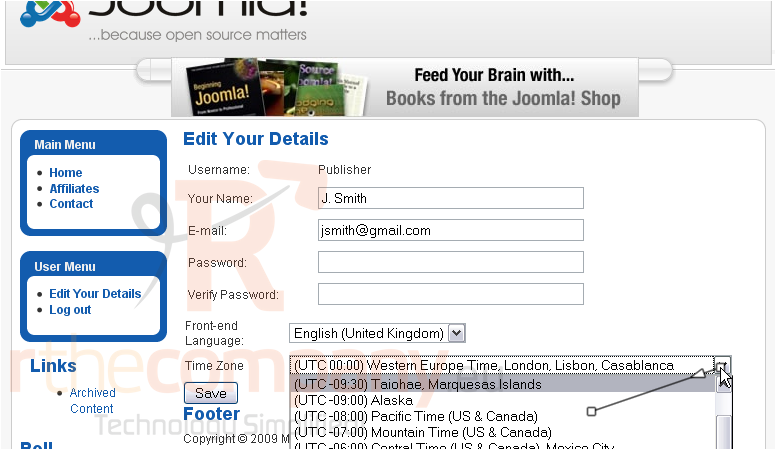
4) You can also set your time zone
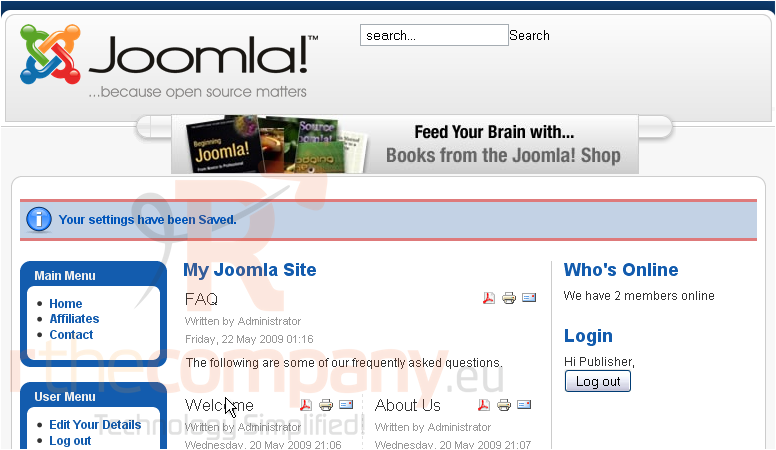
5) Click Save
Your settings have been saved
That's it! You now know how to edit your account details in Joomla
 Seçilmişlərə əlavə et
  Məqaləni çap et