Suporte > Base de Conhecimento > Joomla: End-user > 6. How to edit an existing article in Joomla
6. How to edit an existing article in Joomla
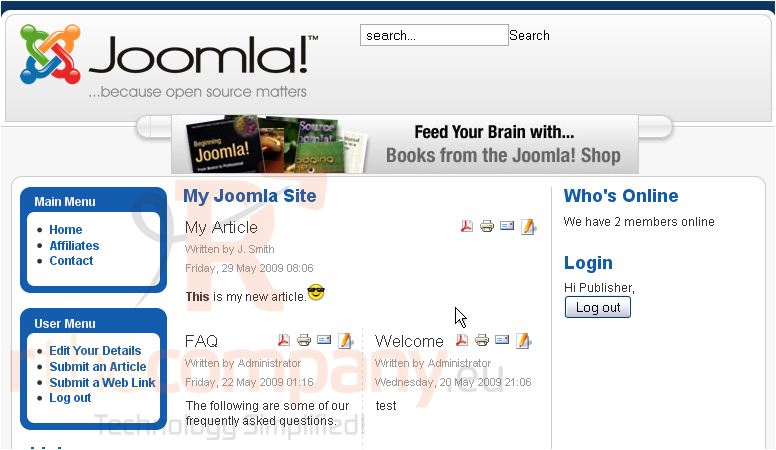
Authors can edit only their own content while Editors and Publishers can edit any content
1) Click the Edit icon
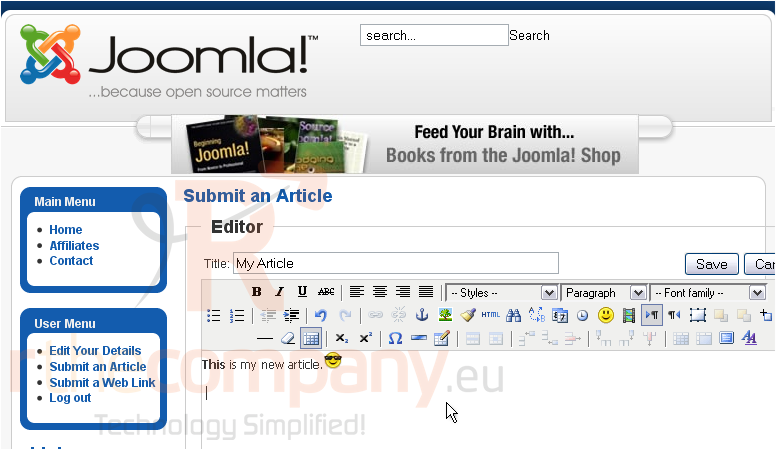
2) Make your changes to the article
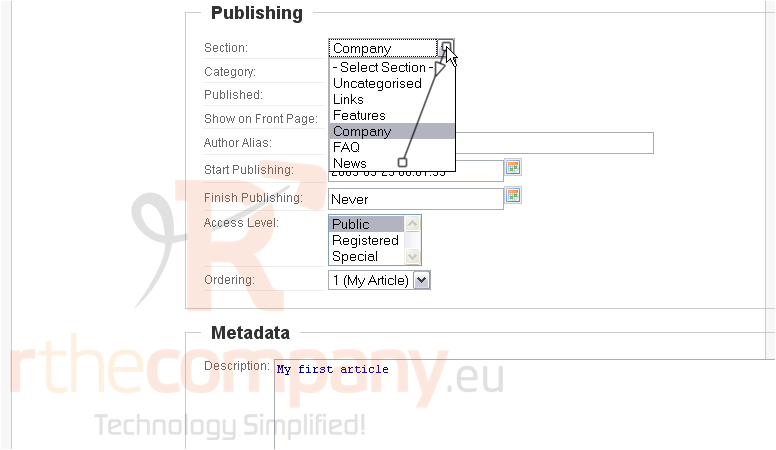
Scroll down
3) Change the Section and Category if needed
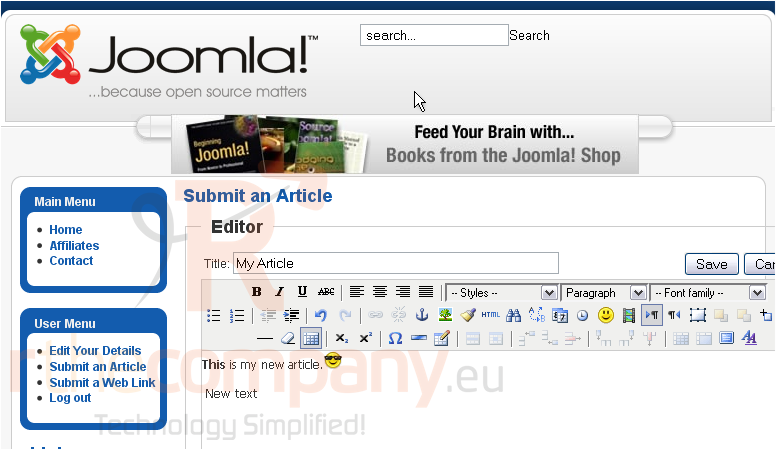
Scroll up
4) Click Save
That's it! You now know how to edit an article in Joomla
 Adicionar aos Favoritos
  Imprimir este Artigo