Suporte > Base de Conhecimento > Joomla: End-user > 7. How to submit a web link in Joomla
7. How to submit a web link in Joomla
Authors, Editors and Publishers can submit external web links to be added to the site
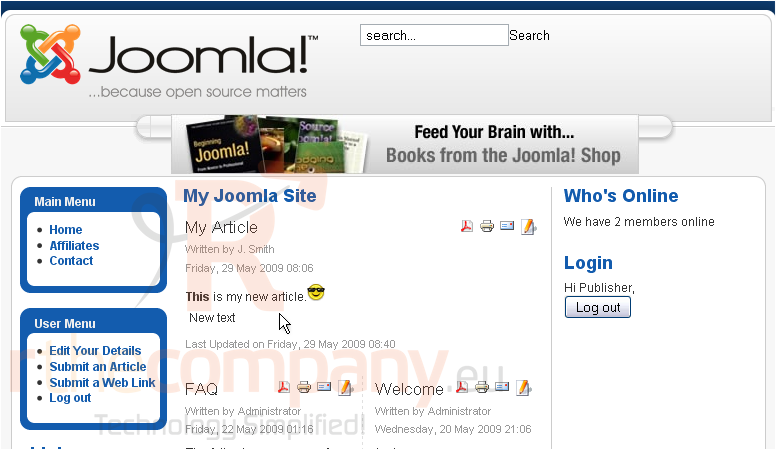
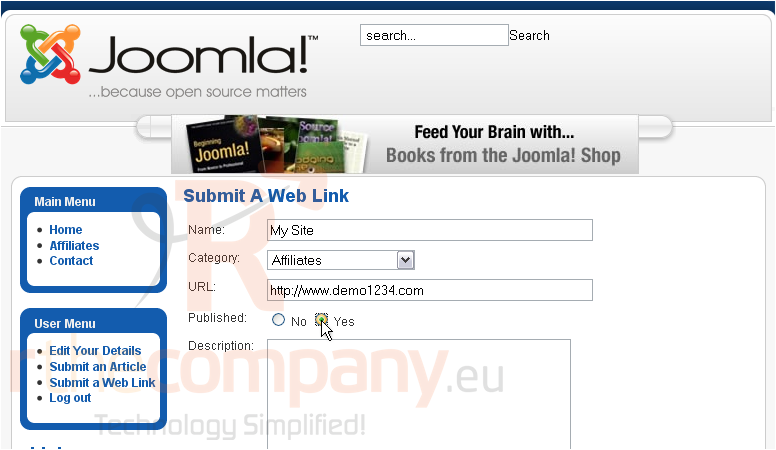
1) Click Submit a Web Link
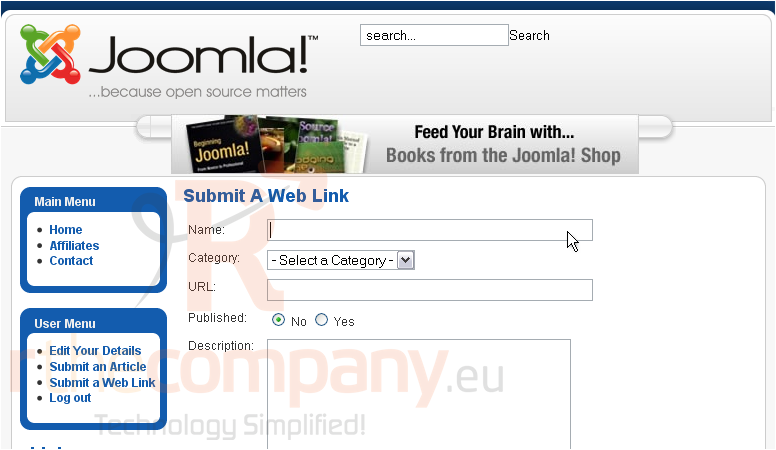
2) Type in a Name for the link
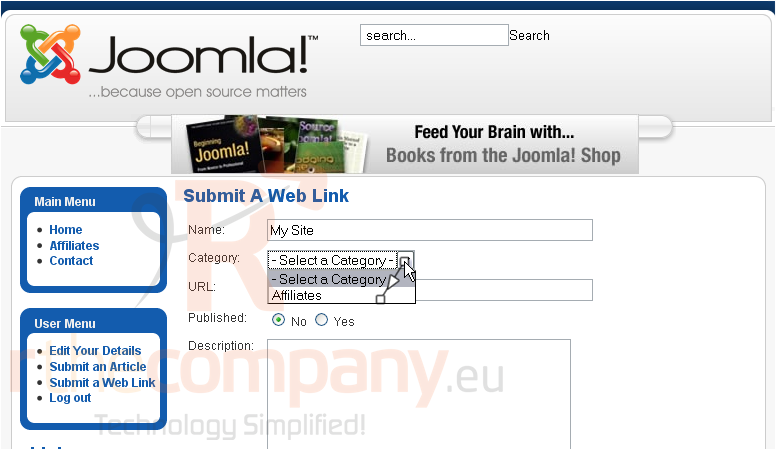
3) Choose the Category
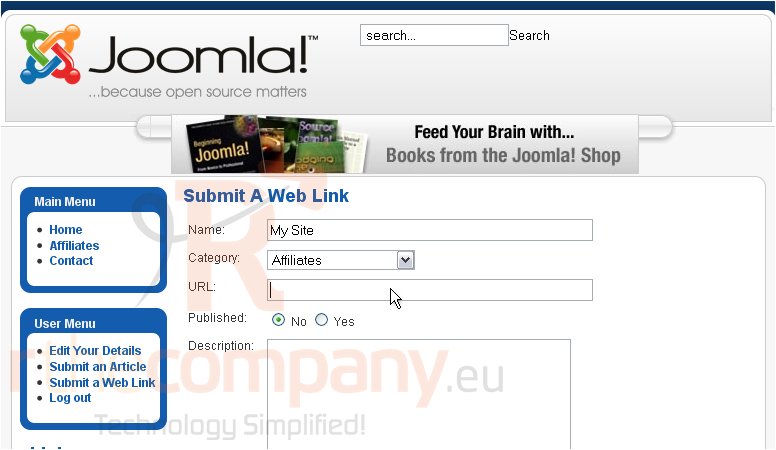
4) Enter the URL
5) Select if this link should be published
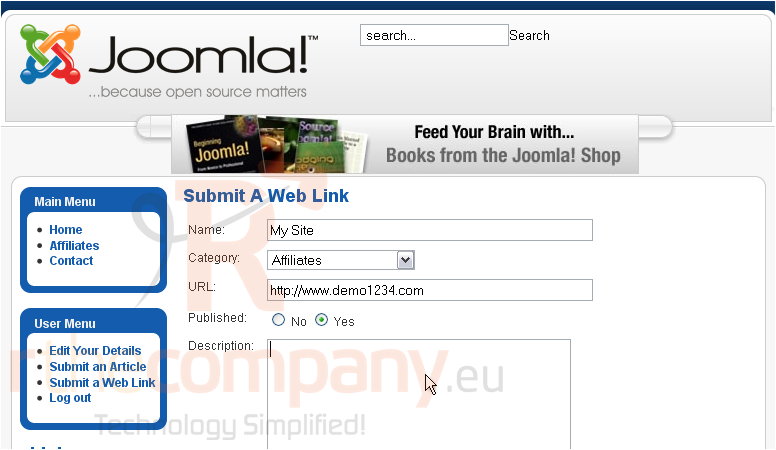
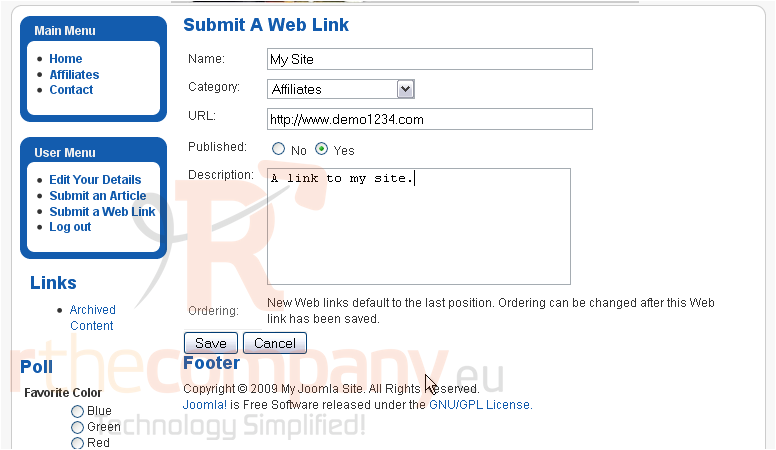
6) Type a description
Scroll down
7) Click Save
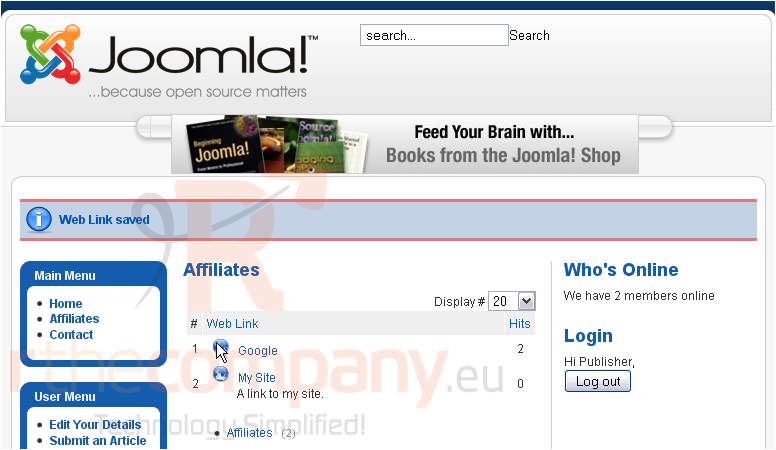
The new link has been published and added to the list
That's it! You now know how to submit a web link in Joomla
 Adicionar aos Favoritos
  Imprimir este Artigo