Portal Home > Knowledgebase > Joomla: End-user > 8. How to publish articles in Joomla
8. How to publish articles in Joomla
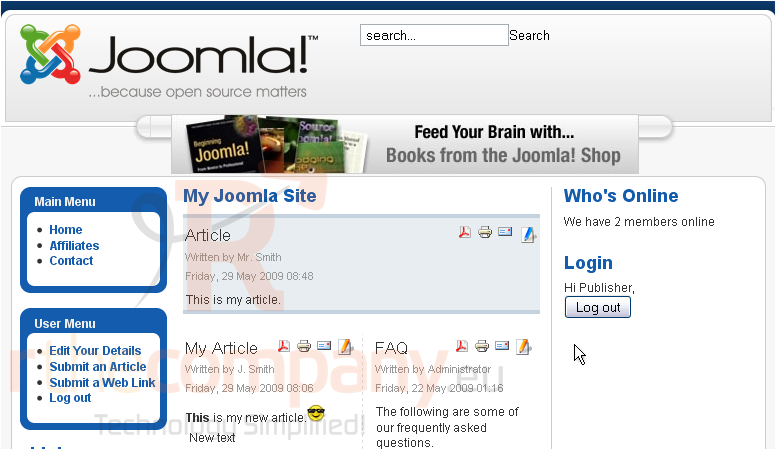
Once an Author or Editor has written an article, a Publisher may then preview the article before publishing it
1) Click the Edit icon
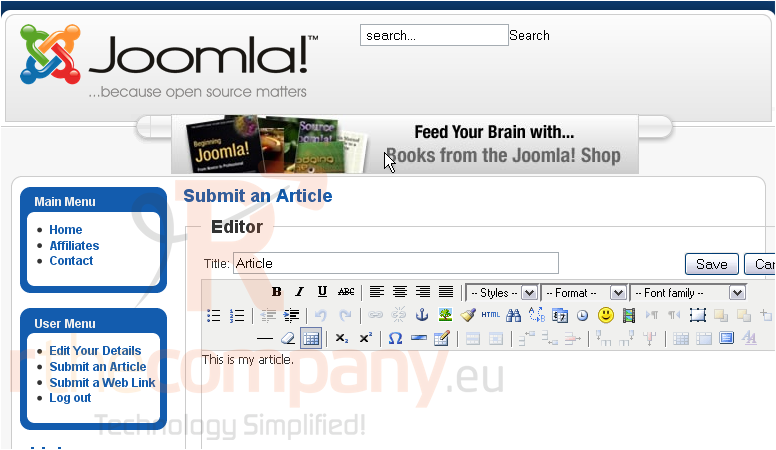
2) You can edit the article if needed
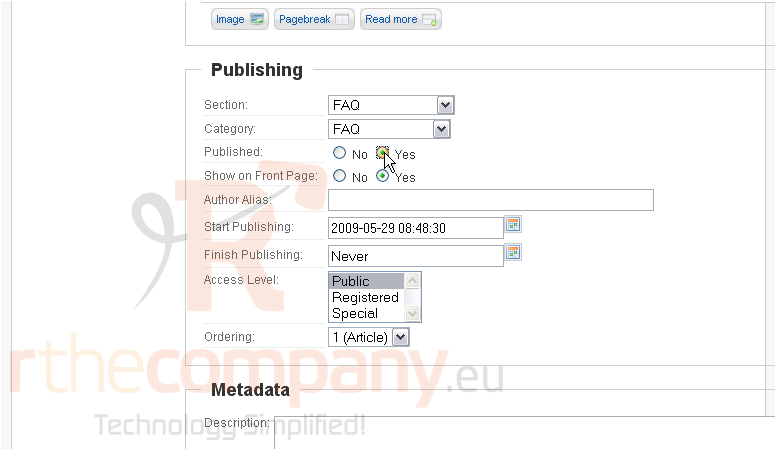
Scroll down
3) Next to Published, select Yes
4) Click Save
That's it! You now know how to publish an article in Joomla
 Add to Favourites
  Print this Article