Портал > База знаний > Joomla: End-user > 9. How to perform a search in Joomla
9. How to perform a search in Joomla
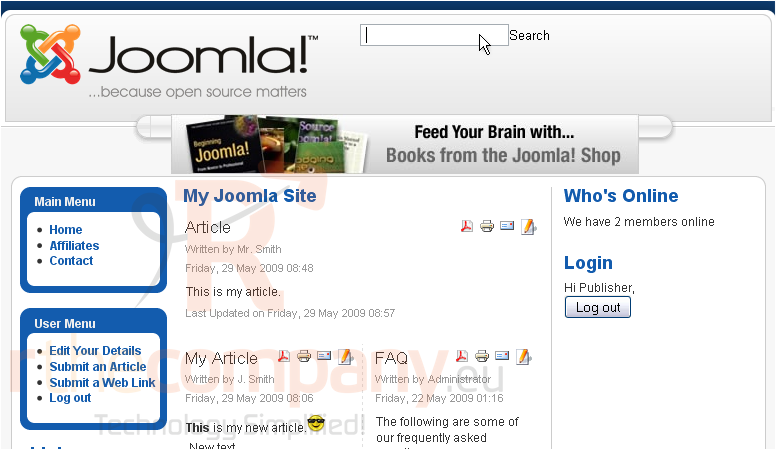
Using the search form allows you to find articles easily
1) Enter your search terms
2) Click Search
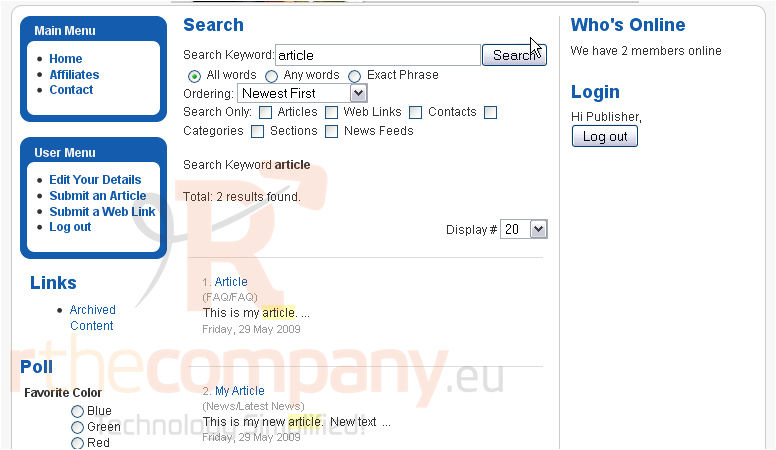
Scroll down
The search results are displayed here. If there are too many, you can modify the search parameters to refine your search
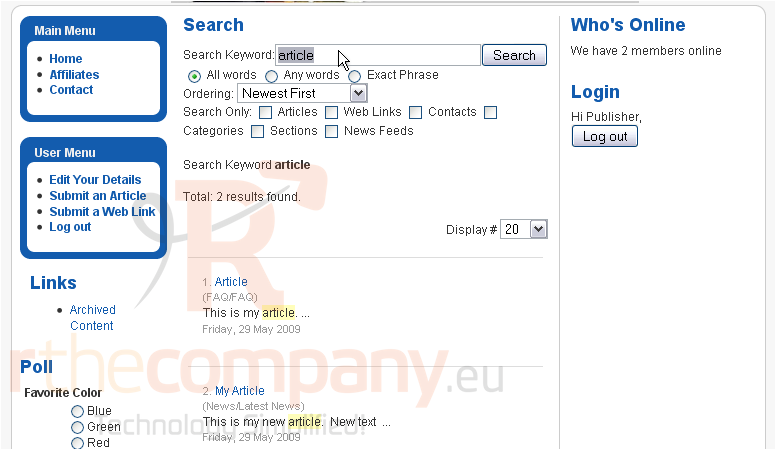
3) Change your keywords
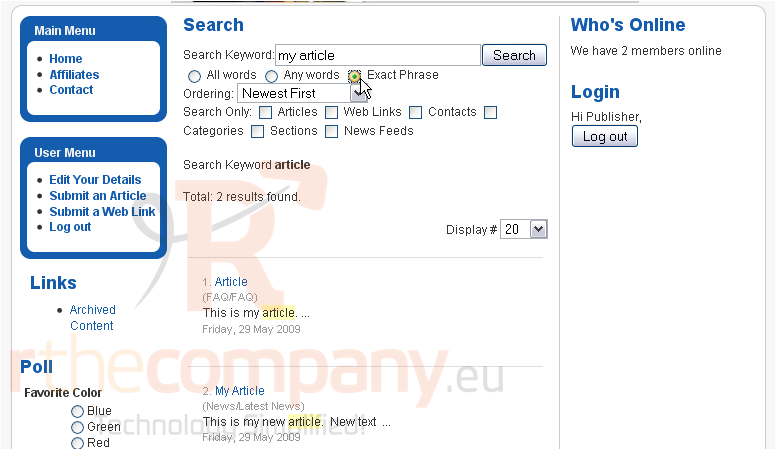
4) You can set it to search for the exact phrase only
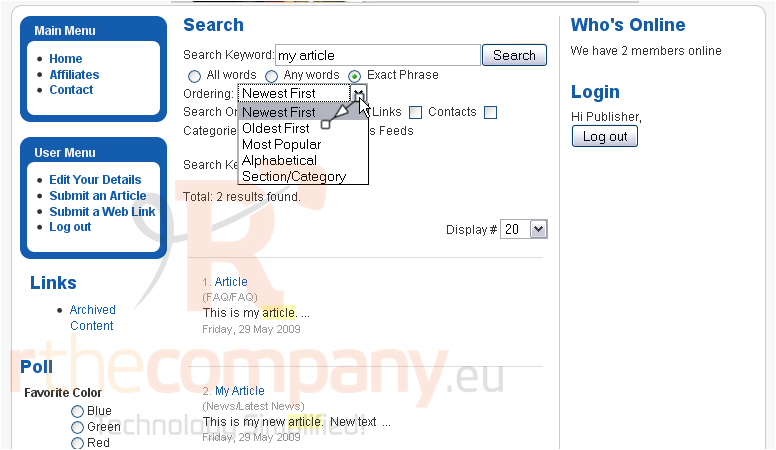
5) You can change the ordering of the results
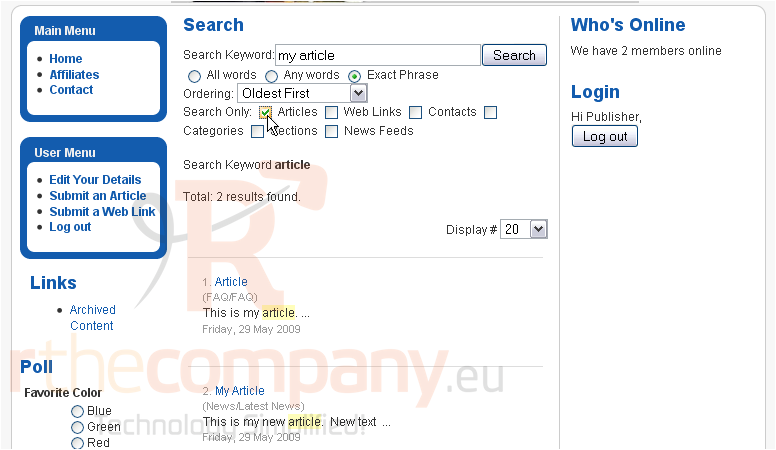
6) Choose the type of content to be searched
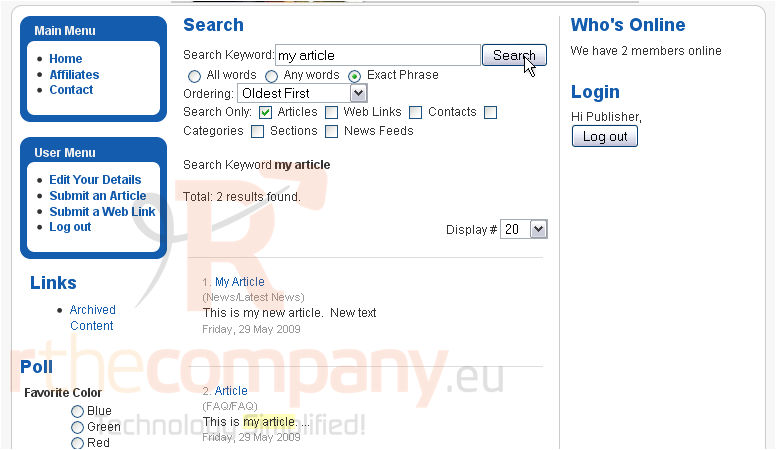
7) Click Search
The new search results are displayed below
That's it! You now know how to perform a search in Joomla
 Добавить в избранное
  Распечатать статью