Головна > База знань > Joomla: End-user > 10. How to print or export an article to PDF in Joomla
10. How to print or export an article to PDF in Joomla
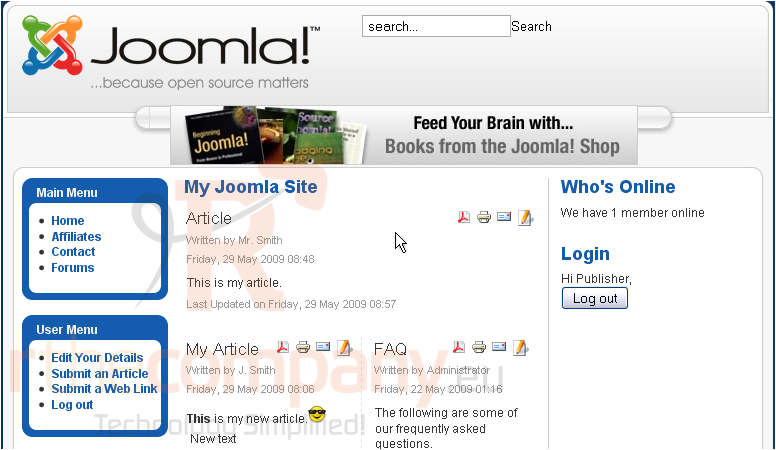
This tutorial assumes you already have your Joomla site open in your browser
1) Next to the article you want to print, click the Print icon
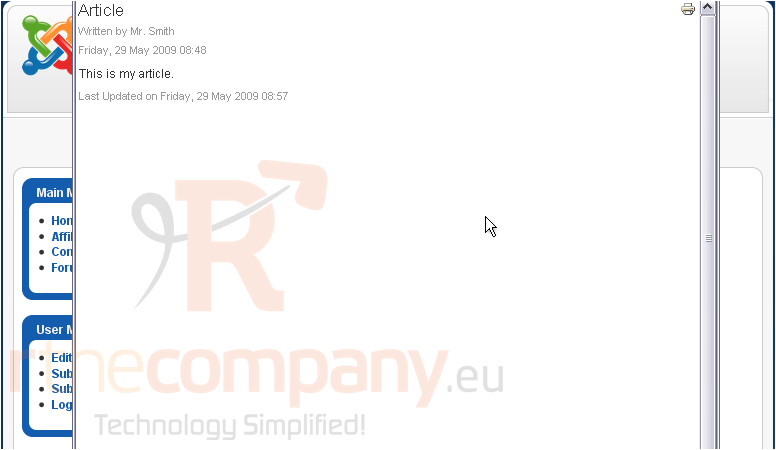
A window will pop up and show you a preview of the article
2) Click the Print icon
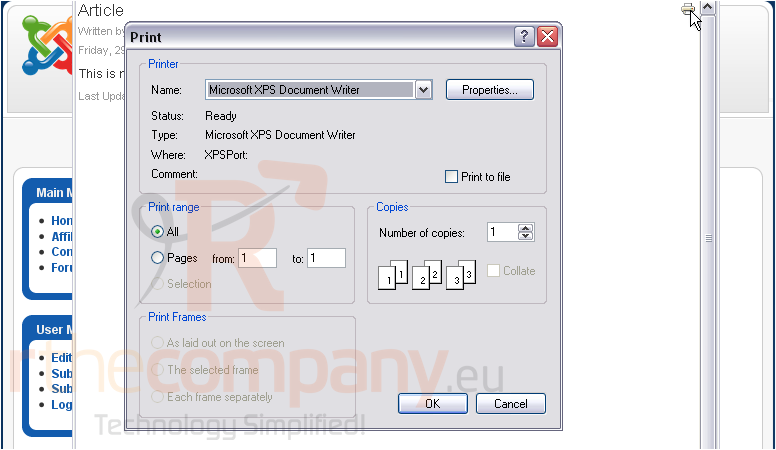
3) Here you can change your printer settings
4) Click OK to print
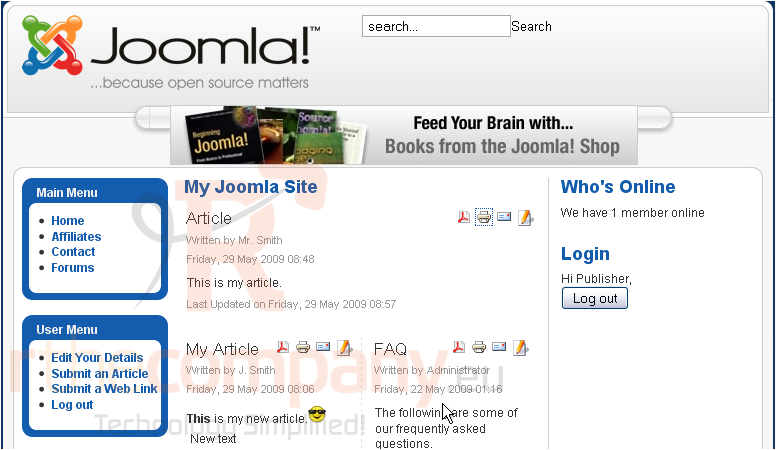
Now we'll see how to export an article to a PDF document
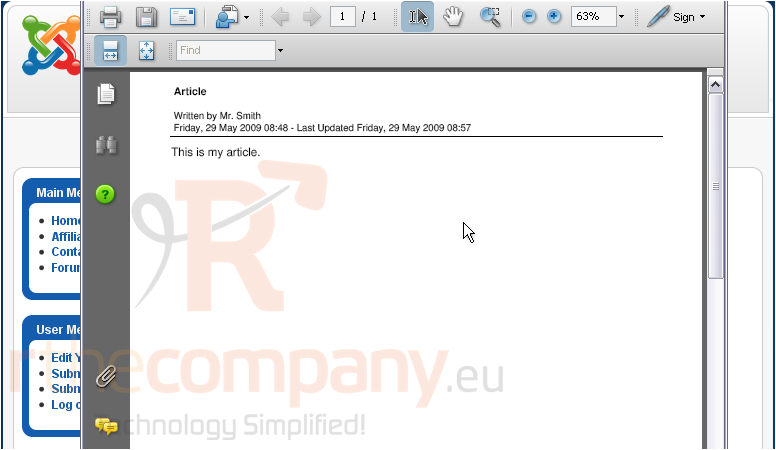
5) Next to the article, select the PDF icon
The article will be exported and opened in Adobe Acrobat Reader
That's it! You now know how to print an article or export it to PDF in Joomla
 Додати до обраного
  Роздрукувати цю статтю