Portal Home > Databáze řešení > Joomla: Setup > 13. How to back up your Joomla database using cPanel
13. How to back up your Joomla database using cPanel
Backups are an essential part of any active website. Not making regular backups can be a disaster waiting to happen
Making a backup of your Joomla database using cPanel is just like backing up any other database
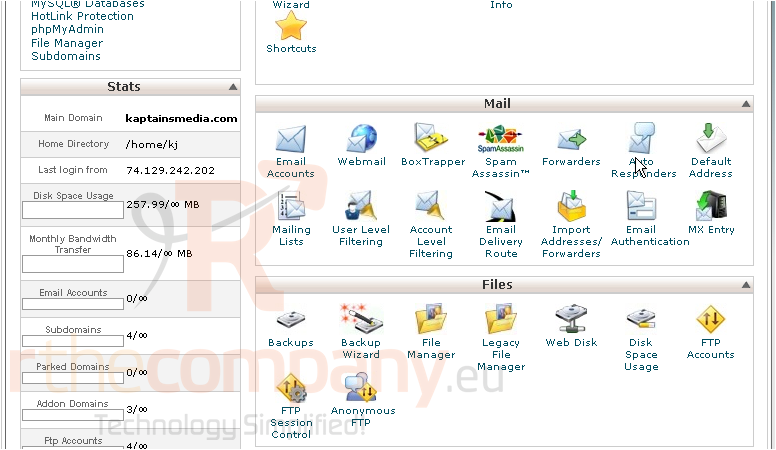
1) Scroll down to Files
2) Click Backups
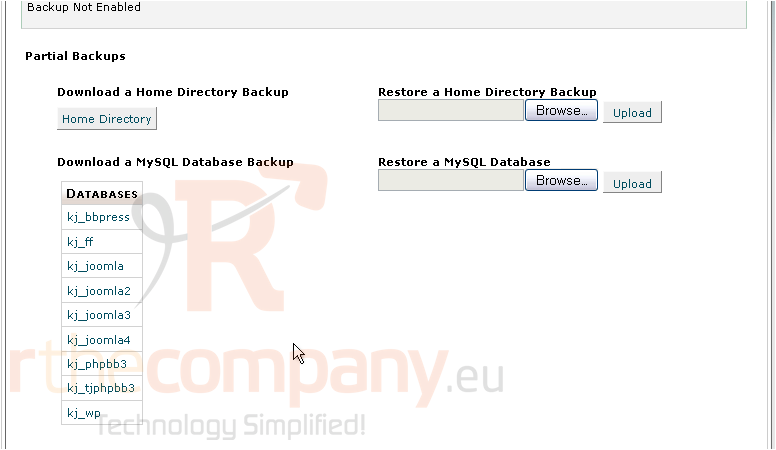
3) Scroll down until you see a list of your MySQL databases
4) Click on your Joomla database
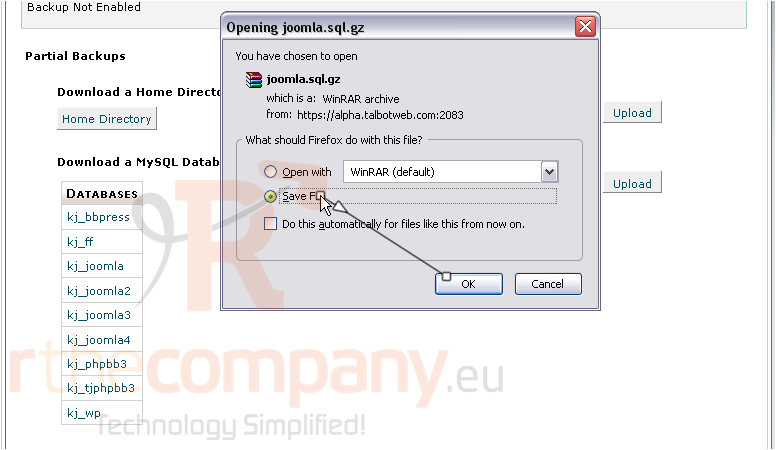
5) Save the file to your computer
That's all there is to it! Your Joomla database has been backed up to your computer
 Přidat do oblíbených
  Tisknout tento článek