Portal Home > Knowledgebase > Joomla: Setup > 18. How to finish migrating Joomla 1.0.x using a new Joomla 1.5.x installation
18. How to finish migrating Joomla 1.0.x using a new Joomla 1.5.x installation
This tutorial will complete the migration of Joomla 1.0 to 1.5. If you haven't viewed the first demonstration, do that before following this one
This tutorial will show you how to use the migration file during the installation of a new Joomla 1.5 site
See the accompanying tutorial on how to install Joomla and proceed with installation normally until you've reached the last step
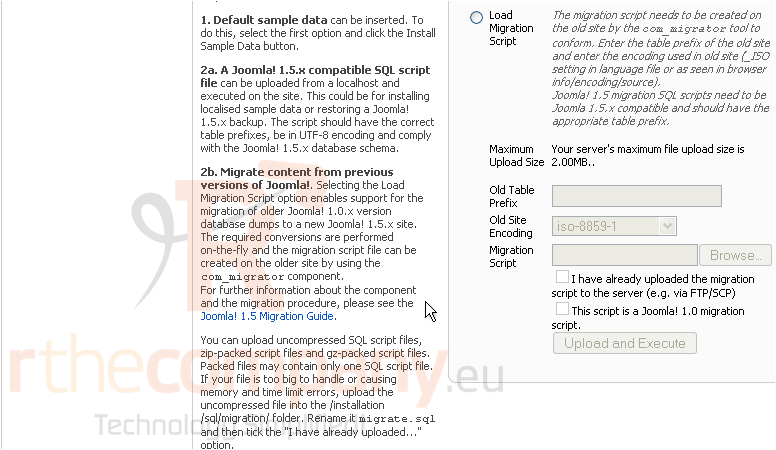
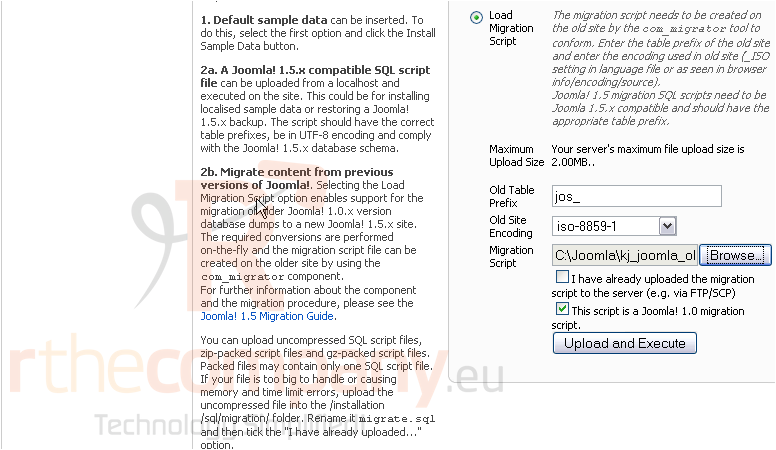
At the bottom of the page, you'll see this form
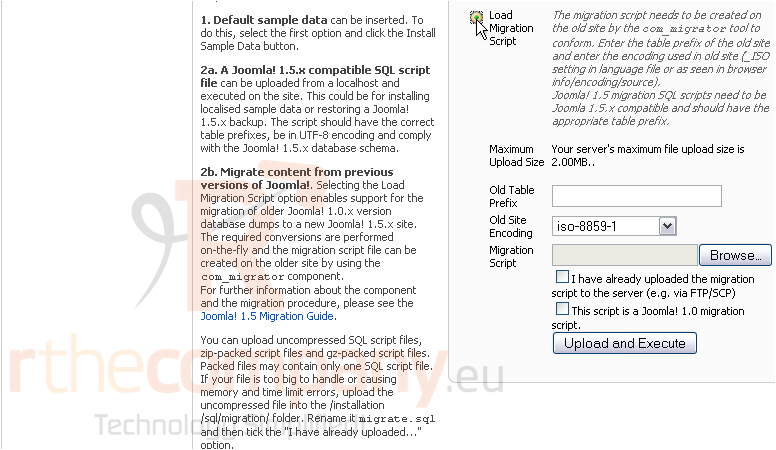
1) Click Load Migration Script
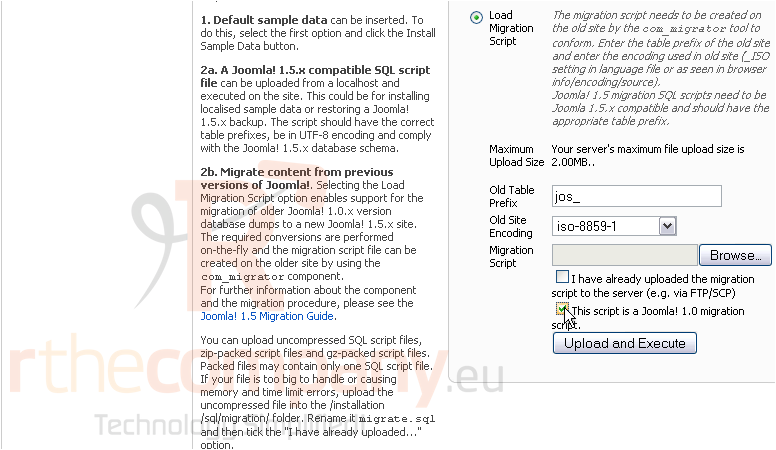
2) Enter the Old Table Prefix. The default is jos_
3) Make sure this checkbox is selected
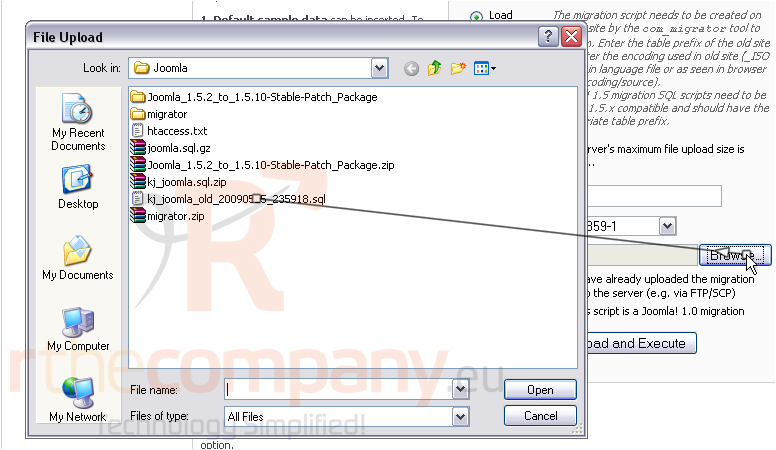
4) Browse to and select the migration file
5) Now click Upload and Execute
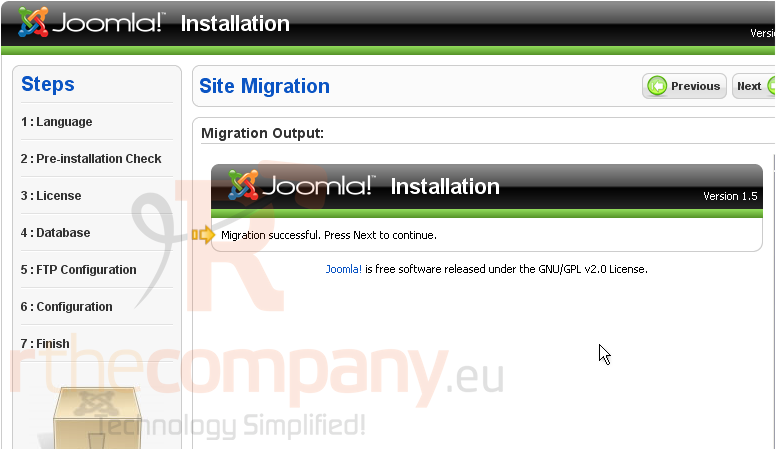
After a while, you should be notified that the migration was successful
6) Click Next
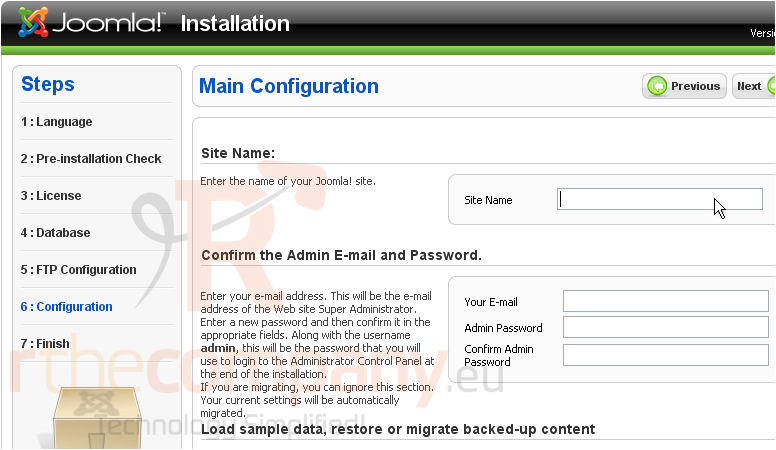
7) Type the name of your site
Ignore this section, since it's not used when performing a migration. You'll log in with the same information as your Joomla 1.0 installation
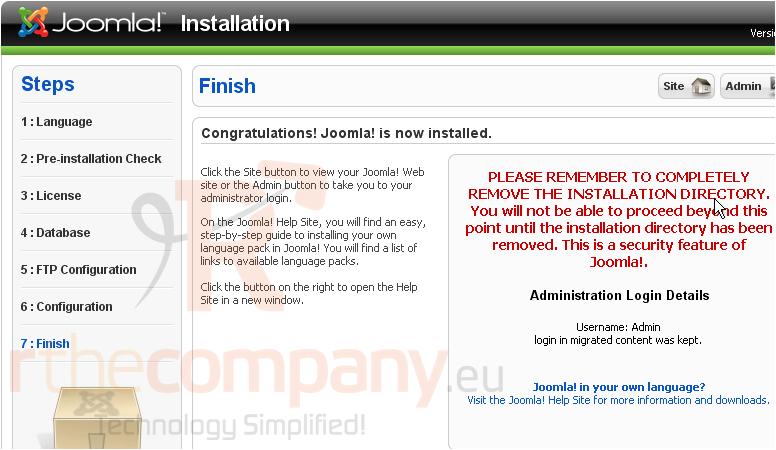
Installation complete.
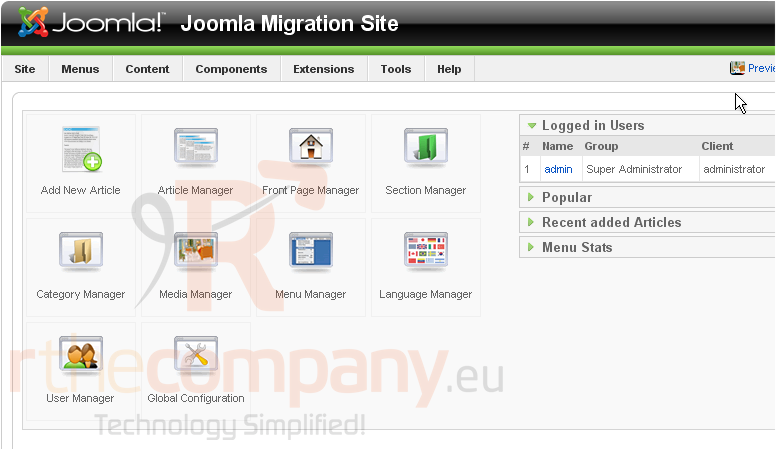
Let's verify that we can log in to the admin panel
8) Click Admin
That's it! The migration appears to have been successful!
Remember to retain your Joomla 1.0 installation until you're absolutely sure the 1.5 installation is not missing anything and is working properly
 Add to Favourites
  Print this Article