Ana Sayfa > Bilgi Bankası > ZenCart > 1. How to change your admin password in ZenCart
1. How to change your admin password in ZenCart
This tutorial assumes you've already logged in to Zen Cart
Now let's learn how to change your admin password
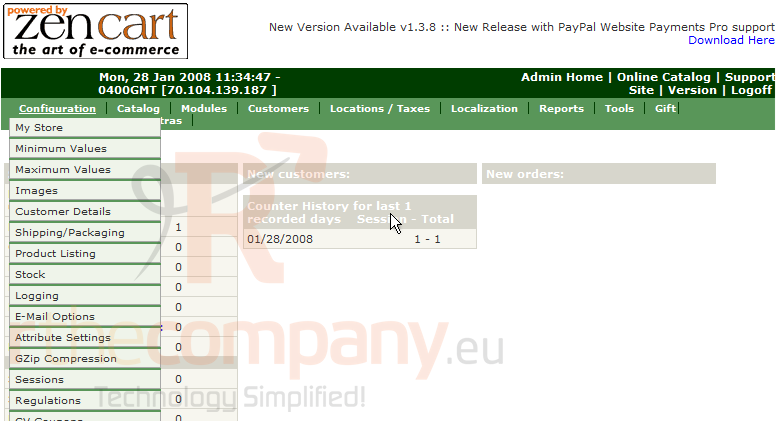
1) Click Configuration
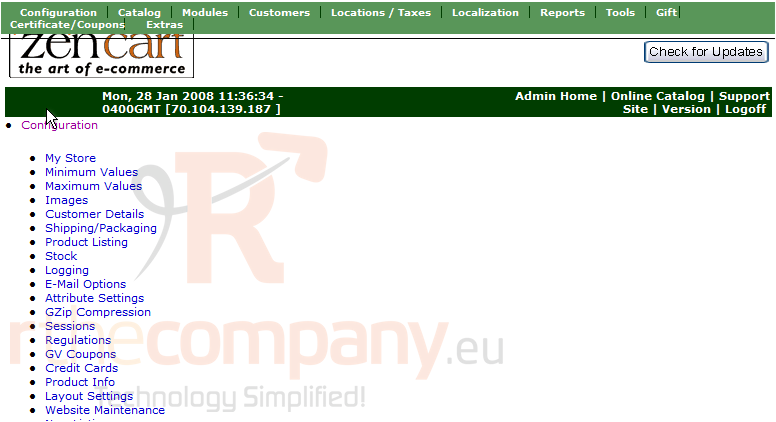
This is the Admin Configuration page where we can change settings. Scroll down
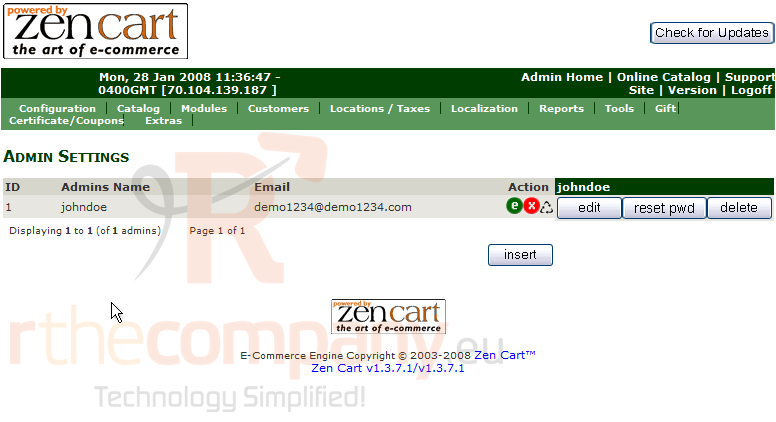
2) Click Admin Settings
3) Click Reset Pwd
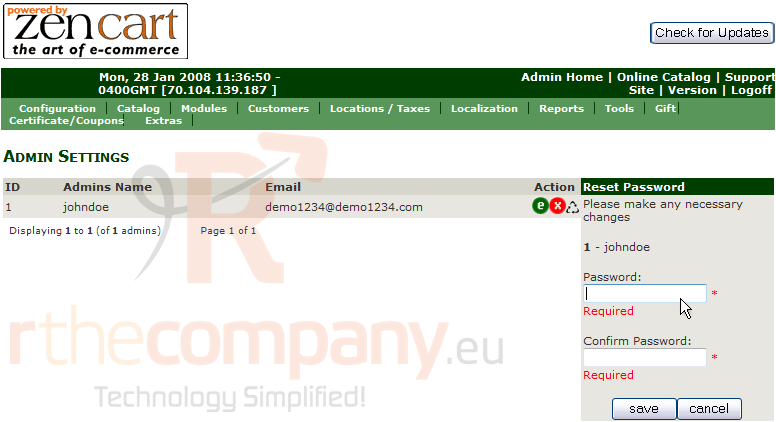
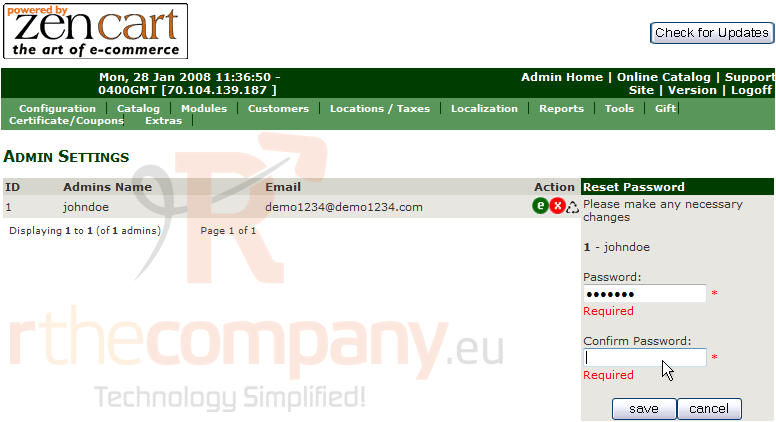
4) Enter the new password here and confirm it as well
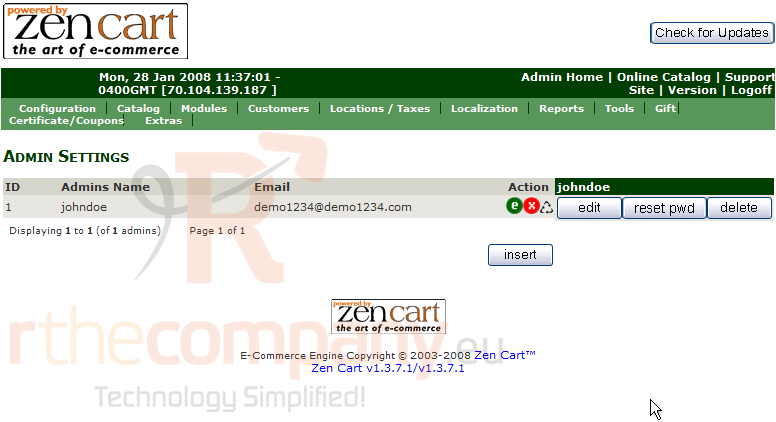
5) Click Save
That's it! The admin password has been changed. You should change your password regularly for security reasons
This is the end of the tutorial. You should now know how to change your admin password in Zen Cart
 Sık kullanılanlara ekle
  Bu dökümanı yazdır