Почетна > База на знаења > ZenCart > 8. How to send email in ZenCart
8. How to send email in ZenCart
This tutorial assumes you've already logged in to Zen Cart
Now let's learn how to send email
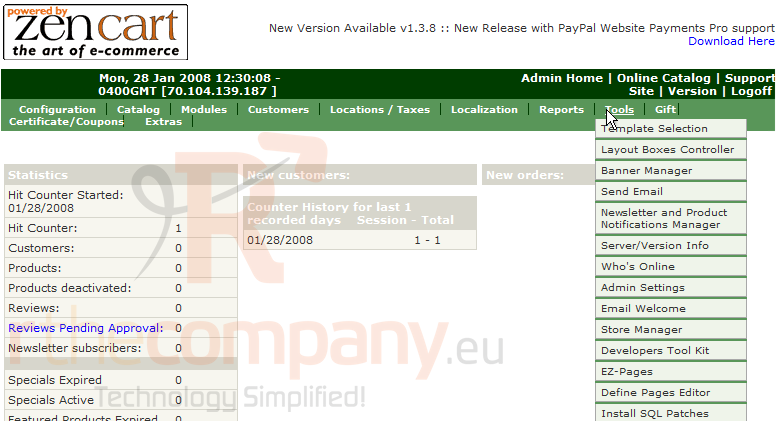
1) Place the cursor over Tools
2) Click Send Email
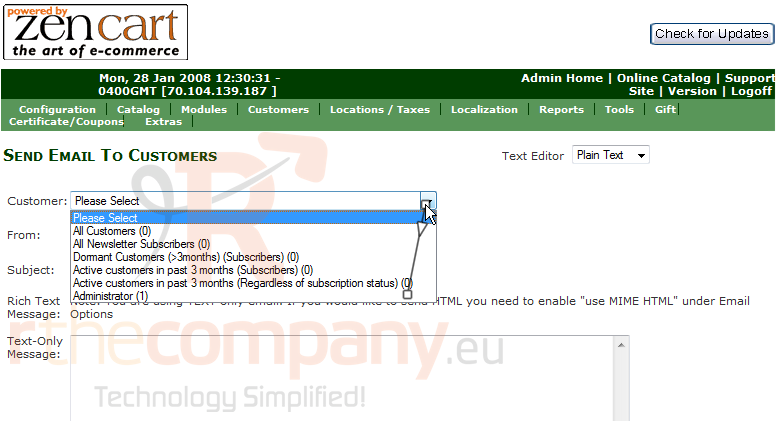
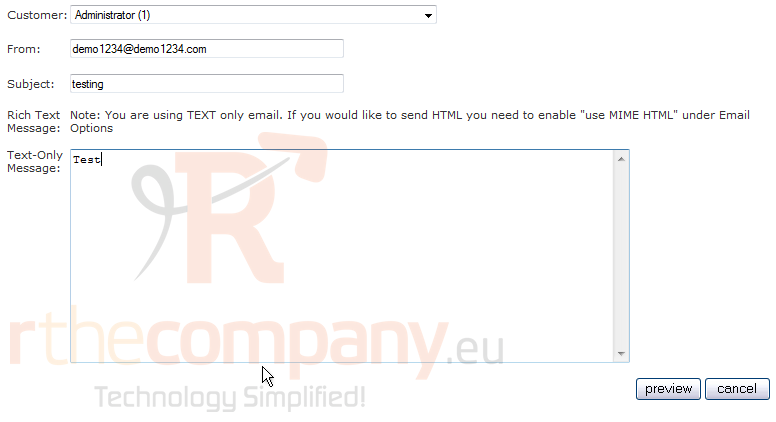
3) Click here to select the customer to email
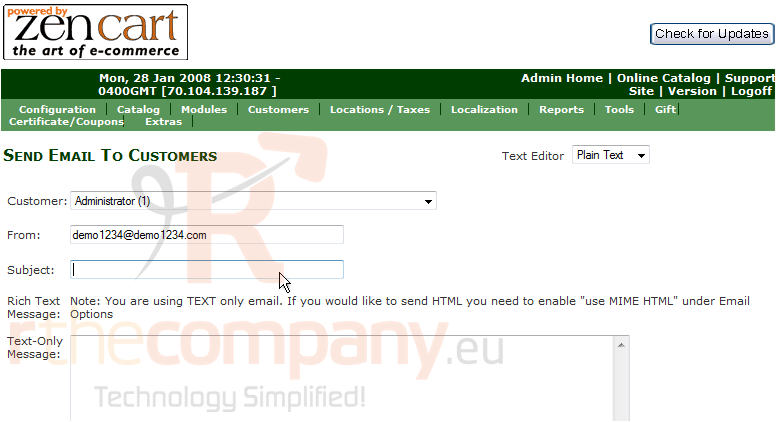
4) Enter a Subject for the email here
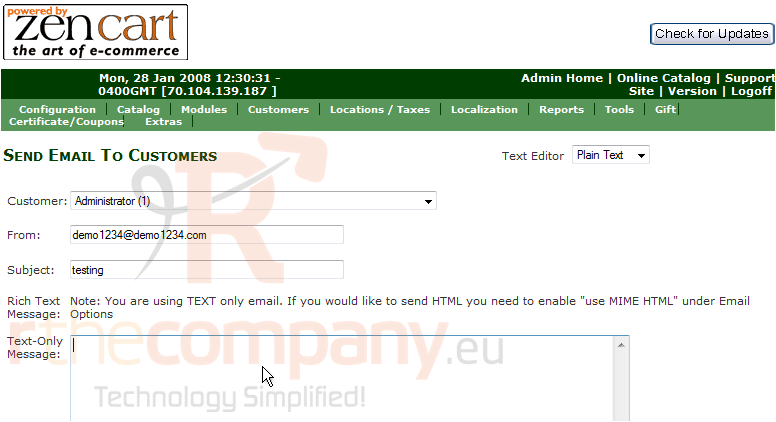
5) Enter the body of the message here
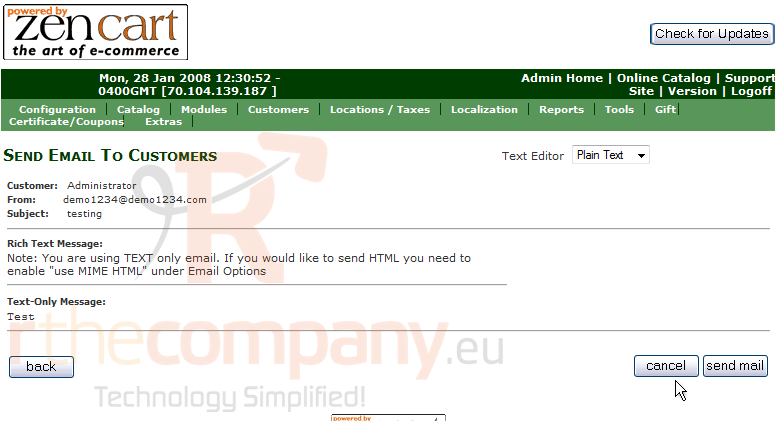
6) Click Preview
7) Click Send Mail
That's it! The email has been sent
This is the end of the tutorial. You should now know how to send email in Zen Cart
 Додате го во листа на фаворитни прашања
  Испечати