客戶系統 > 知識庫 > ZenCart > 9. How to configure your home page in ZenCart
9. How to configure your home page in ZenCart
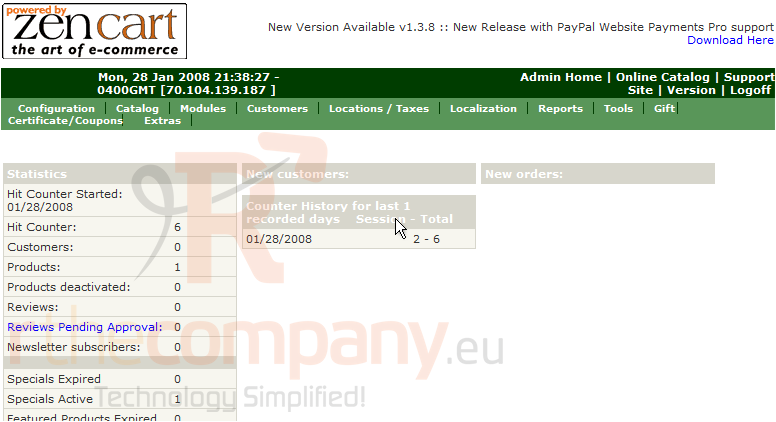
This tutorial assumes you've already logged in to Zen Cart
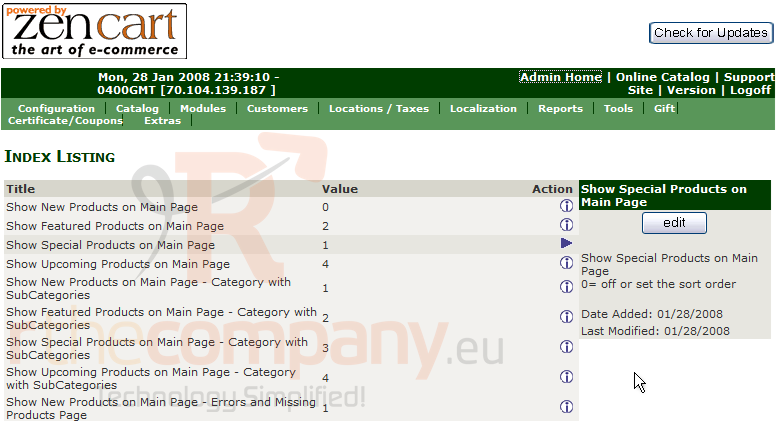
Let's learn how to configure your home page
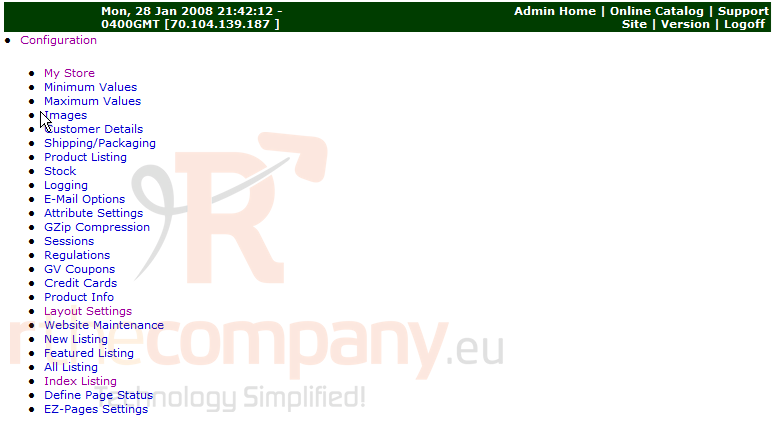
1) Click Configuration
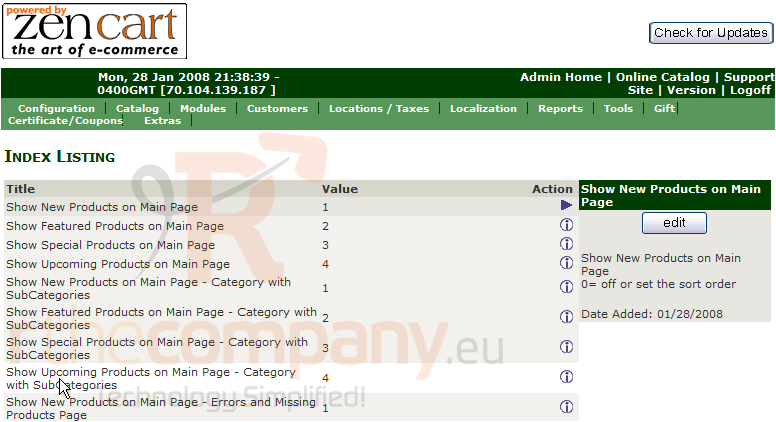
2) Click Index Listing
3) Click Edit
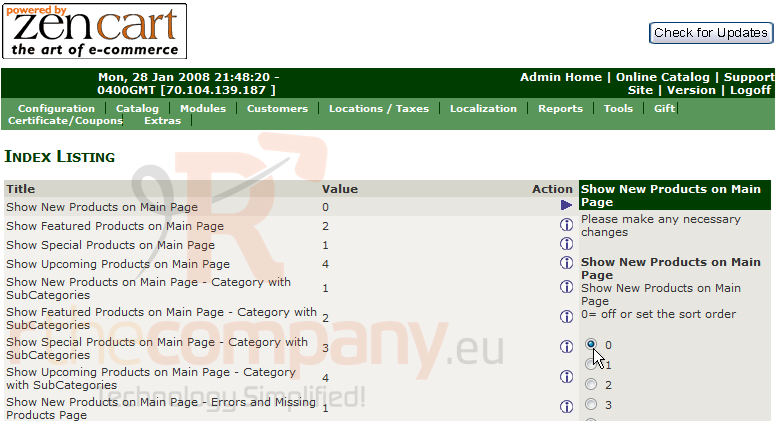
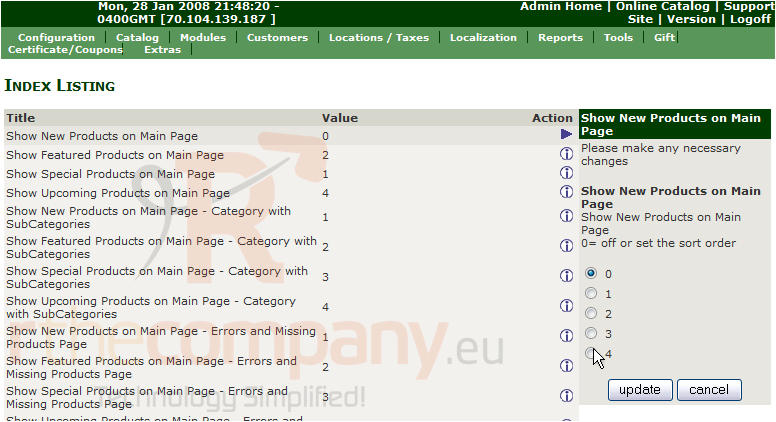
4) Select 0 to turn this option off
5) Click Update
That's it! New Products will now no longer show on the main page. Let's change another setting
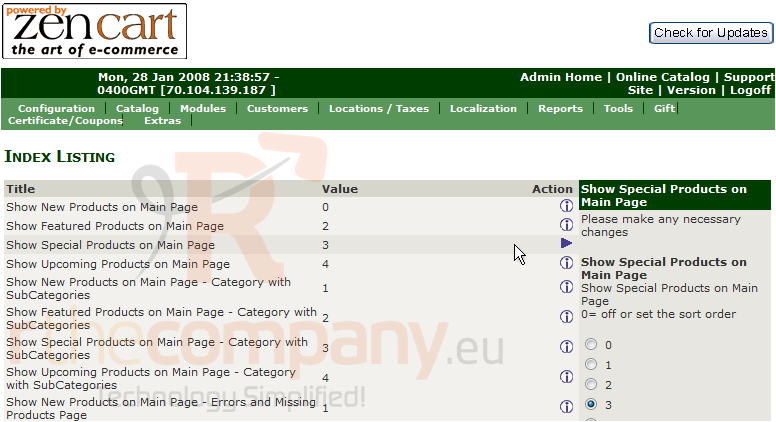
6) Click here to edit the Special Products setting
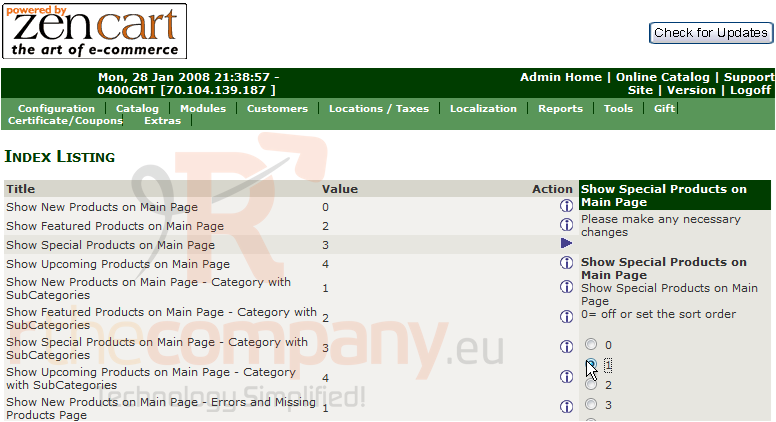
7) Select 1 to alter the order in which this option shows on the main page
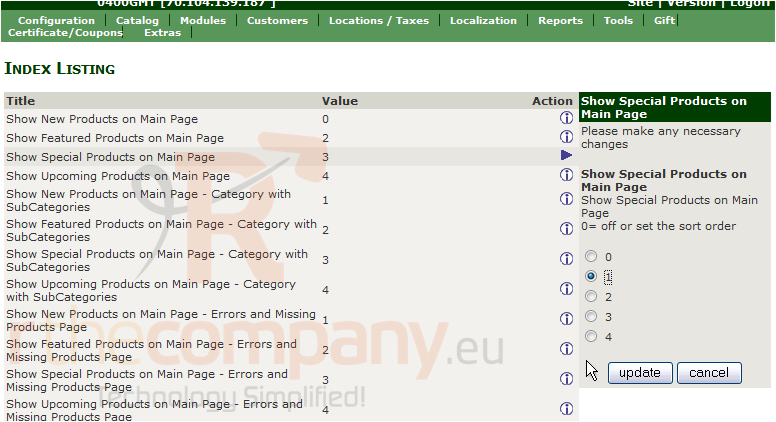
8) Click Update
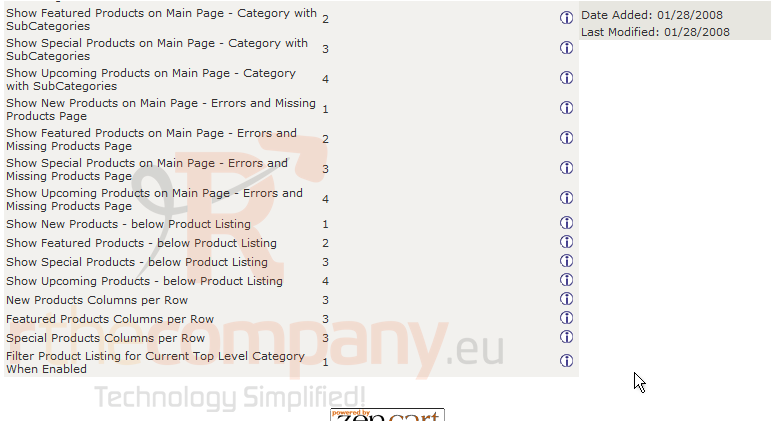
That's it! The Special Products will show in a different order on the main page now. Scroll down to see more settings we can configure
To edit any of these settings, simply click on them.
This is the end of the tutorial. You should now know how to configure your home page in Zen Cart