Портал > База знаний > ZenCart > 11. How to edit the margins in ZenCart
11. How to edit the margins in ZenCart
This tutorial assumes you've already logged in to Zen Cart
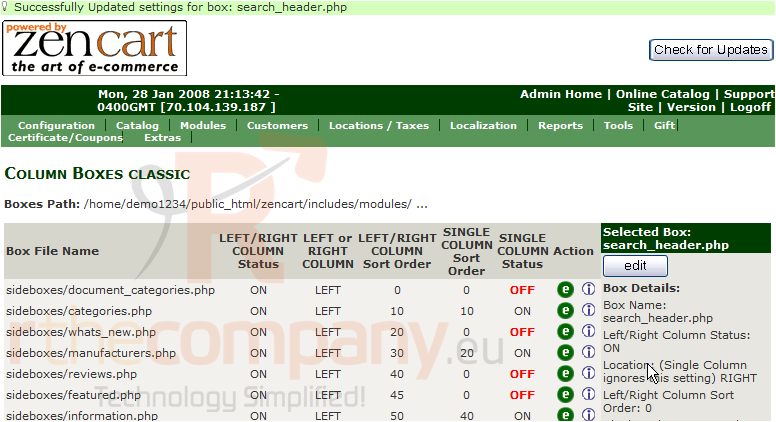
Let's learn how to edit left and right margins
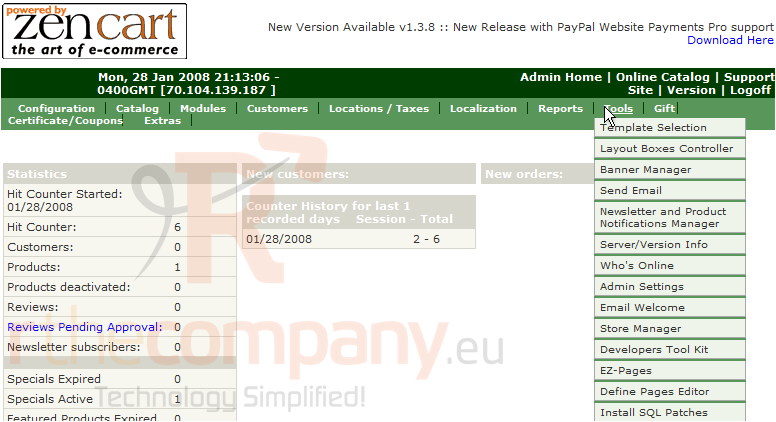
1) Place the cursor over Tools
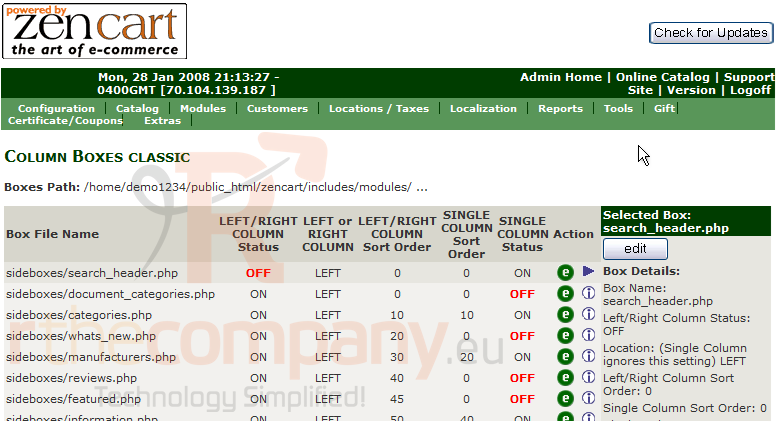
2) Click Layout Boxes Controller
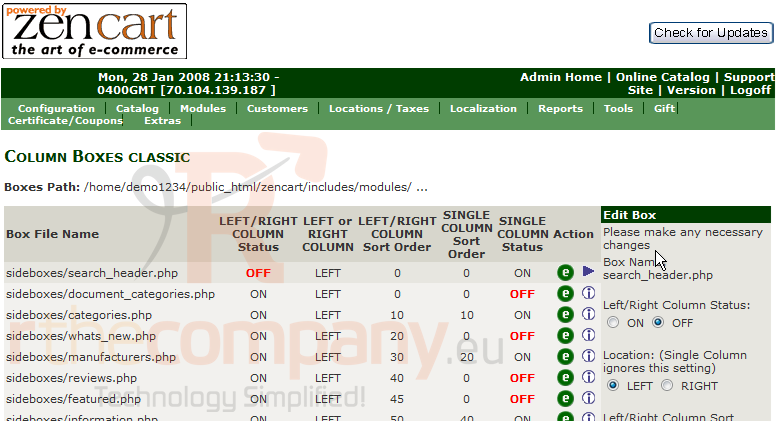
3) Click Edit
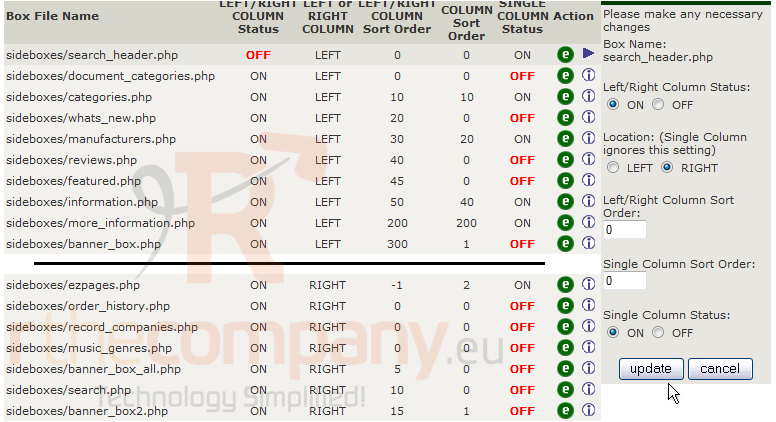
4) On this page we can edit the settings, let's make some changes now
5) Click Update
That's it! The settings have now been configured
This is the end of the tutorial. You should now know how to edit the left and right margins in Zen Cart
 Добавить в избранное
  Распечатать статью