客戶系統 > 知識庫 > ZenCart > 15. How to add shipping modules in ZenCart
15. How to add shipping modules in ZenCart
This tutorial assumes you've already logged in to Zen Cart
Now let's learn how to add shipping modules
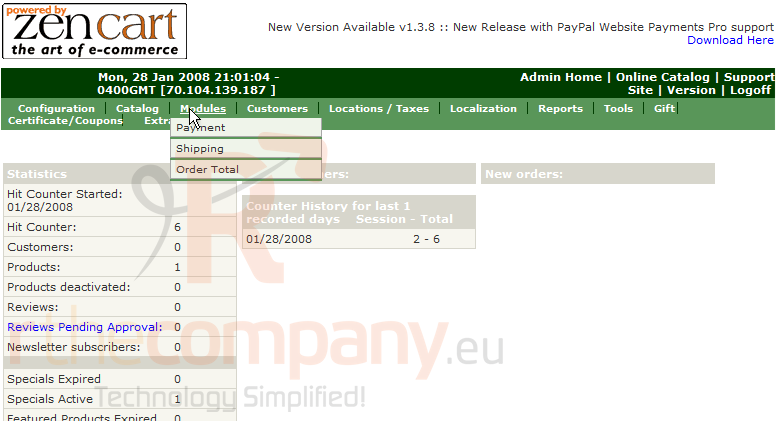
1) Place the cursor over Modules
2) Click Shipping
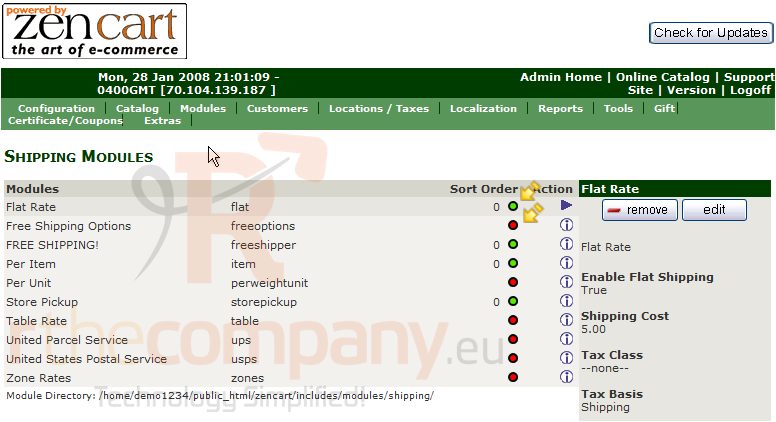
A green circle means the shipping module has already been added... and a red circle means the shipping module has not been added as of yet
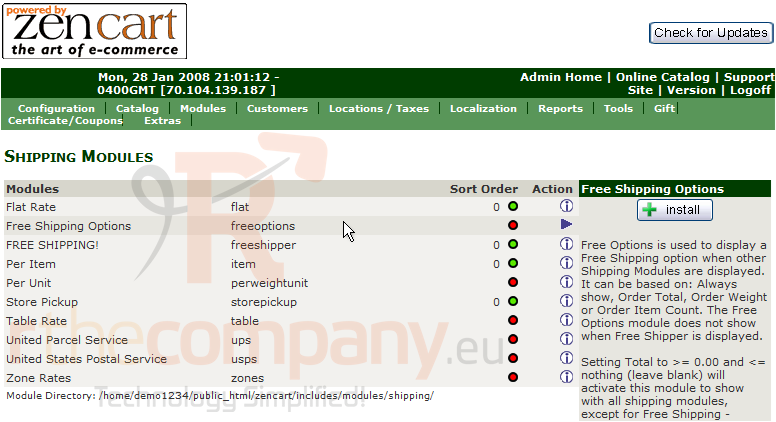
3) Select a Shipping Module to add
4) Click Install
5) Enter a Shipping Cost
6) Enter how much the customer has to spend for free shipping here
7) Click Update
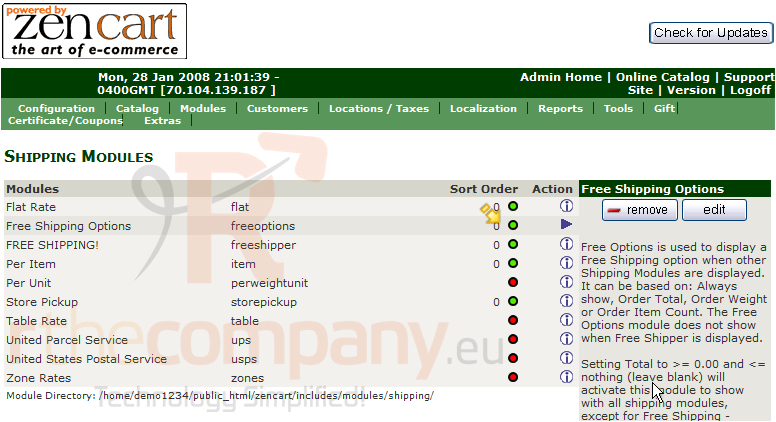
That's it! The shipping module has been added as noted by the green circle here
This is the end of the tutorial. You should now know how to add shipping modules in Zen Cart