客戶系統 > 知識庫 > phpMyAdmin > 3. Deleting tables from a database with phpMyAdmin
3. Deleting tables from a database with phpMyAdmin
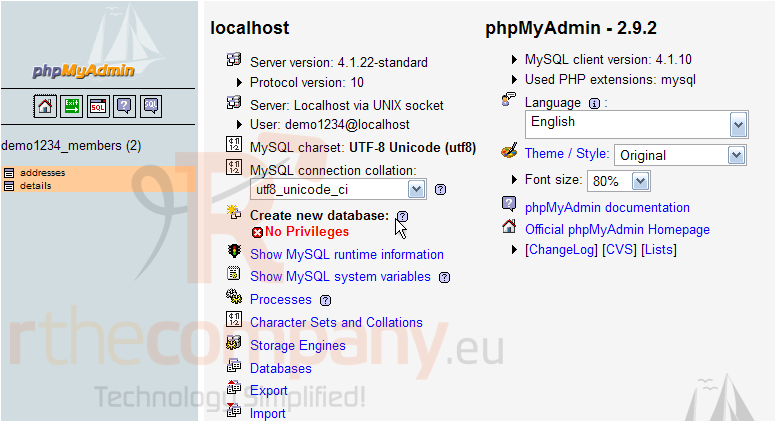
This tutorial assumes you've already logged in to phpMyAdmin
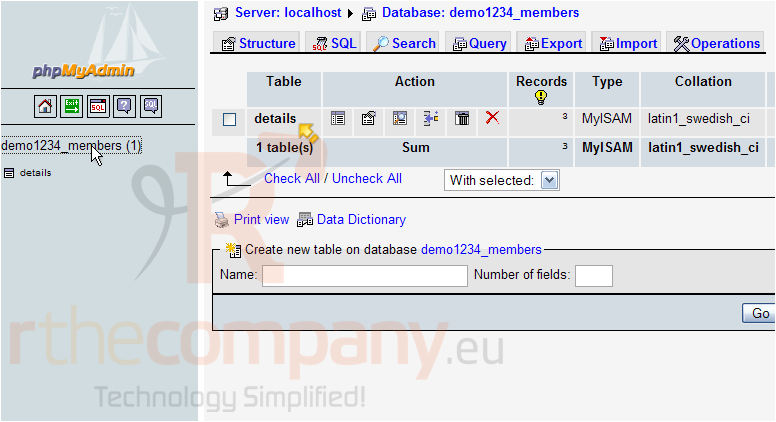
Now let's learn how to delete a table from a database
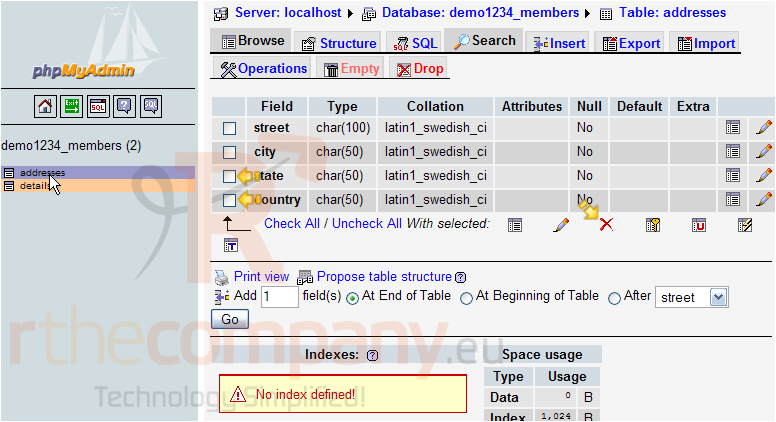
Select the table you wish to delete here
You can delete individual fields from this table by selecting them here then clicking the delete icon here
However, in this tutorial we're going to demonstrate how to delete the entire table and everything in it
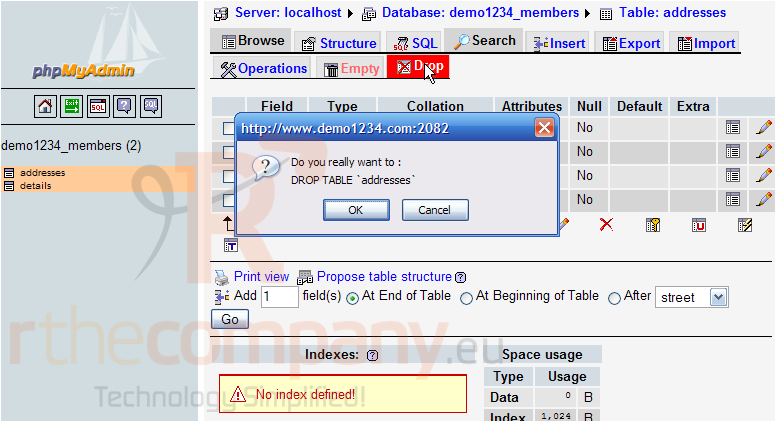
Click the Drop button here. Then click OK to confirm
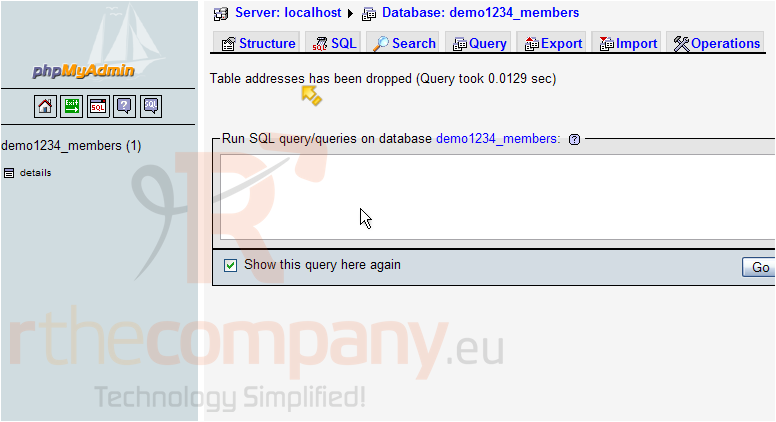
The addresses table has been deleted (or dropped) from the database
The addresses table is no longer listed in our database's list of tables
This is the end of the tutorial. You now know how to delete tables from a database using phpMyAdmin