اعضا > مرکز آموزش > phpMyAdmin > 8. Importing databases and tables with phpMyAdmin
8. Importing databases and tables with phpMyAdmin
This tutorial assumes you've already logged in to phpMyAdmin
Now let's learn how to import a database
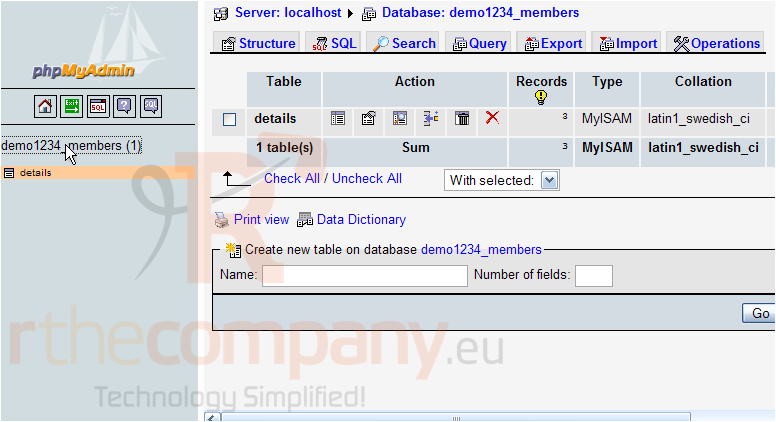
Click the database you wish to import here
Let's assume the data in our details table is corrupt, and we want to import a saved (exported) copy of the data.
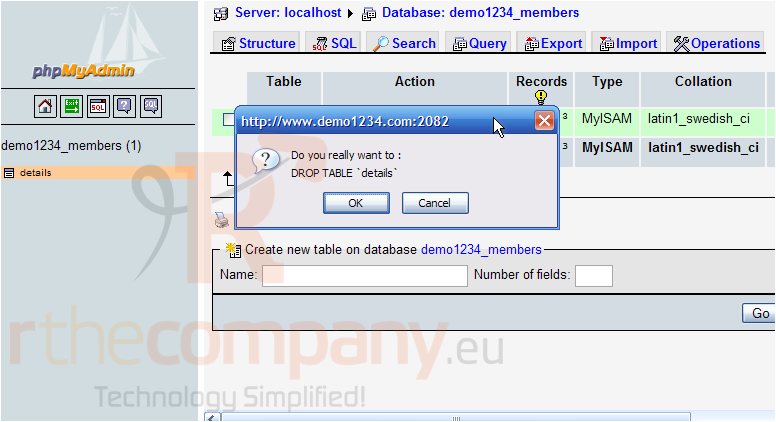
Therefore, let's first delete the existing details table from our database
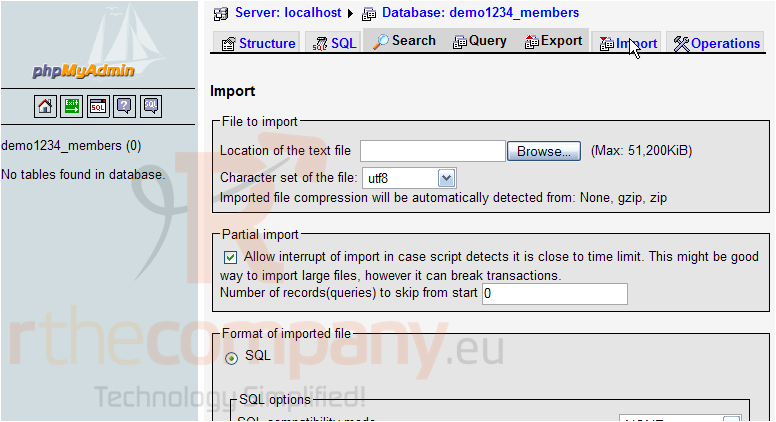
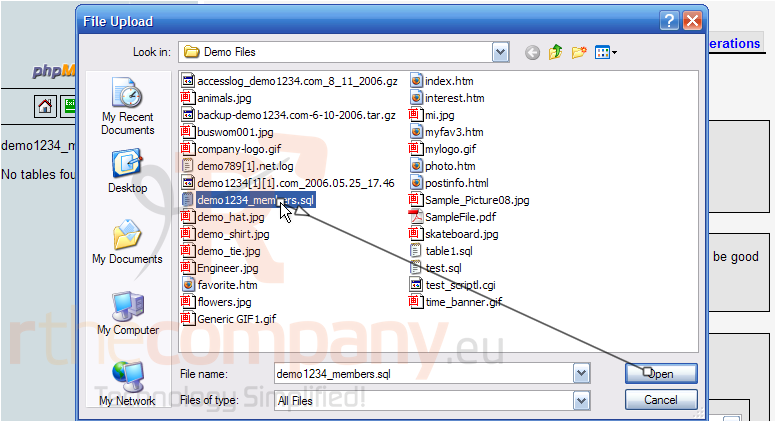
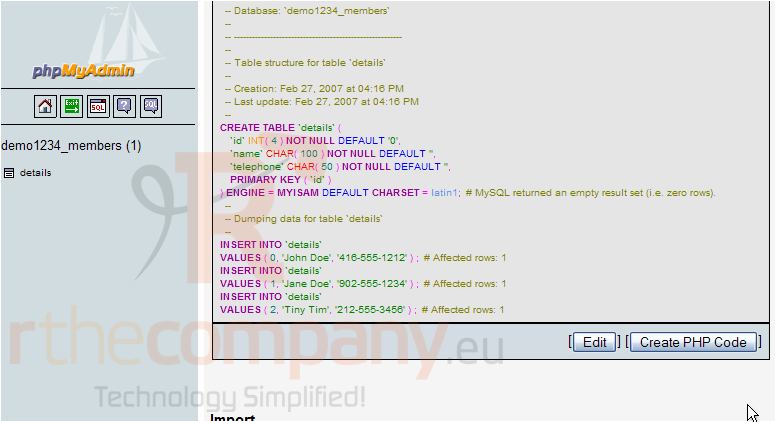
Now let's import the saved copy of our database, which includes the details table
That's it! The demo1234_members database has been successfully imported, as indicated here.
This is the end of the tutorial. You now know how to import databases and tables using phpMyAdmin
 افزودن به مورد علاقه ها
  پرینت این مقاله