客戶系統 > 知識庫 > Magento Commerce > 2. How to add product categories to your store in Magento Commerce
2. How to add product categories to your store in Magento Commerce
This tutorial will show you how to add product categories in Magento Commerce, and assumes you're already logged in to Magento
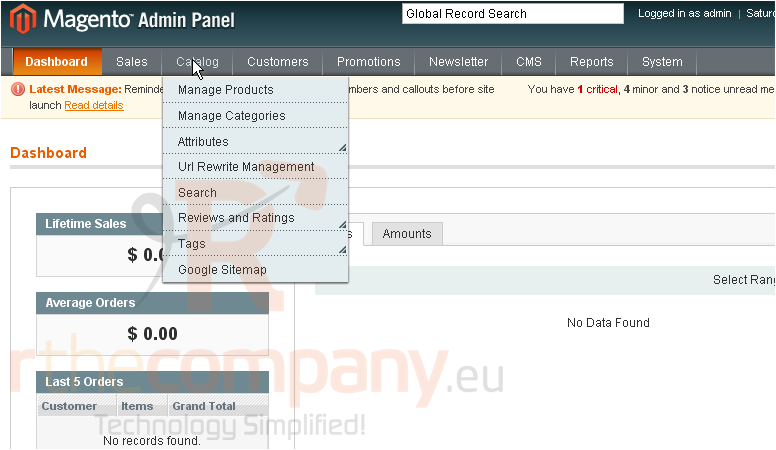
1) Go to Catalog...
2) ...then Manage Categories
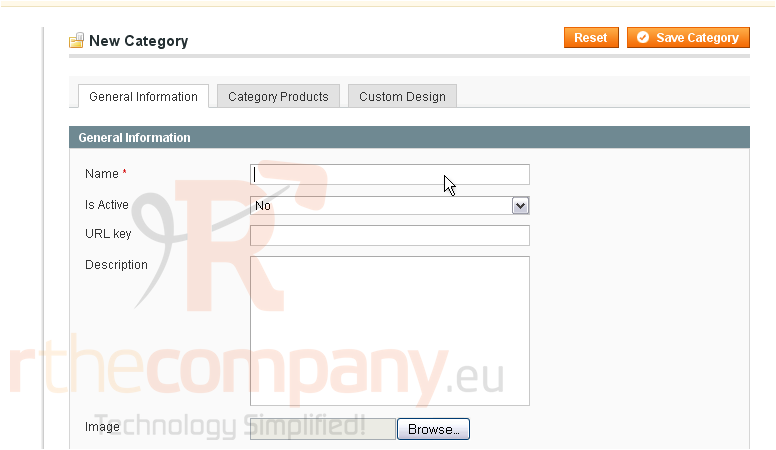
3) Enter a name for the new category
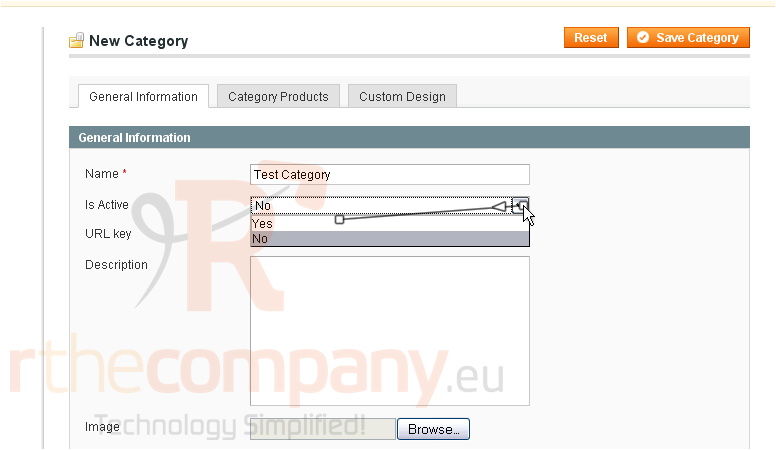
4) Select whether this category is active
5) Enter a description
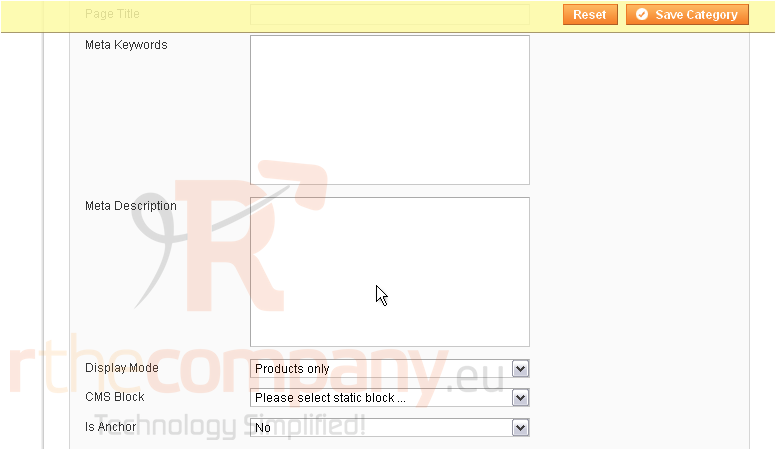
6) You can enter meta keywords for the category
7) When you are finished, click Save Category
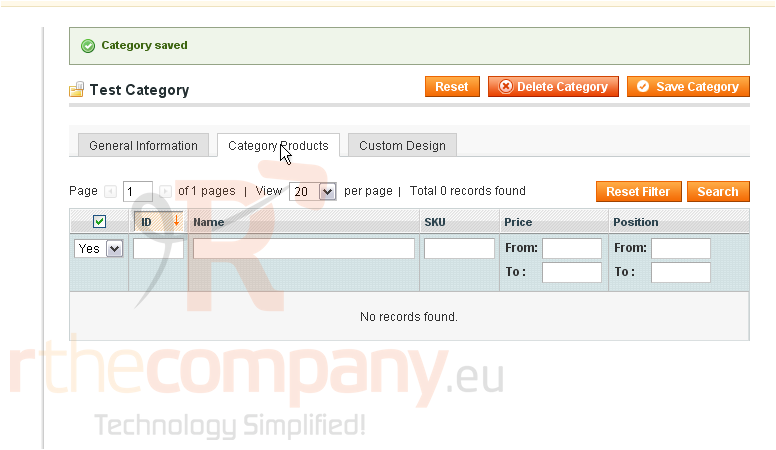
The category has been saved
8) You can see what products are in this category by clicking the Category Products tab
9) Create a custom design for this category by clicking this tab
This is the end of the tutorial. You now know how to add a product category in Magento Commerce