Suporte > Base de Conhecimento > OpenCart > 2. How to backup and restore your database in OpenCart
2. How to backup and restore your database in OpenCart
It's important to make regular backups of your site, so let's learn how to do that now.
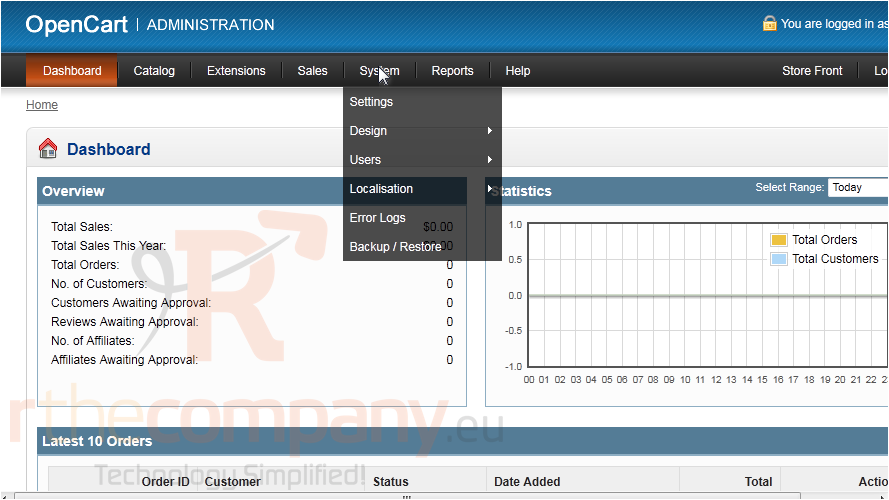
1) Go to System.
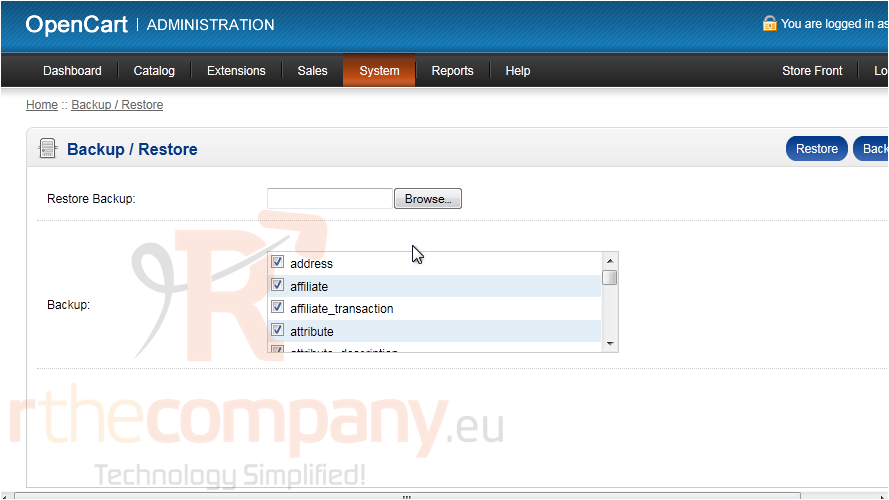
2) Click Backup / Restore.
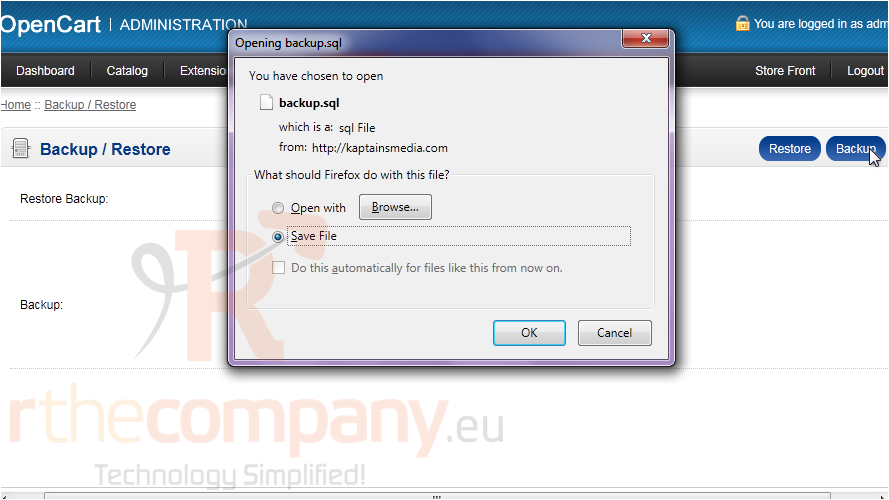
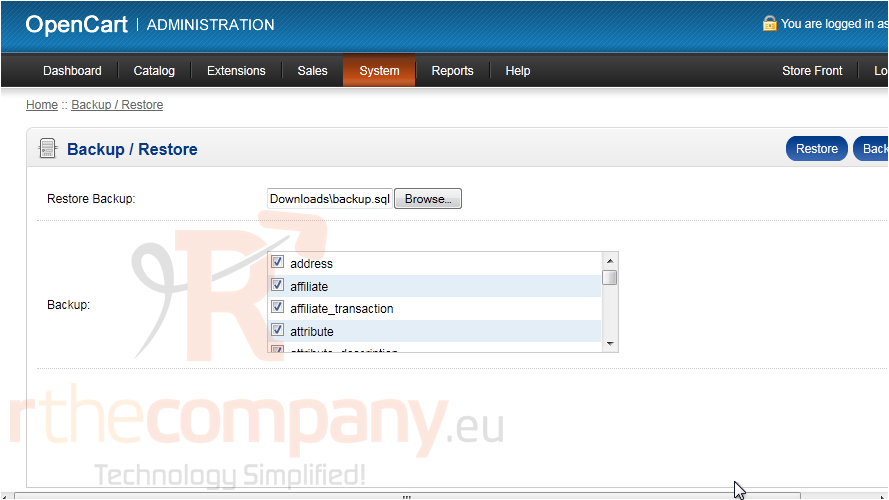
3) Select the boxes next to each item you want to save and click Backup.
4) Choose to save the file and click OK.
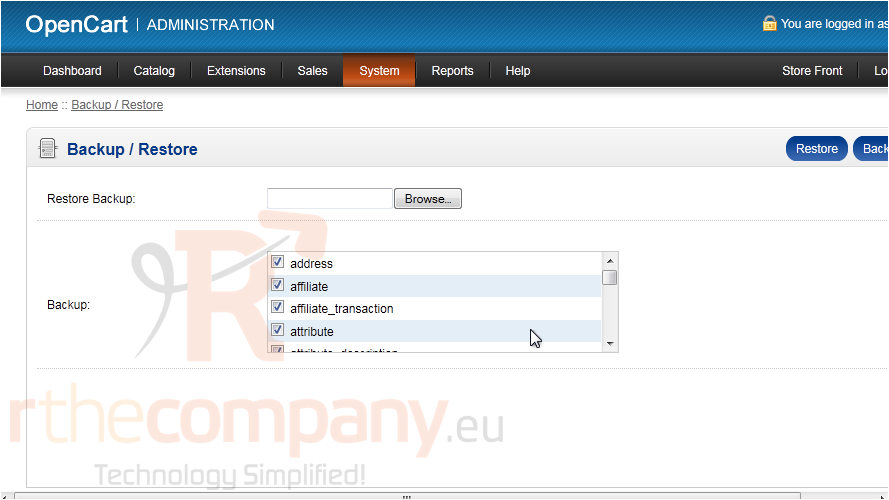
Now let's see how to restore a backup file.
5) Click Browse.
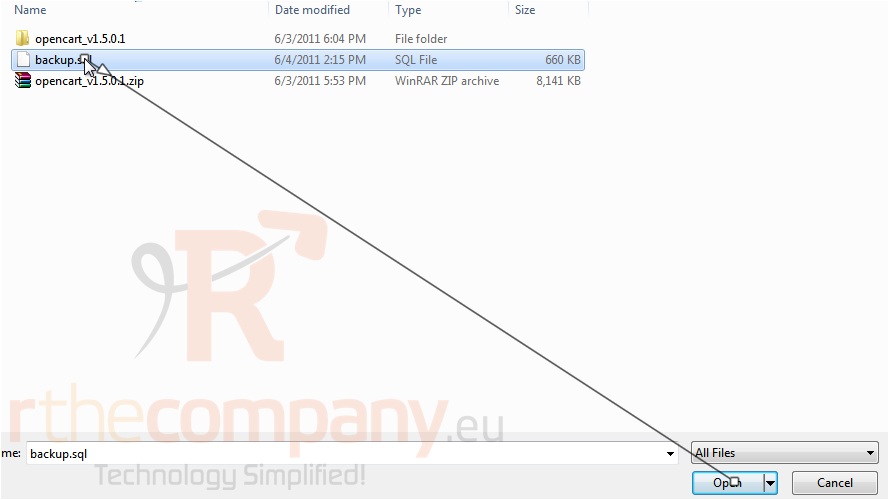
6) Select your backup file and click Open.
7) Click Restore.
That's it! Now you know how to backup and restore OpenCart.
 Adicionar aos Favoritos
  Imprimir este Artigo