Головна > База знань > OpenCart > 5. How to setup product attributes in OpenCart
5. How to setup product attributes in OpenCart
Attributes are used to describe the features of a product and help your customers easily find what they want.
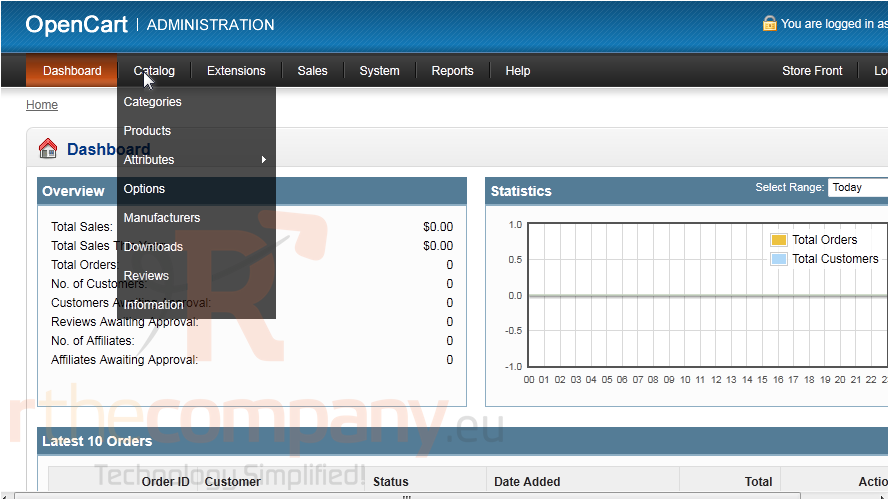
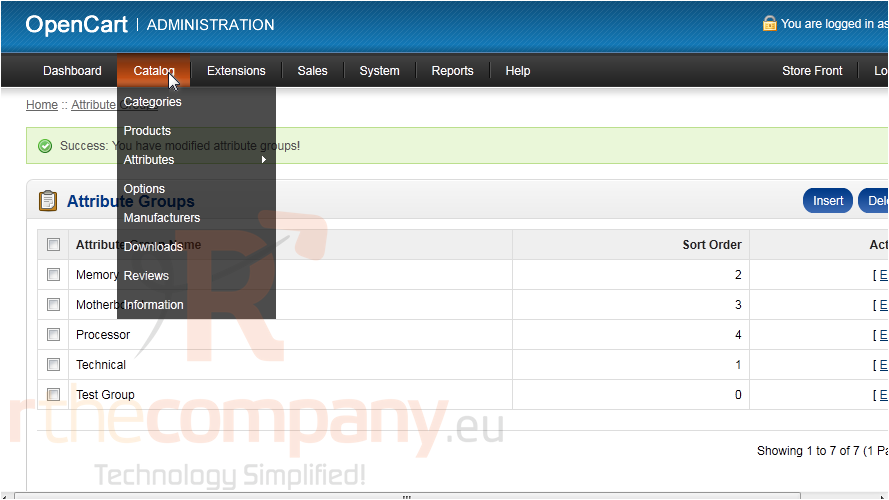
1) First, add an attribute group by going to Catalog.
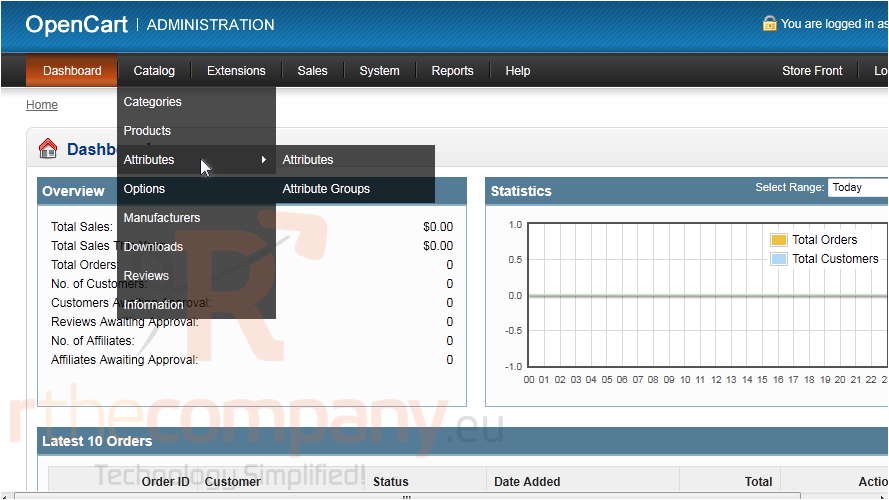
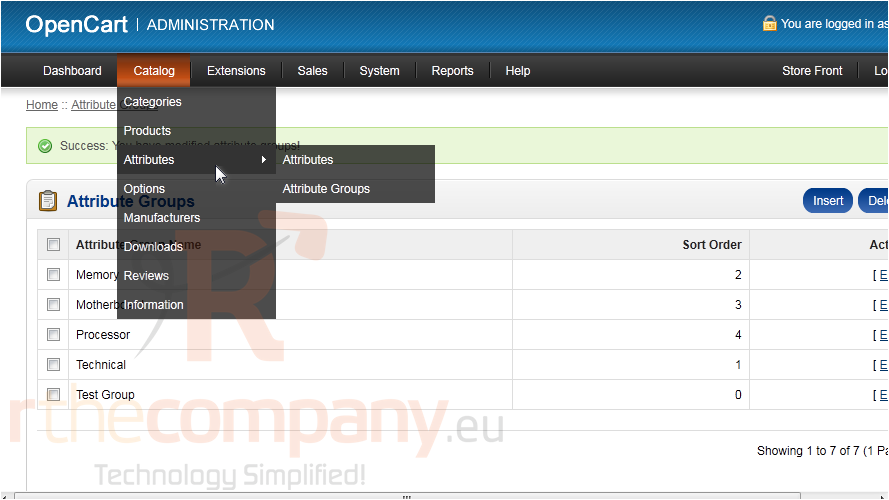
2) Hover over Attributes.
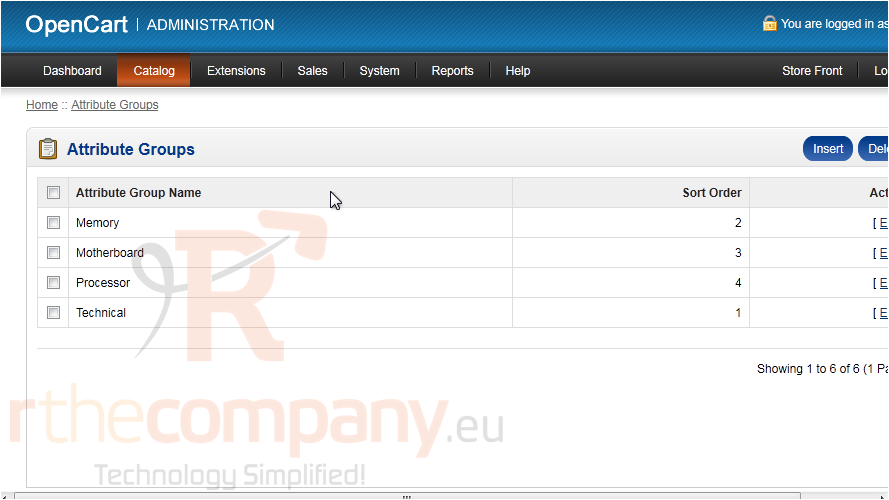
3) Then click Attribute Groups.
4) Click Insert.
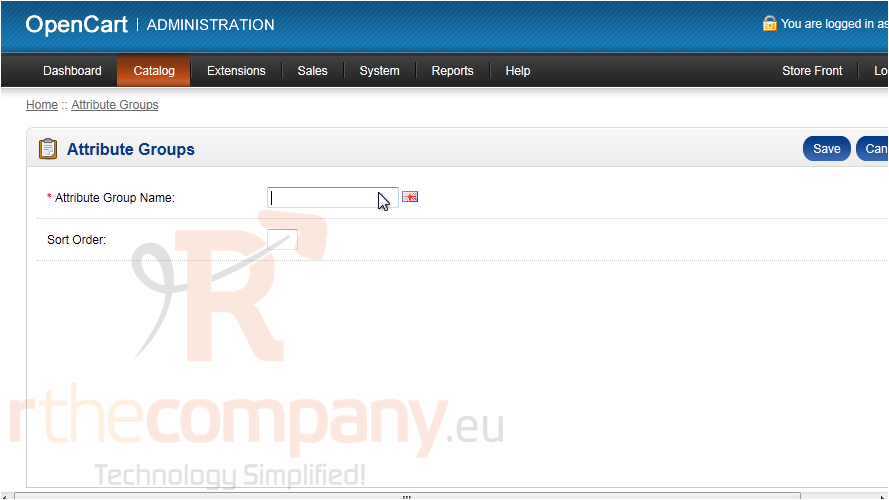
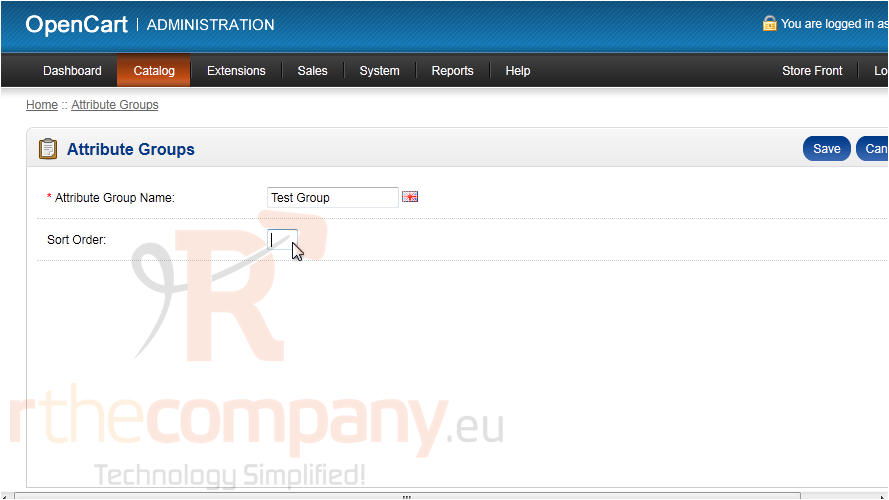
5) Type an Attribute Group Name.
6) Enter the Sort Order.
7) Click Save.
Now let's create a new attribute for the group.
8) Go to Catalog.
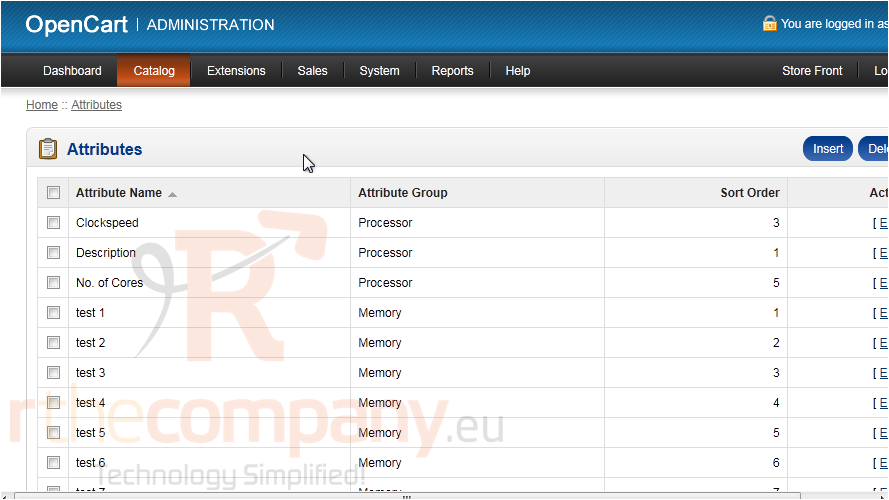
9) Then Attributes.
10) And click Attributes.
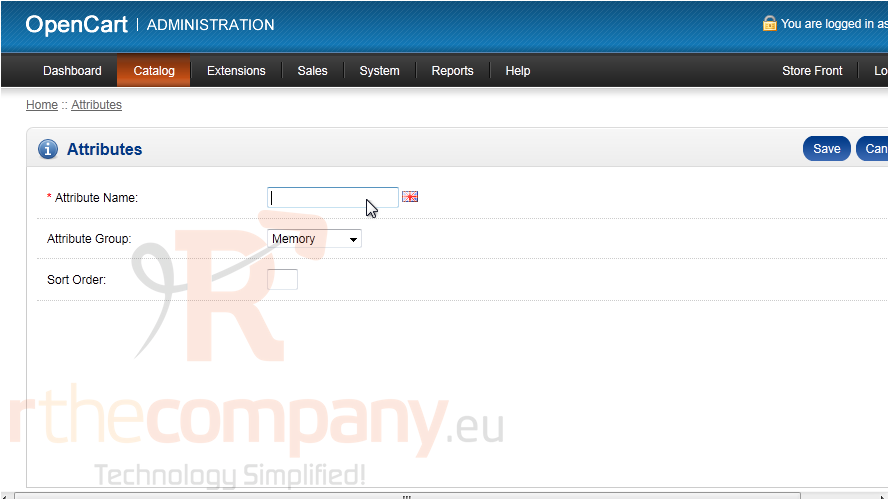
11) Click Insert.
12) Type the Attribute Name.
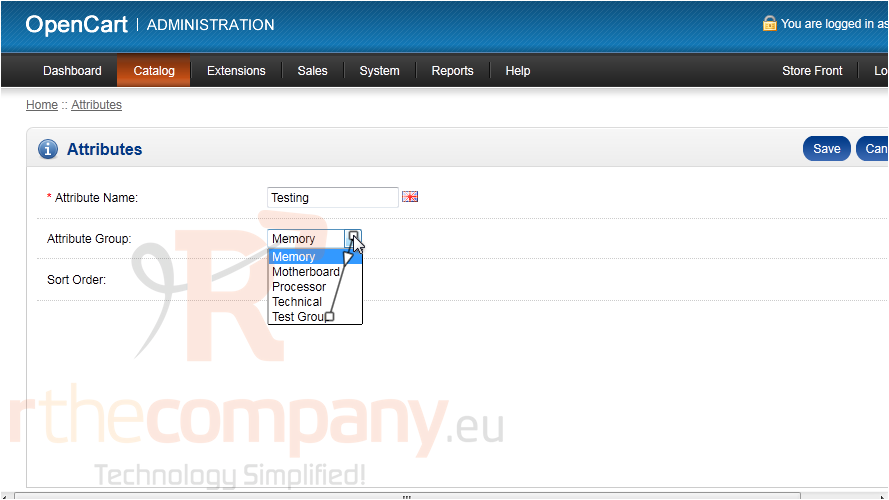
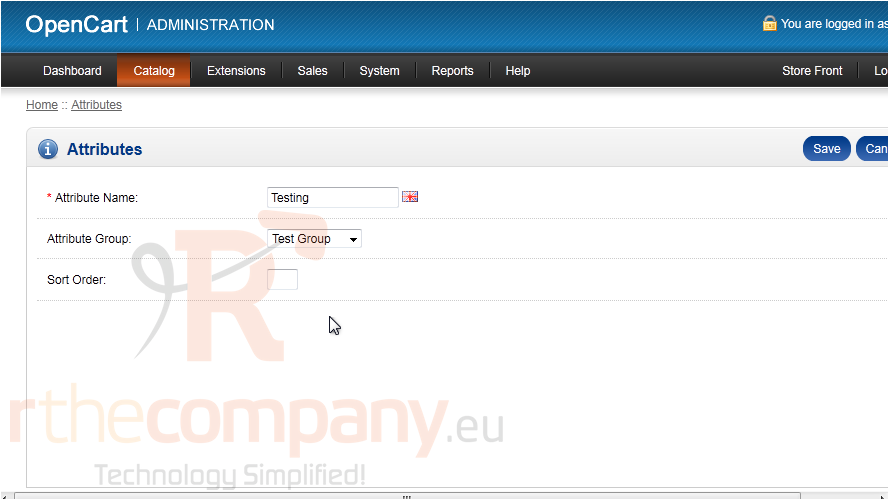
13) For the Attribute Group, select the new group we created.
14) Click Save.
That's it! Now you know how to add attributes and attribute groups in OpenCart.
 Додати до обраного
  Роздрукувати цю статтю