Accueil > Base de connaissances > OpenCart > 6. How to view reports in OpenCart
6. How to view reports in OpenCart
Now let's see how to view reports in OpenCart.
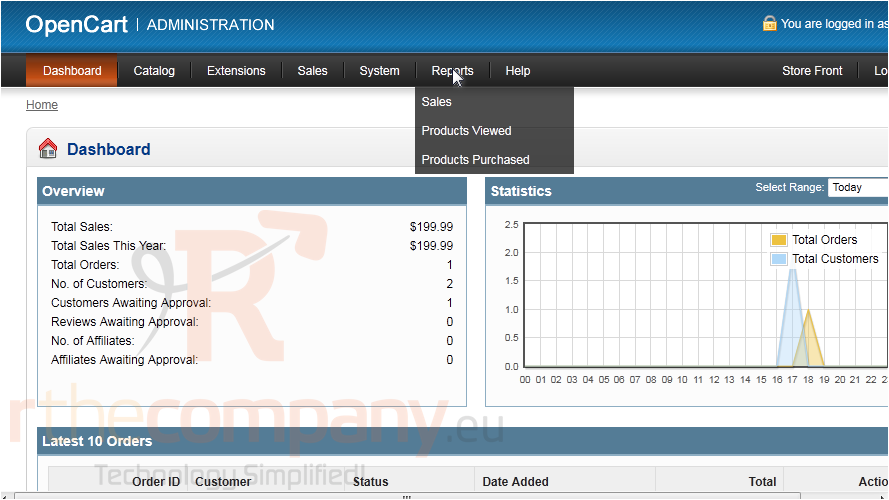
1) Go to Reports.
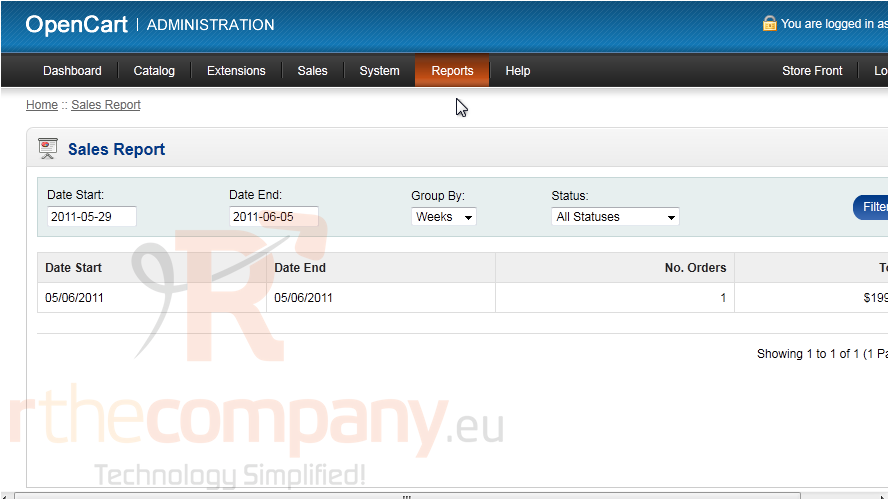
2) Then click Sales.
All sales that have been made between the start and end dates will be displayed.
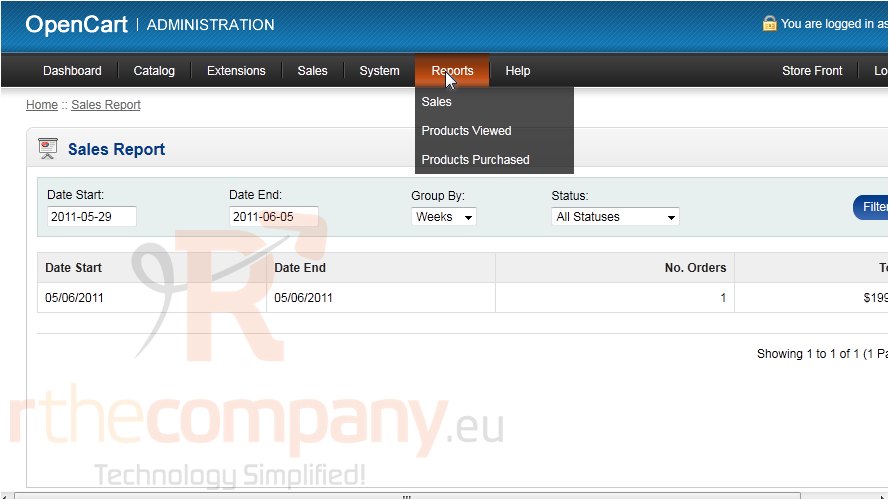
3) Go to Reports.
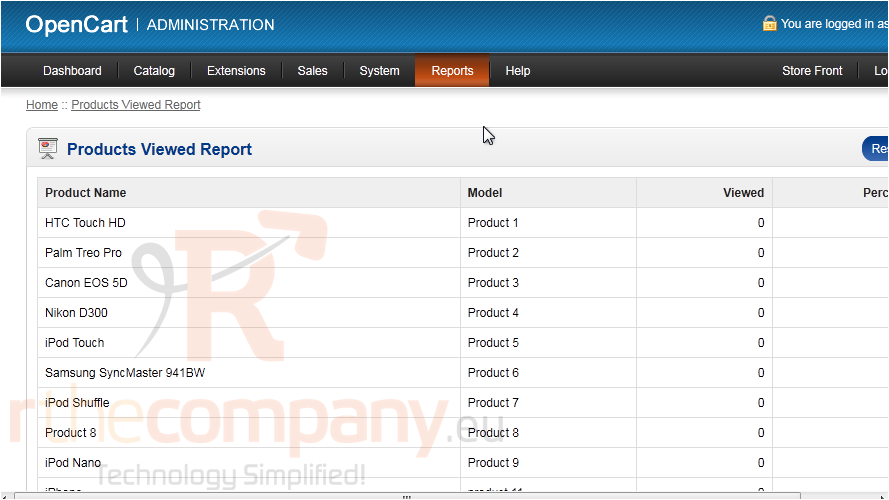
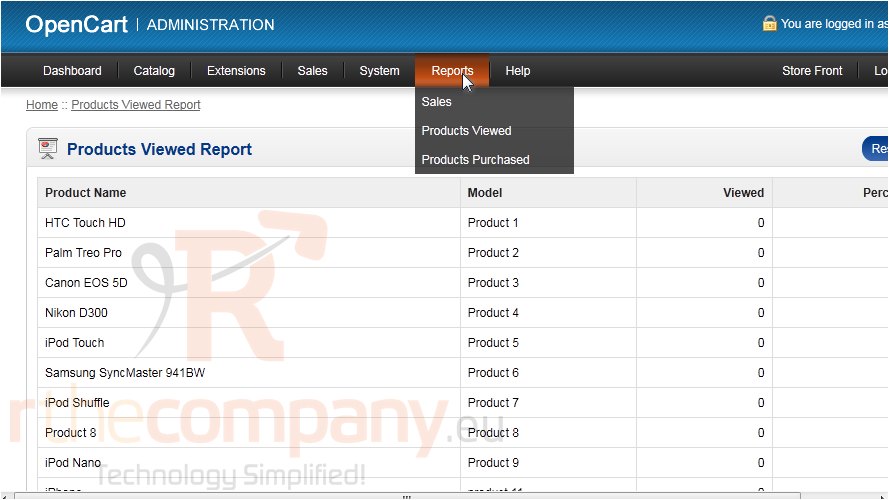
4) Click Products Viewed.
This is a list of all the products in your store with the number of times each has been viewed.
5) Go to Reports.
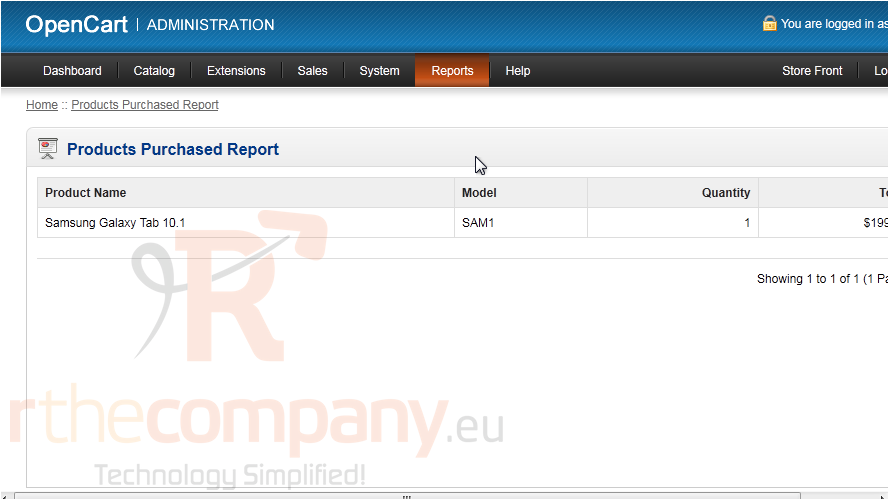
6) Click Products Purchased.
This page will list all products that have been purchased and the quantity sold.
That's it! Now you know how to view reports in OpenCart.
 Ajouter aux favoris
  Imprimer cet article