Portal Home > Databáze řešení > OpenCart > 7. How to configure payment methods in OpenCart
7. How to configure payment methods in OpenCart
OpenCart allows you to accept many different payment methods. Let's see how to setup PayPal.
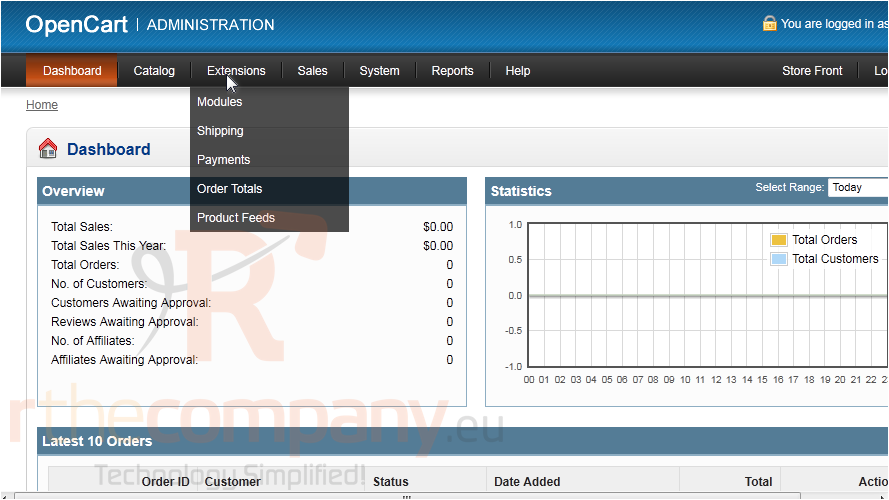
1) Go to Extensions.
2) Click Payments.
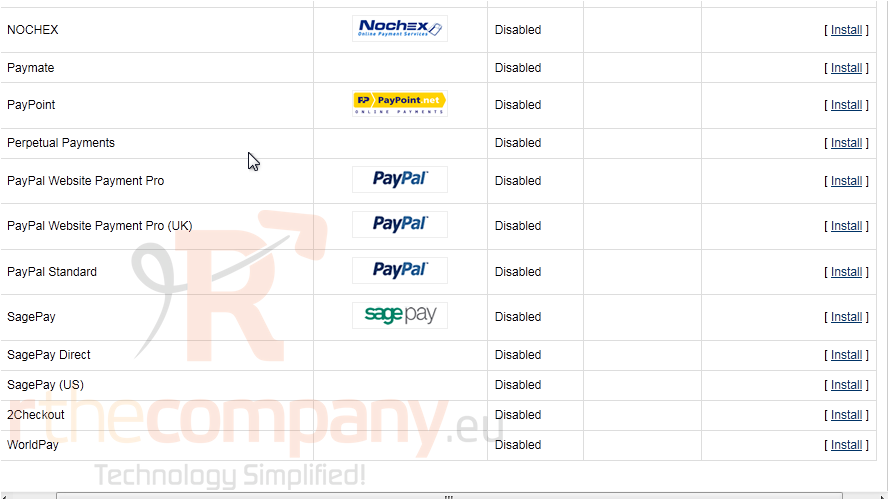
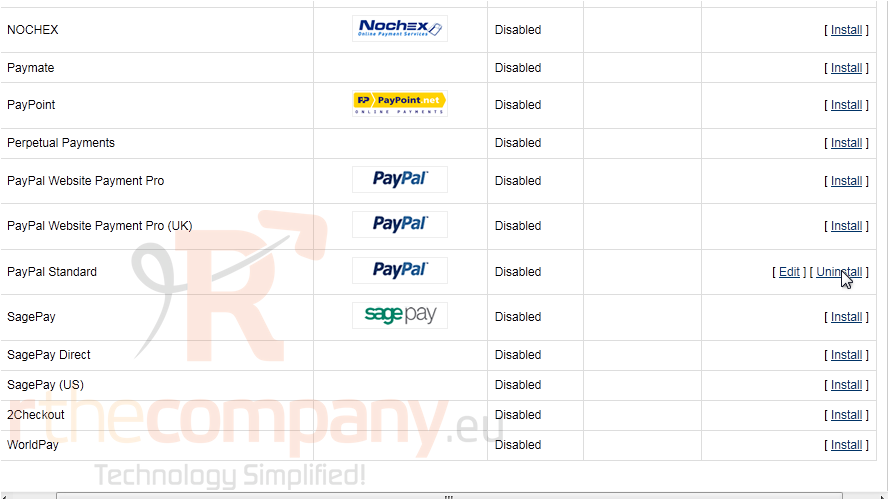
3) Click Install next to PayPal.
4) Once installed, click Edit.
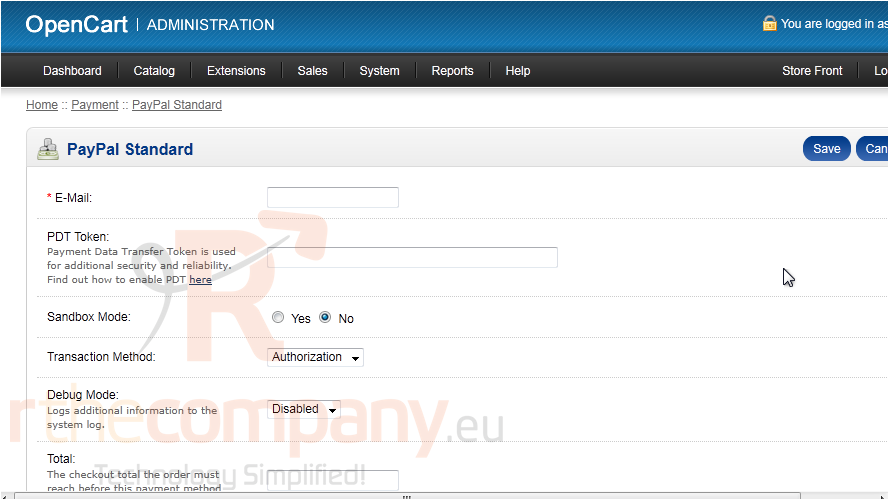
These options may vary for each payment method you decide to setup.
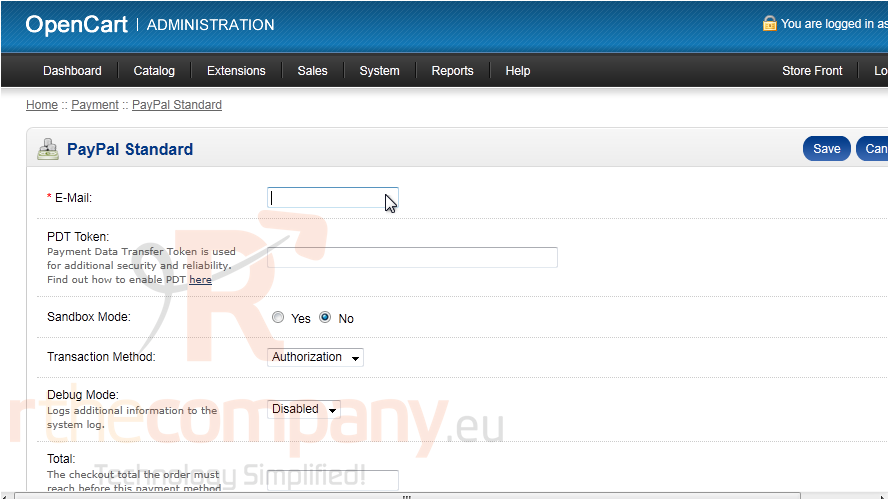
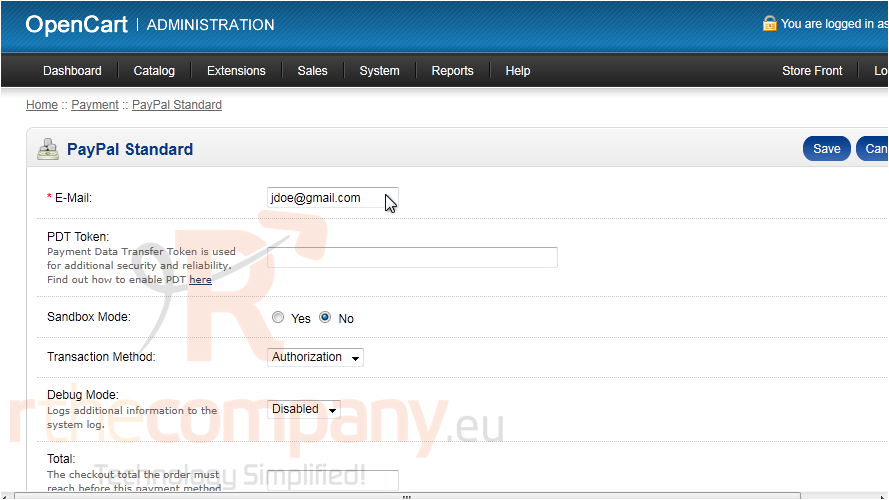
5) Enter the e-mail address for your PayPal account.
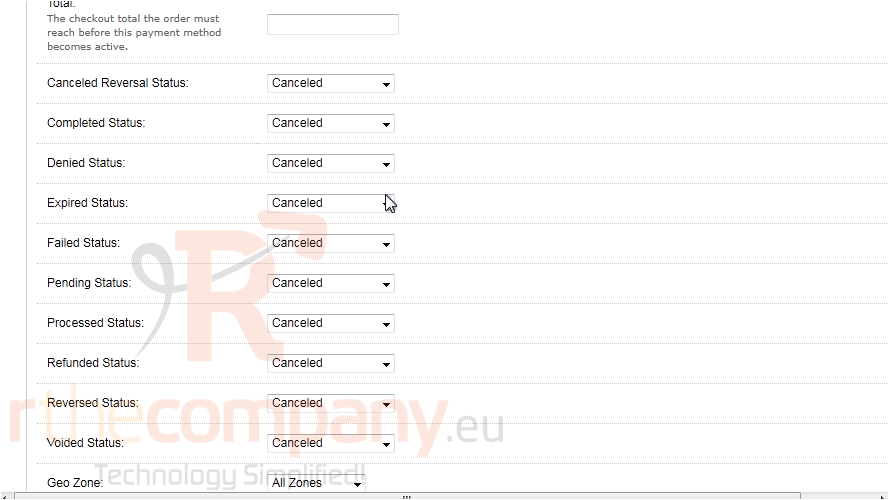
6) Set the action that should be taken for each status.
7) Click Save.
That's it! Now you know how to setup a payment method in OpenCart.
 Přidat do oblíbených
  Tisknout tento článek