Portal clienți > Biblioteca de cunoștințe > OpenCart > 8. How to configure shipping methods in OpenCart
8. How to configure shipping methods in OpenCart
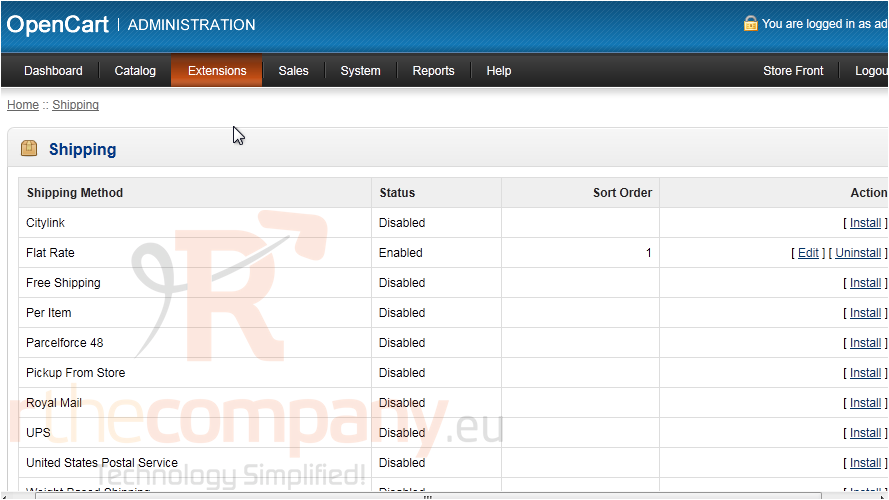
OpenCart allows you to offer several different shipping methods.
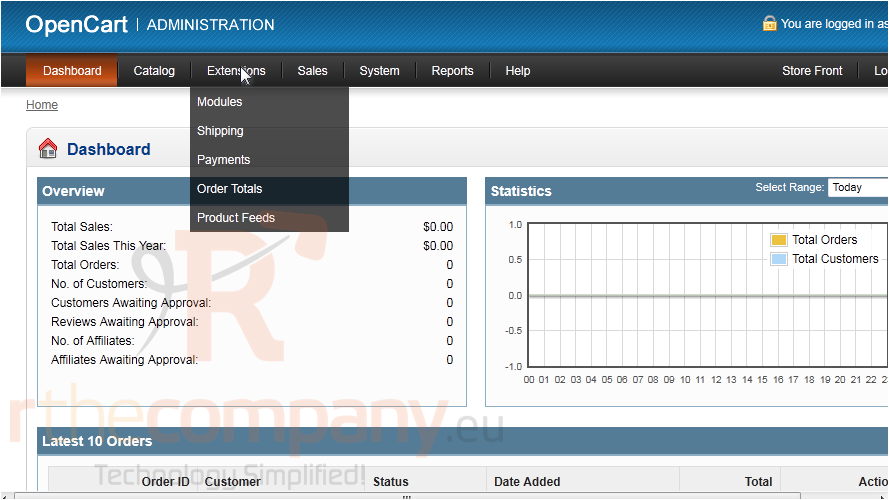
1) Go to Extensions.
2) Click Shipping.
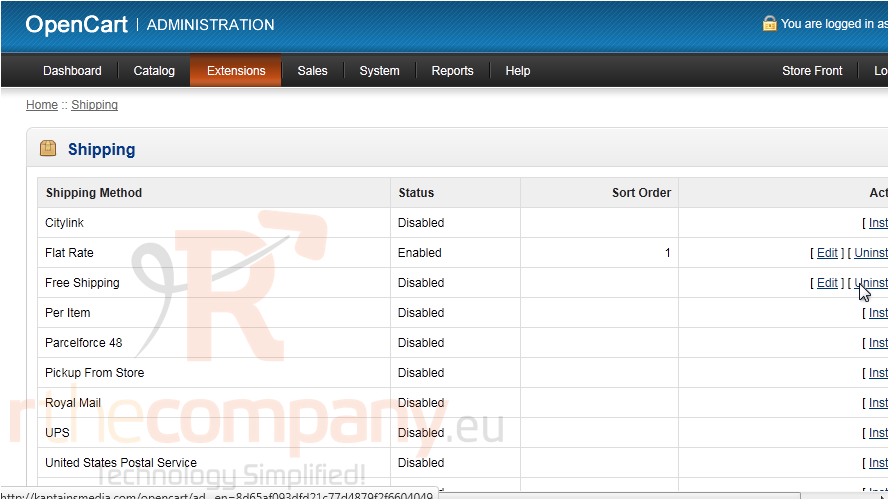
3) Click Install next to the method you want to enable.
4) Then click Edit.
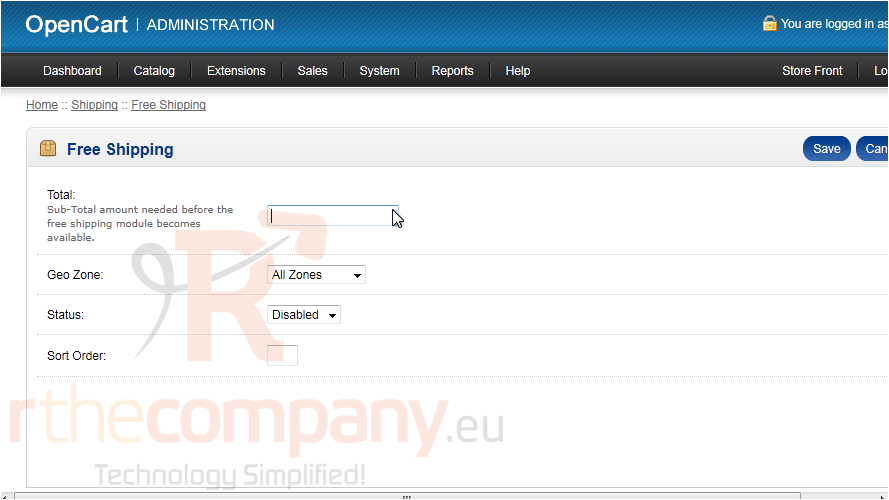
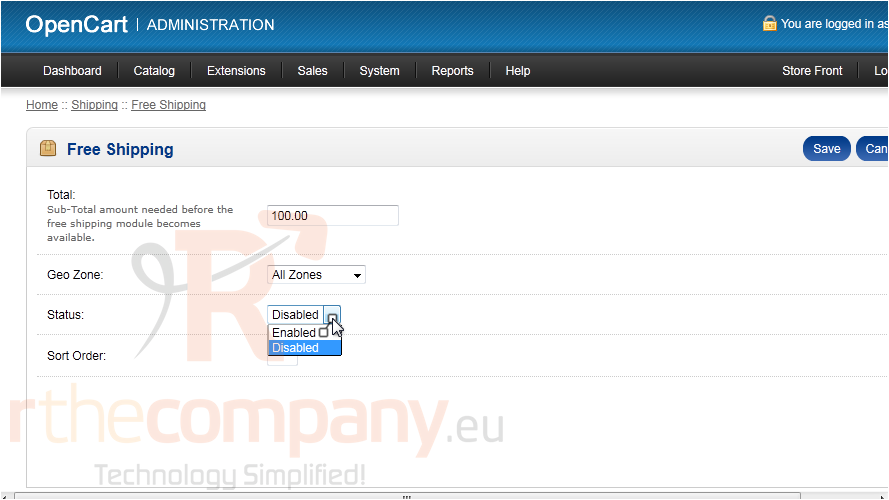
5) Enter the total amount needed before this shipping option will become available.
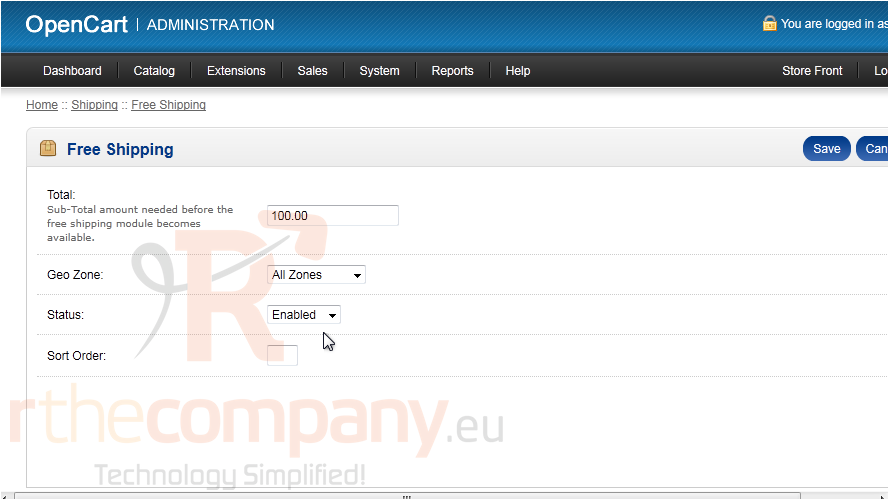
6) Set the Status to enabled.
7) Click Save.
That's it! Now you know how to setup shipping methods in OpenCart.