البوابة الرئيسية > مكتبة الشروحات > OpenCart > 12. How to send and manage newsletters in OpenCart
12. How to send and manage newsletters in OpenCart
OpenCart allows you to send out a newsletter to which your customers can choose to subscribe.
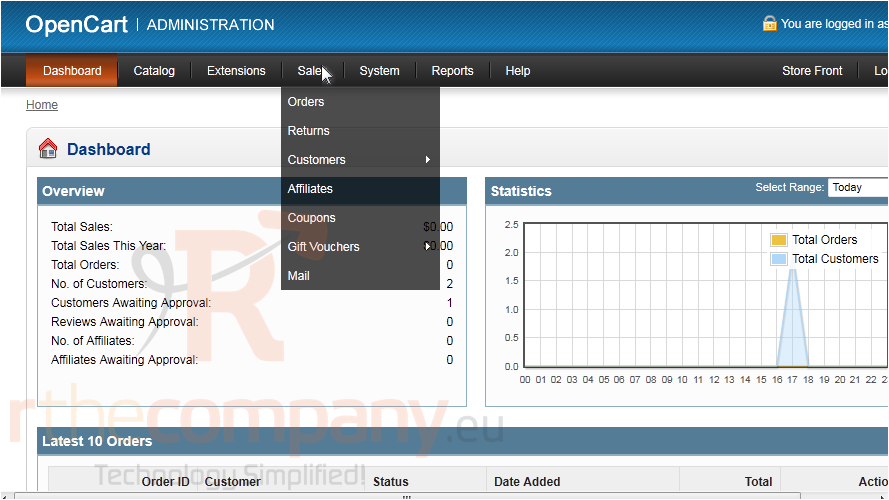
1) Go to Sales.
2) Click Mail.
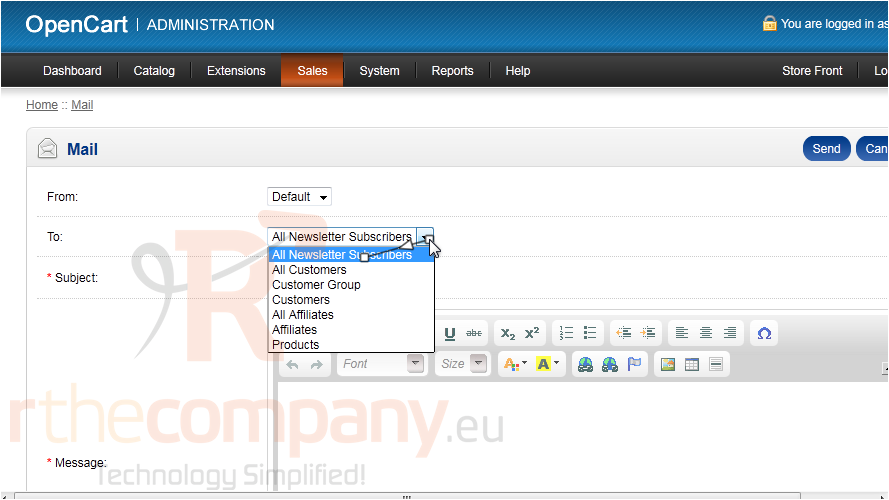
3) Select the customer group that should receive a copy of this message.
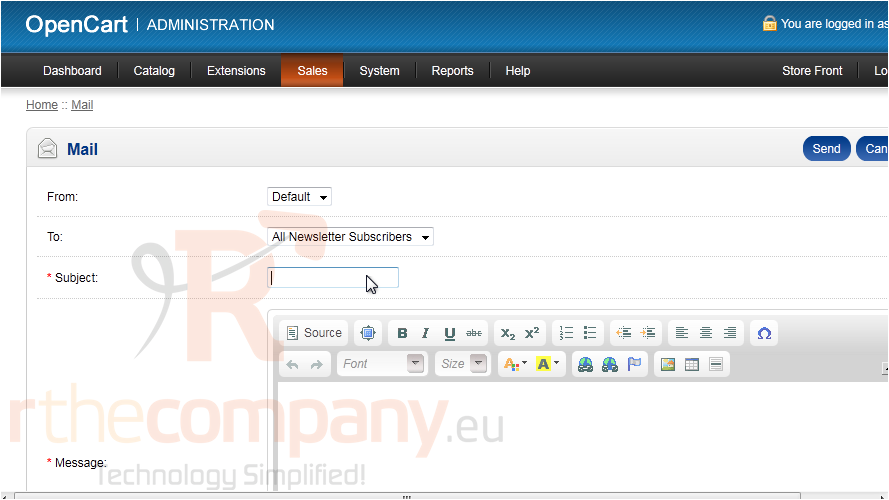
4) Type the Subject.
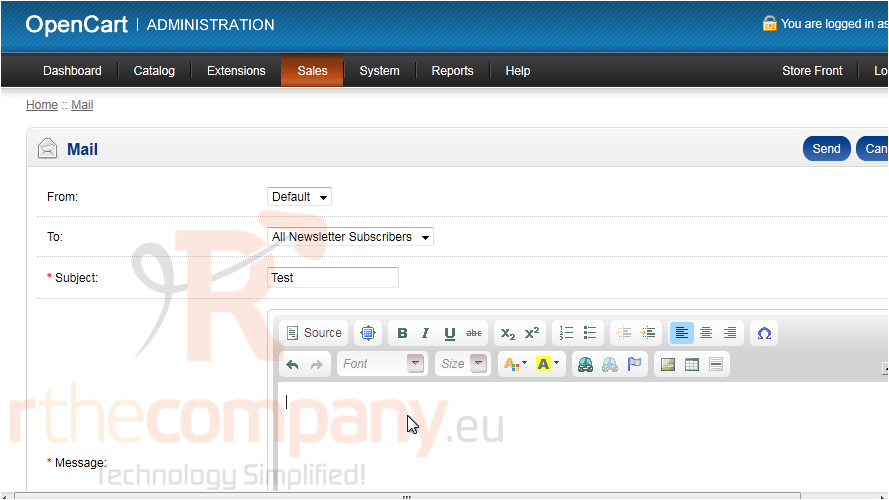
5) Type the Message here.
6) Click Send.
That's it! Now you know how to send newsletters in OpenCart.