Klantensysteem Home > Kennisbank > OpenCart > 12. How to send and manage newsletters in OpenCart
12. How to send and manage newsletters in OpenCart
OpenCart allows you to send out a newsletter to which your customers can choose to subscribe.
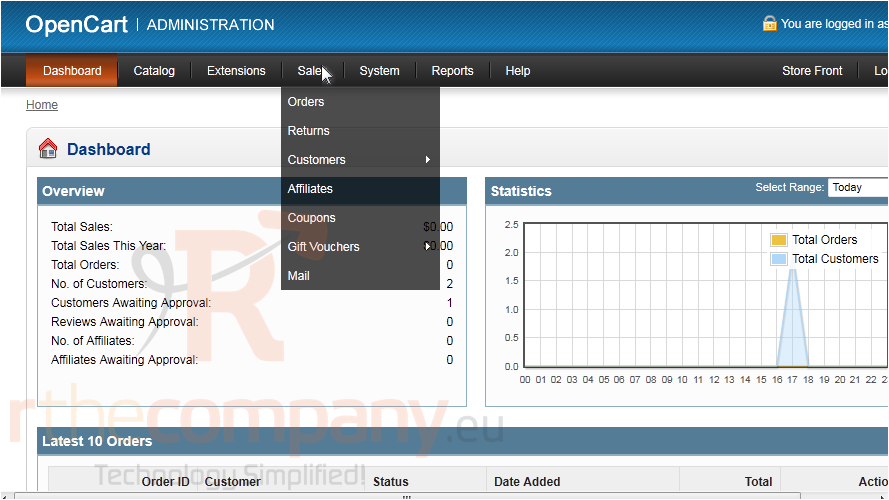
1) Go to Sales.
2) Click Mail.
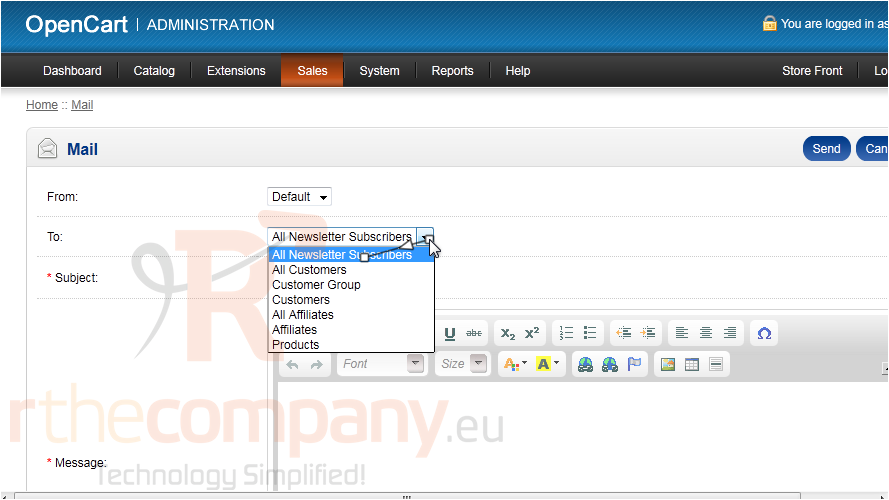
3) Select the customer group that should receive a copy of this message.
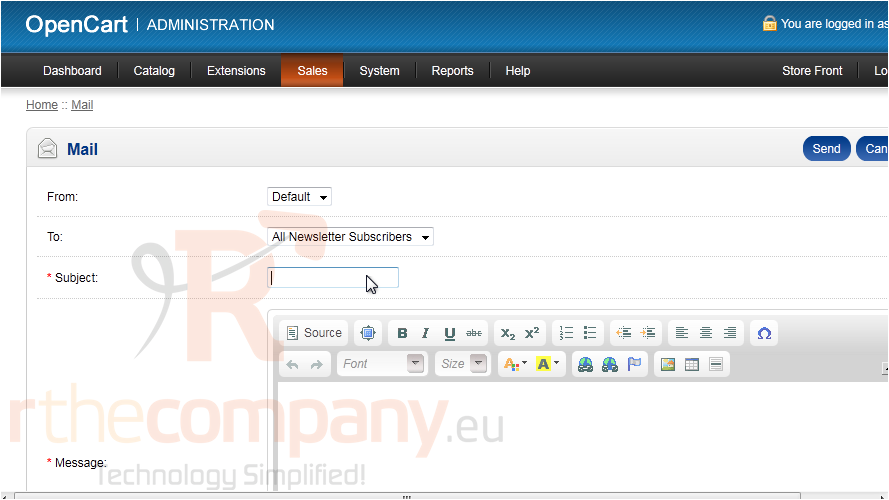
4) Type the Subject.
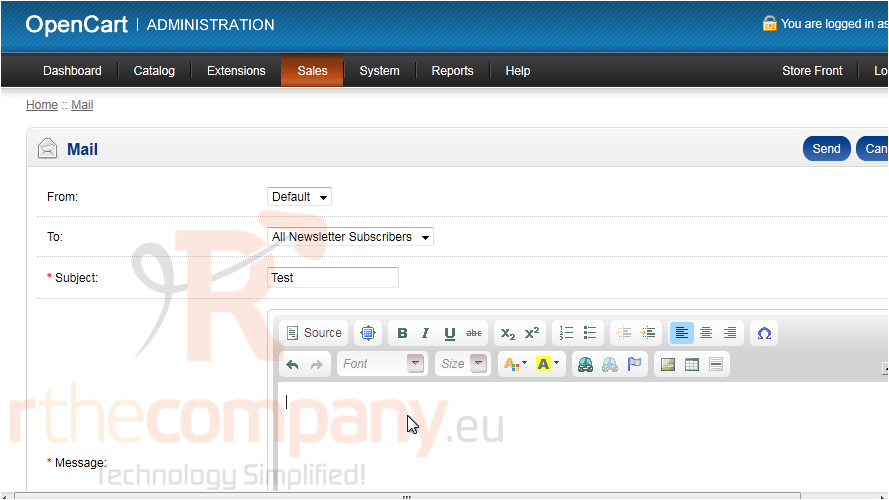
5) Type the Message here.
6) Click Send.
That's it! Now you know how to send newsletters in OpenCart.
 Aan favorieten toevoegen
  Print dit artikel