Почетна > База на знаења > osCommerce > 2. How to backup and restore your database in osCommerce
2. How to backup and restore your database in osCommerce
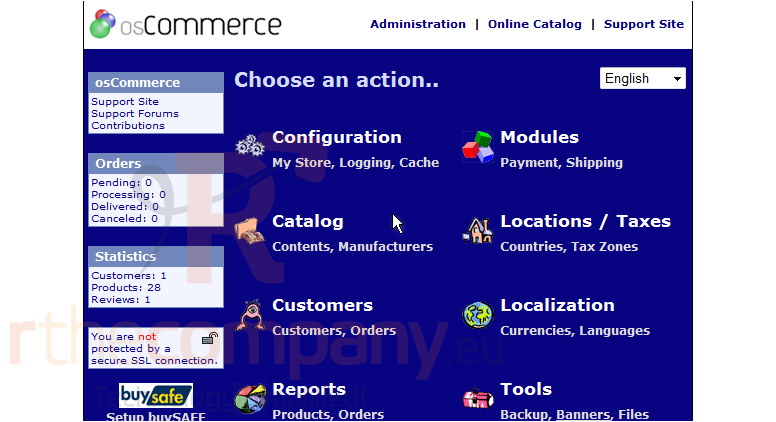
This tutorial assumes you've already logged in to osCommerce
Now let's learn how to backup and restore your database
1) Click Backup
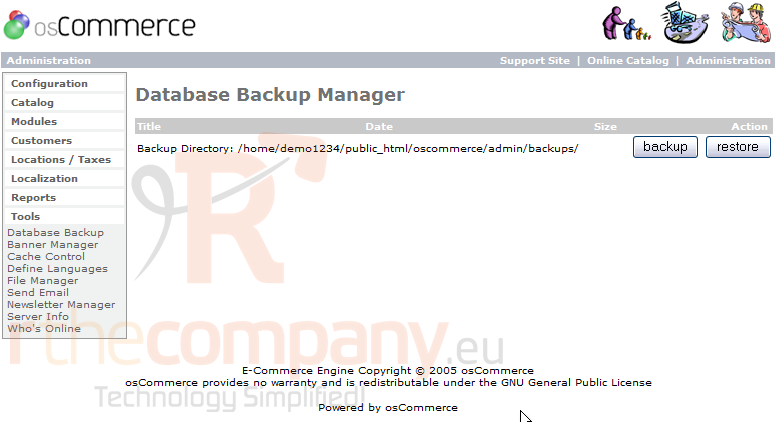
This is the Database Backup Manager, from where you can backup and restore your osCommerce database
2) Click Backup
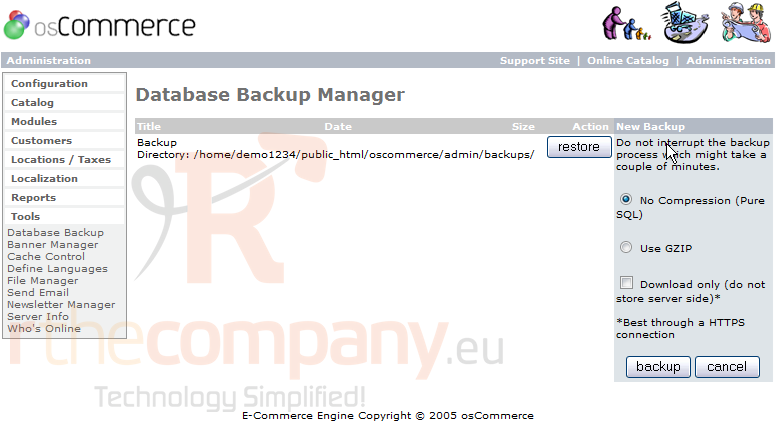
3) When ready, click Backup
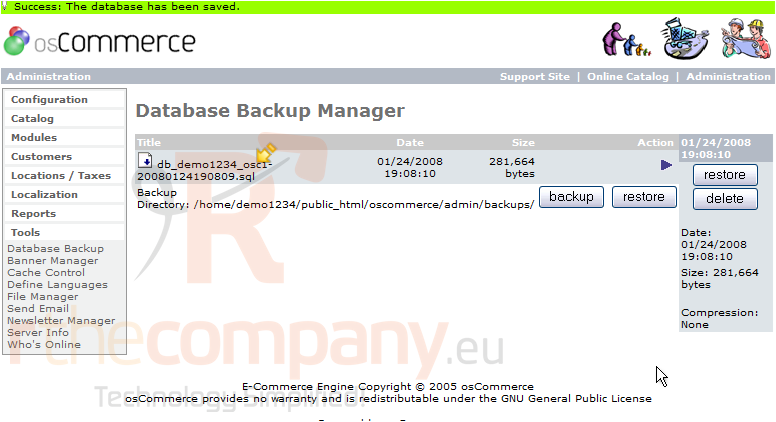
That's it! The database has been backed up as can be seen here
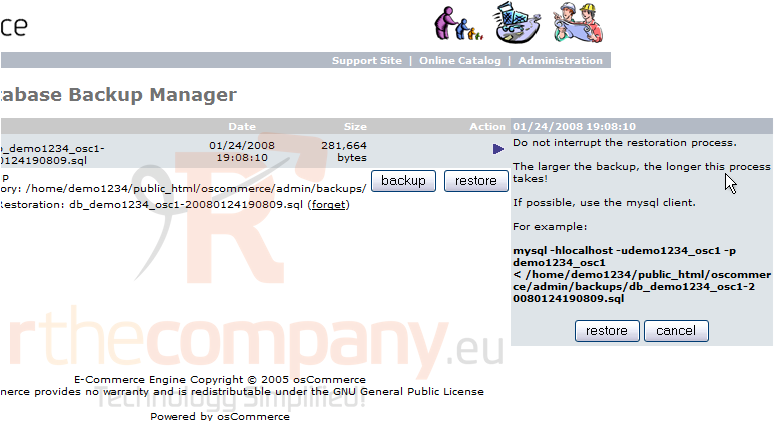
4) Now let's restore the database, click Restore
5) Click Restore again
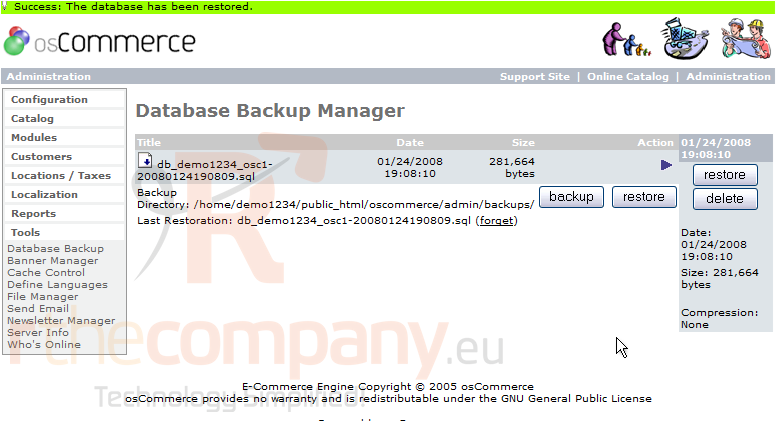
That's it! The database has been restored
This is the end of the tutorial. You should now know how to backup and restore your database in osCommerce
 Додате го во листа на фаворитни прашања
  Испечати