Portal Home > Databáze řešení > osCommerce > 13. How to send email to your customers from osCommerce
13. How to send email to your customers from osCommerce
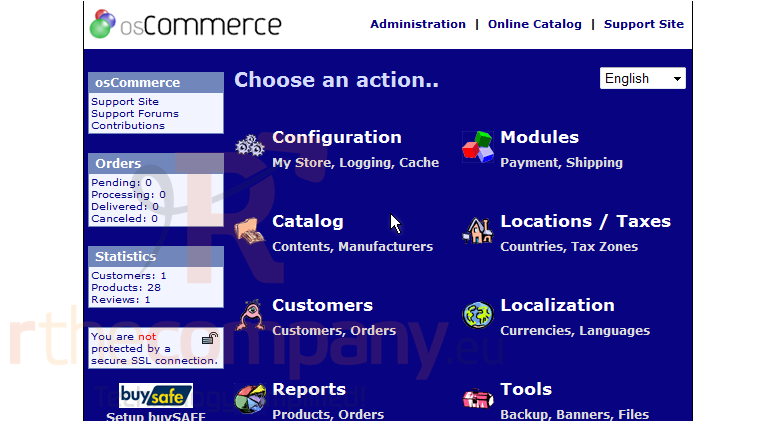
This tutorial assumes you've already logged in to osCommerce
Now let's learn how to send email to our customers
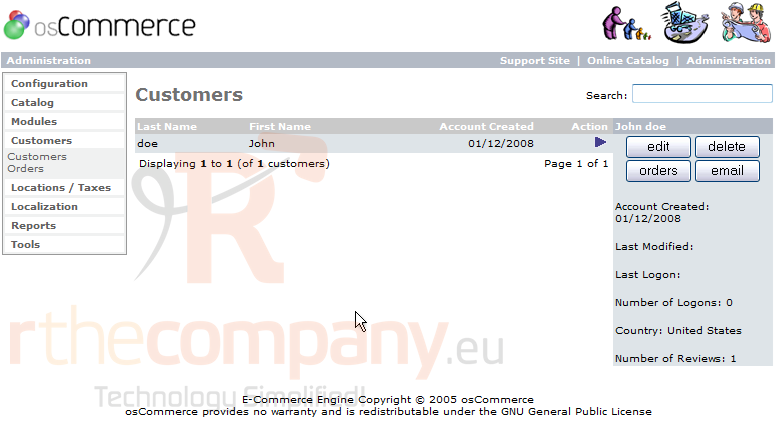
1) Click Customers
2) Ensure the customer is selected here (otherwise click the customer's name to select)
3) Then click Email
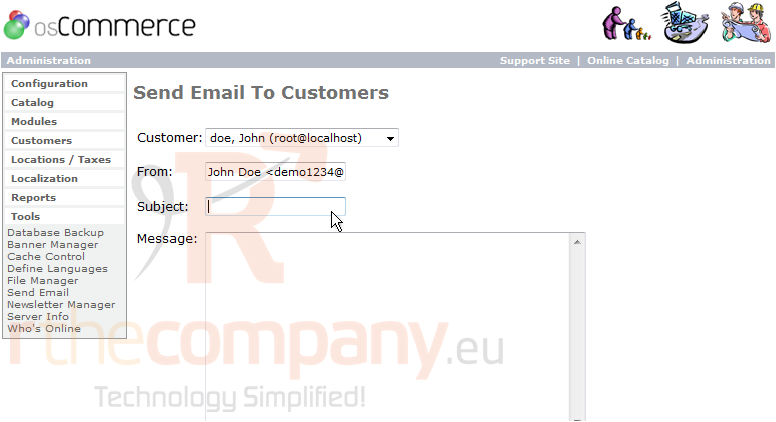
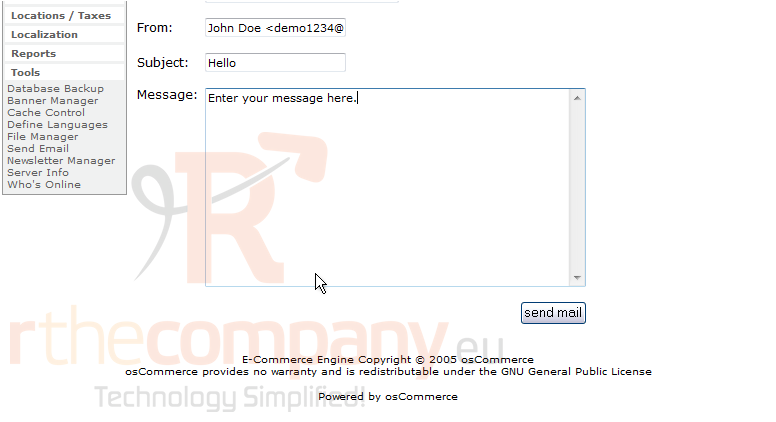
4) Enter the Subject of the email here
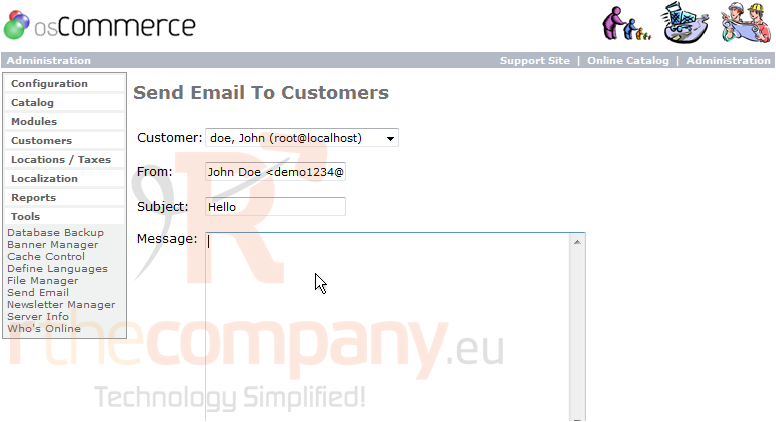
5) Enter the body of the message here
6) Click Send mail
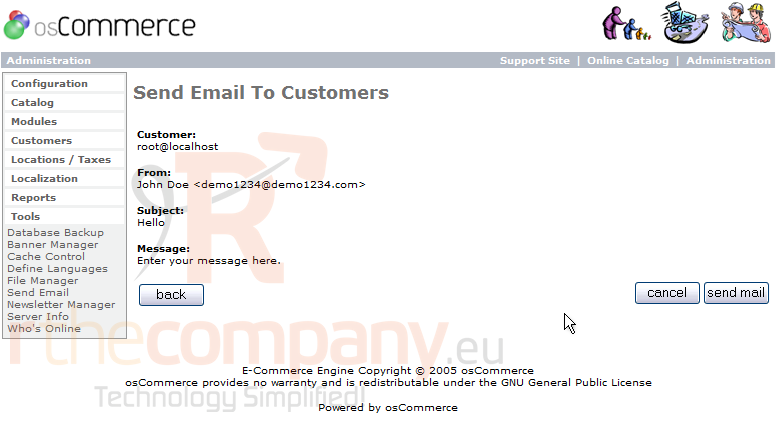
7) This is a preview of the email we are sending. Click Send mail
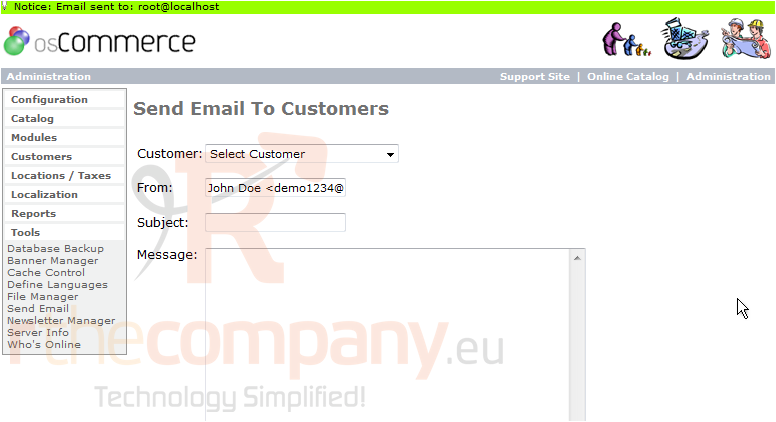
That's it! The email has been sent to the customer
This is the end of the tutorial. You now know how to send email in osCommerce
 Přidat do oblíbených
  Tisknout tento článek