Почетна > База на знаења > osCommerce > 12. How to manage your customers in osCommerce
12. How to manage your customers in osCommerce
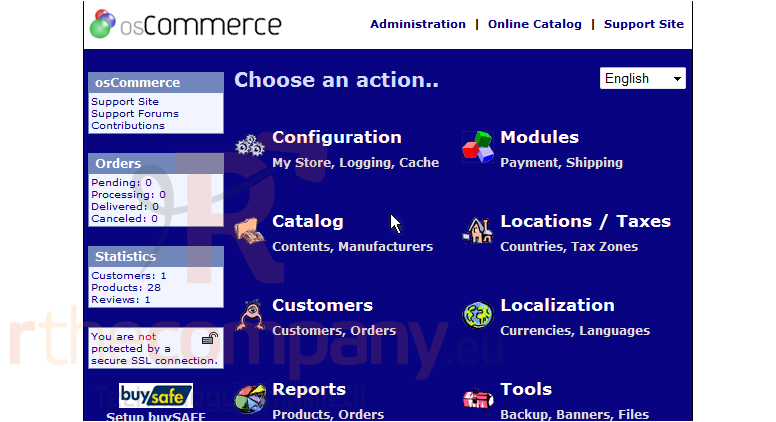
This tutorial assumes you've already logged in to osCommerce
Now let's learn how to manage your customers
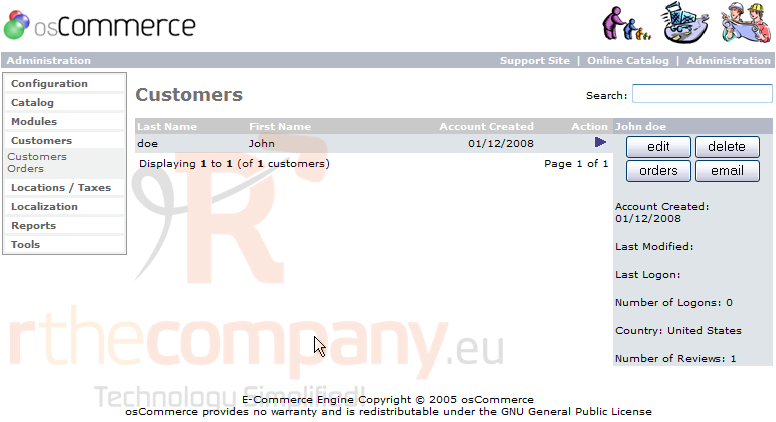
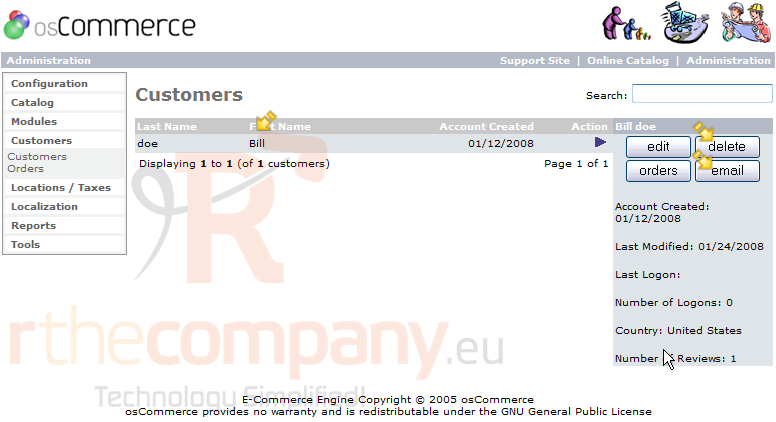
1) Click Customers
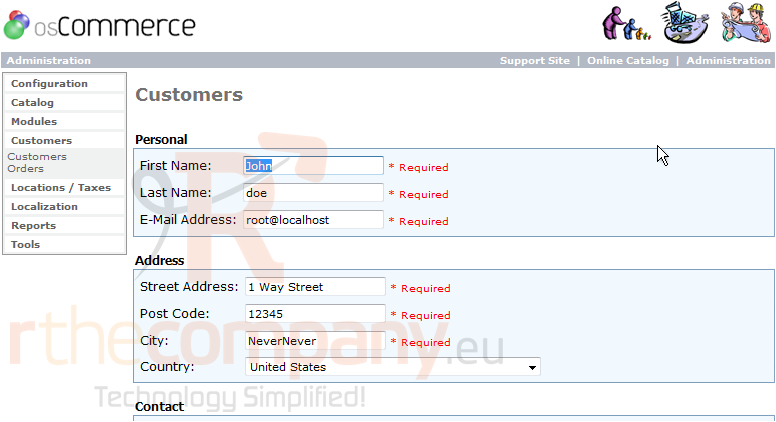
2) With the customer selected, click Edit
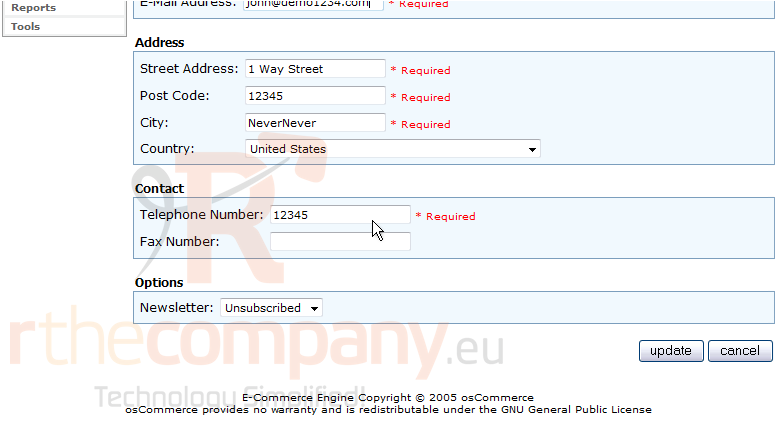
3) Now let's change a few details about this customer
4) Click Update
That's it! The customer has been edited. We can delete the customer by clicking here. Or send him an email by clicking here
This is the end of the tutorial. You now know how to manage your customers in osCommerce
 Додате го во листа на фаворитни прашања
  Испечати