Azerbaijan Hosting Provider > Məlumat bazası > PrestaShop > 2. How to backup and restore your database in PrestaShop
2. How to backup and restore your database in PrestaShop
It's important to make regular backups of your site, so let's learn how to do that now.
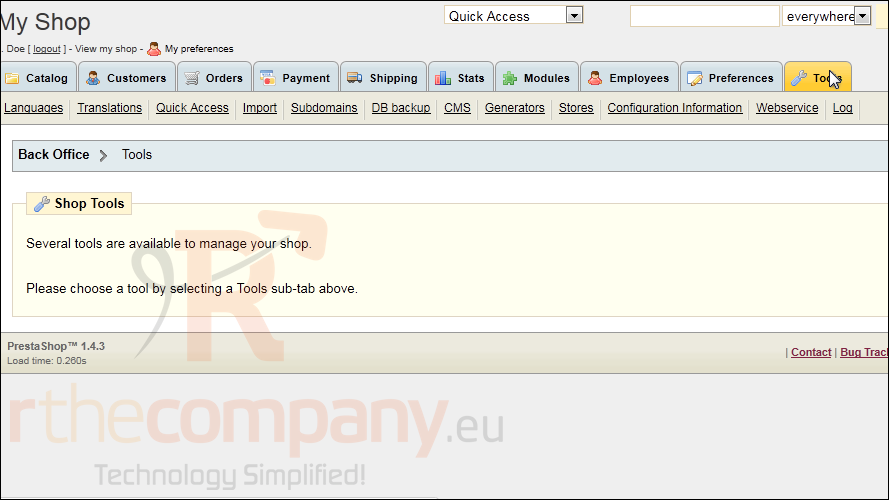
1) Go to Tools.
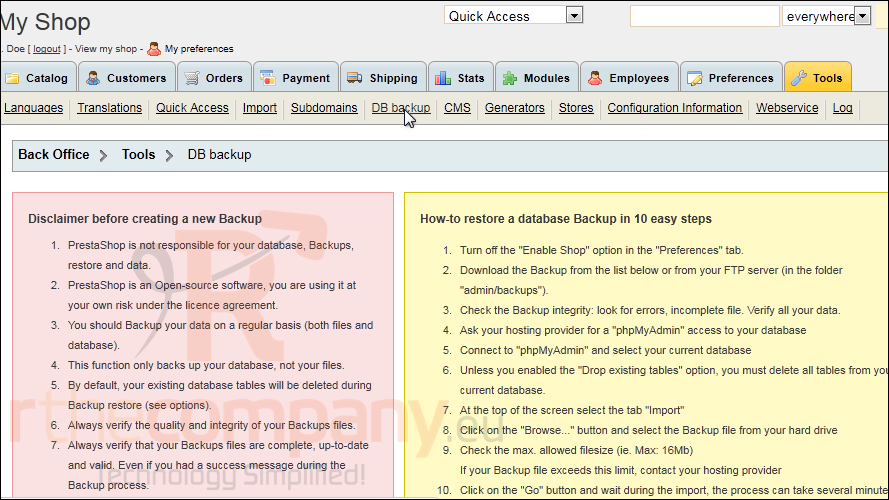
2) Click DB Backup.
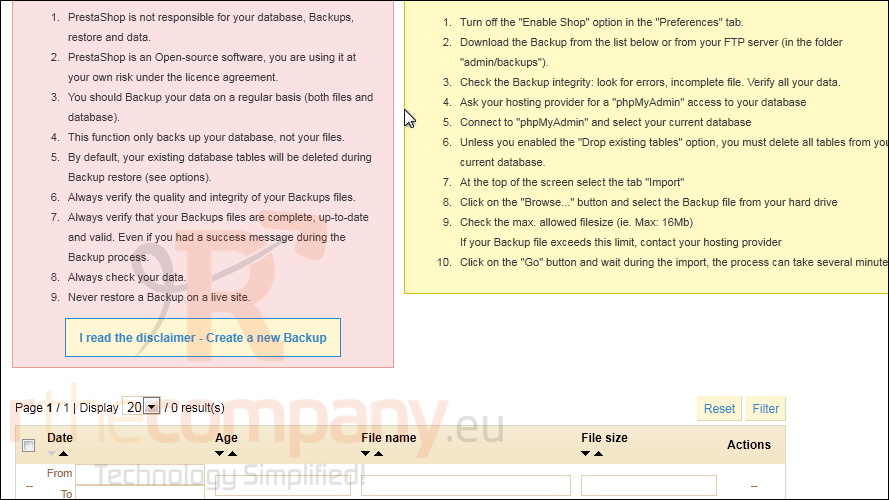
3) Click this button to continue.
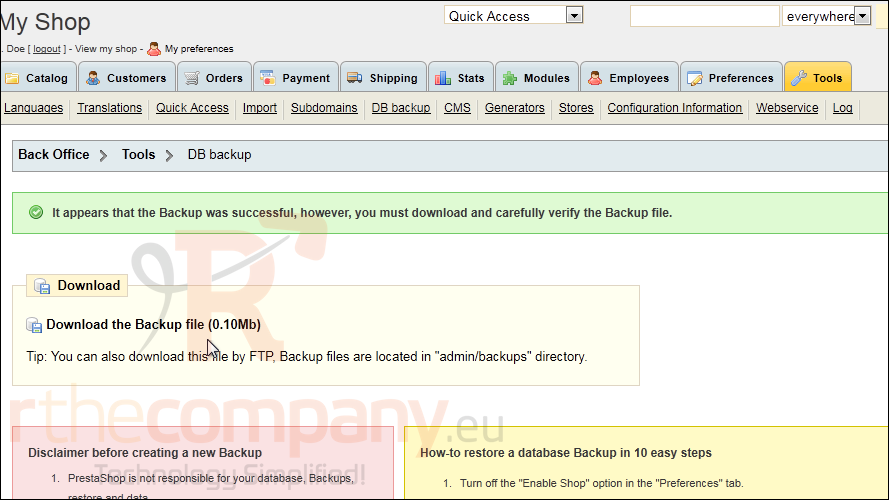
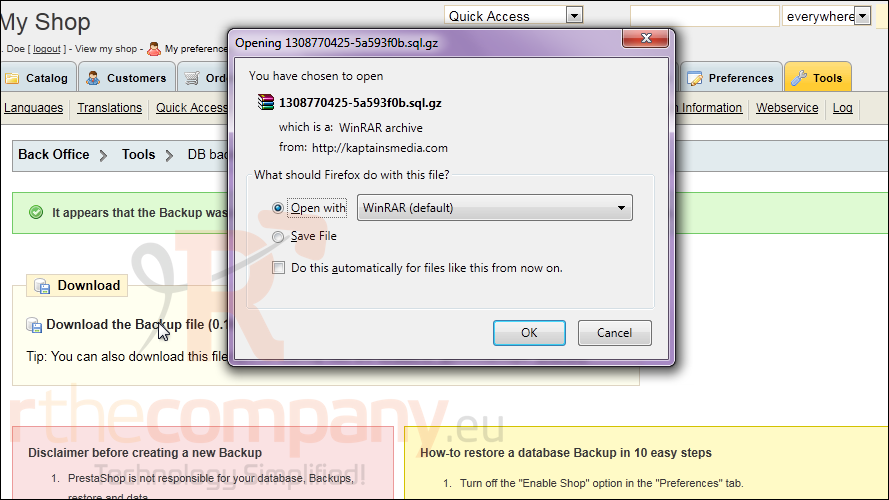
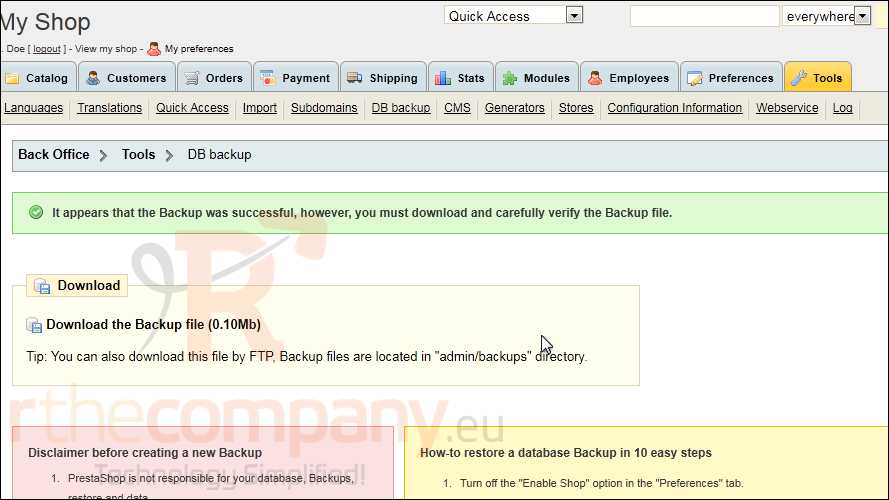
4) The backup file has been created, so click this link to download it.
5) Choose to save the file and click OK.
Now let's see how to restore a backup file.
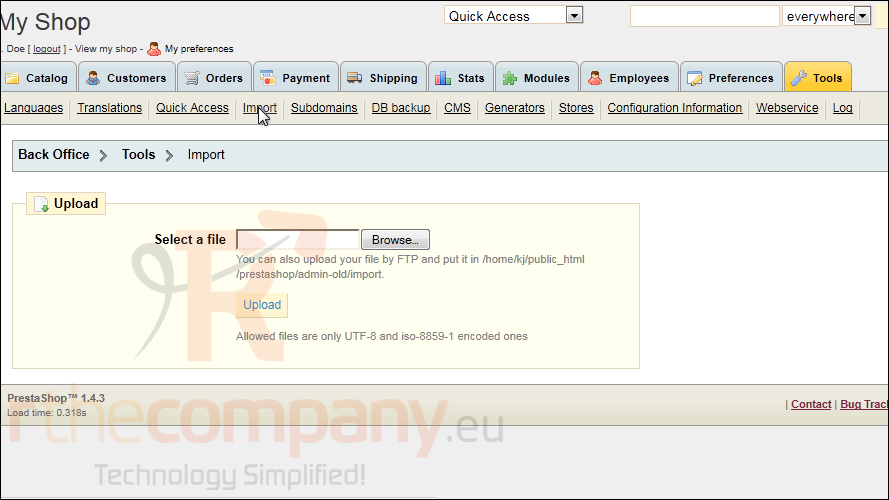
6) Click Import.
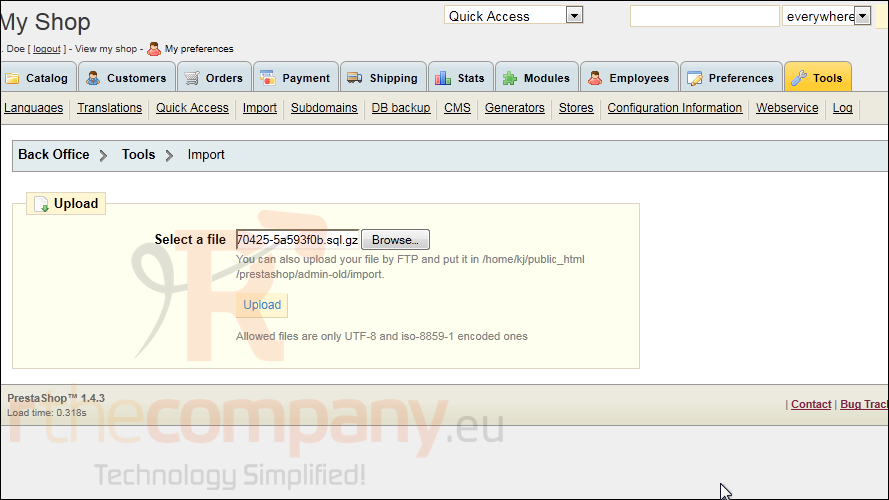
7) Click Browse.
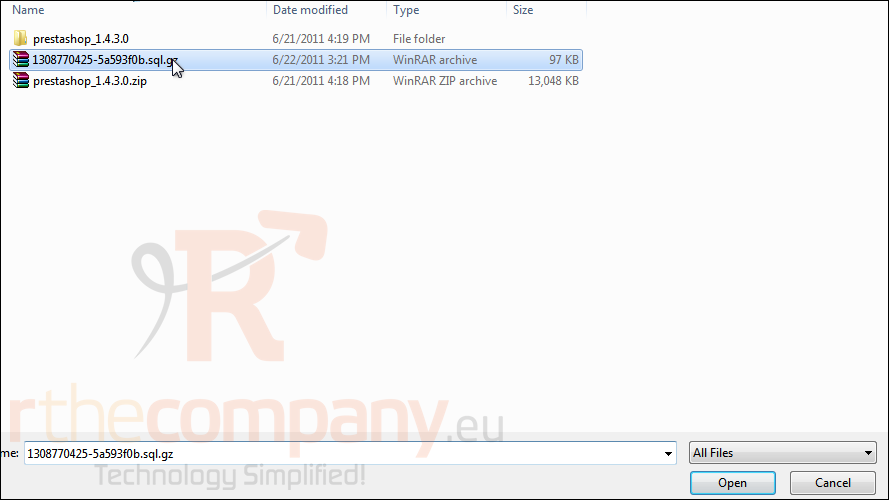
8) Select your backup file and click Open.
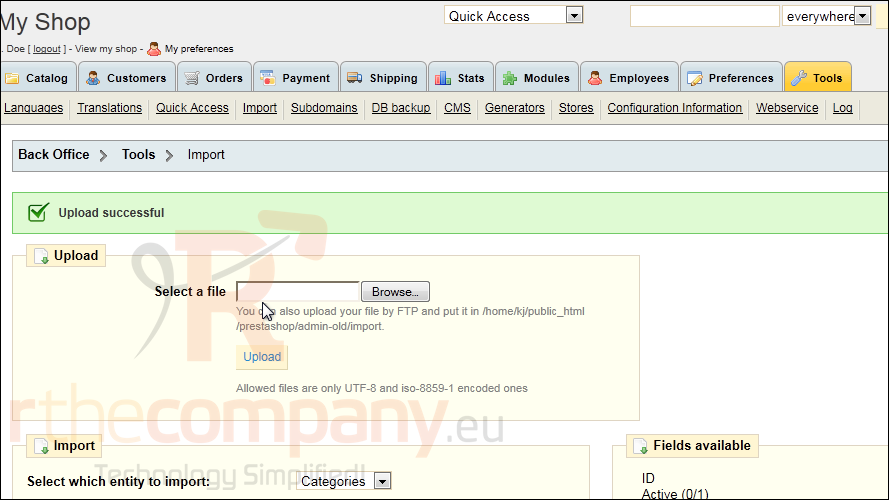
9) Click Upload.
That's it! Now you know how to backup and restore PrestaShop.
 Seçilmişlərə əlavə et
  Məqaləni çap et