客戶系統 > 知識庫 > PrestaShop > 7. How to configure payment methods in PrestaShop
7. How to configure payment methods in PrestaShop
PrestaShop allows you to accept many different payment methods. Let's see how to setup PayPal.
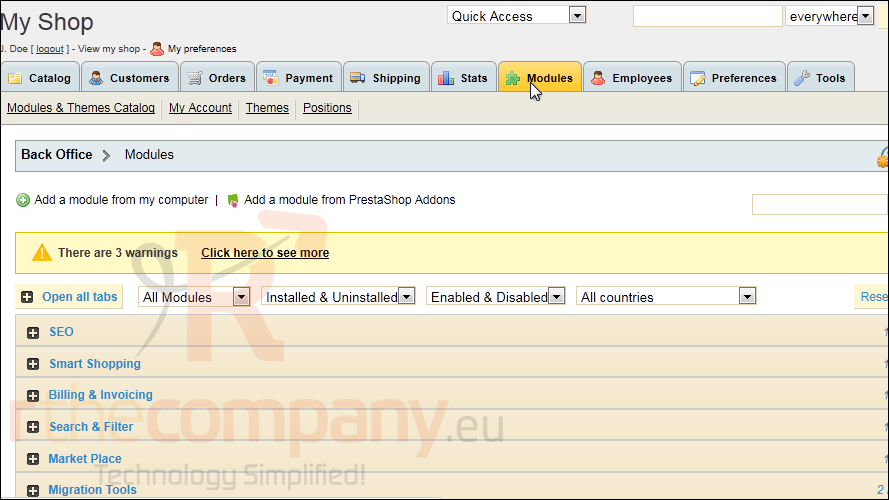
1) Go to Modules.
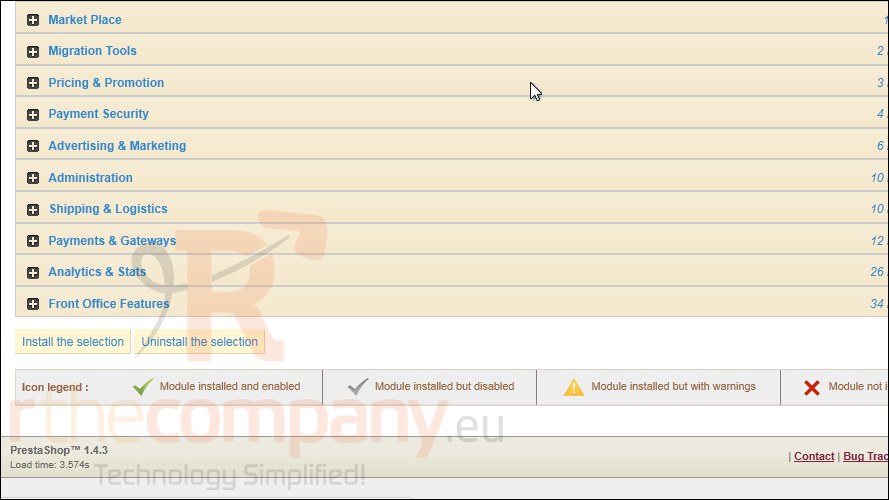
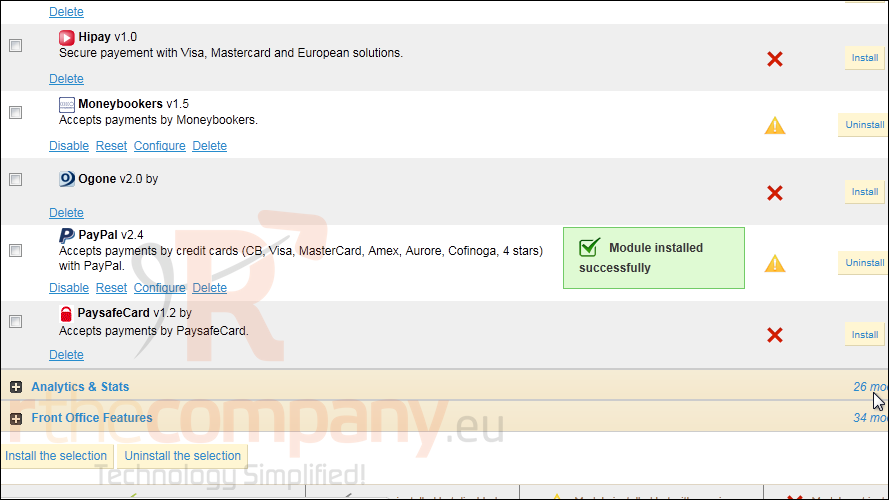
2) Scroll down until you find Payments and Gateways.
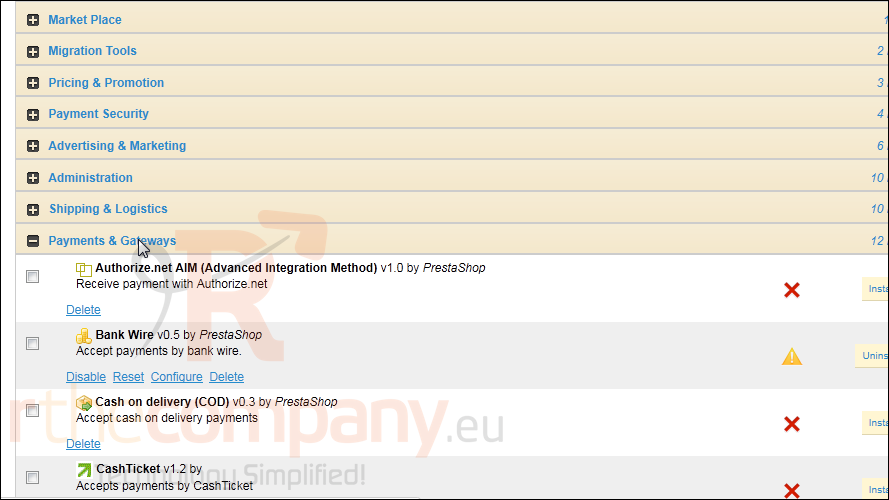
3) Click to expand the list.
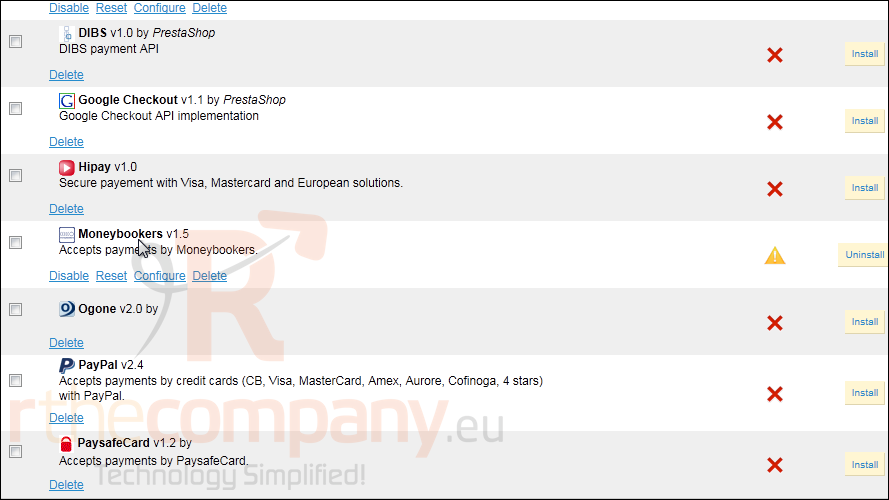
4) Click Install next to PayPal.
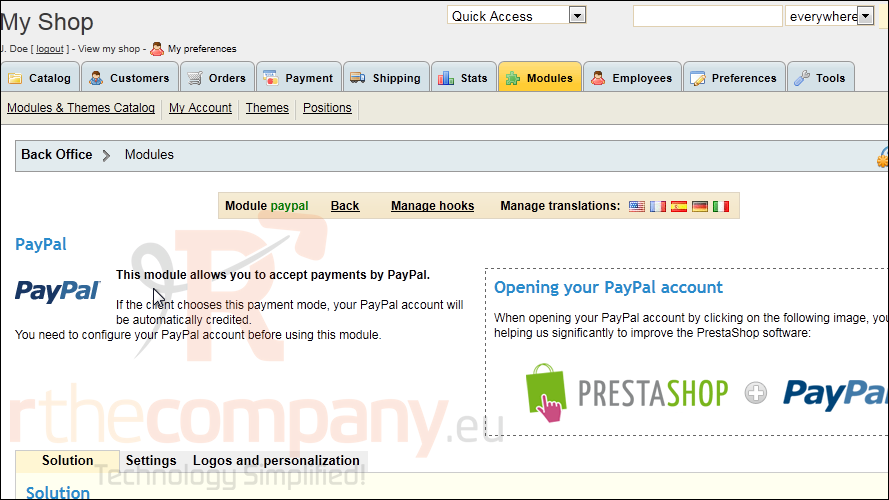
5) After the module has installed, click Configure.
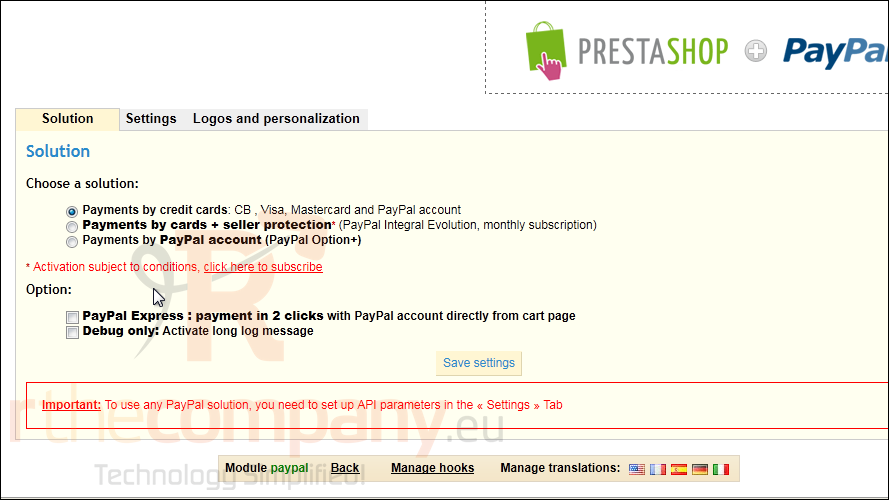
These options may vary for each payment method you decide to setup.
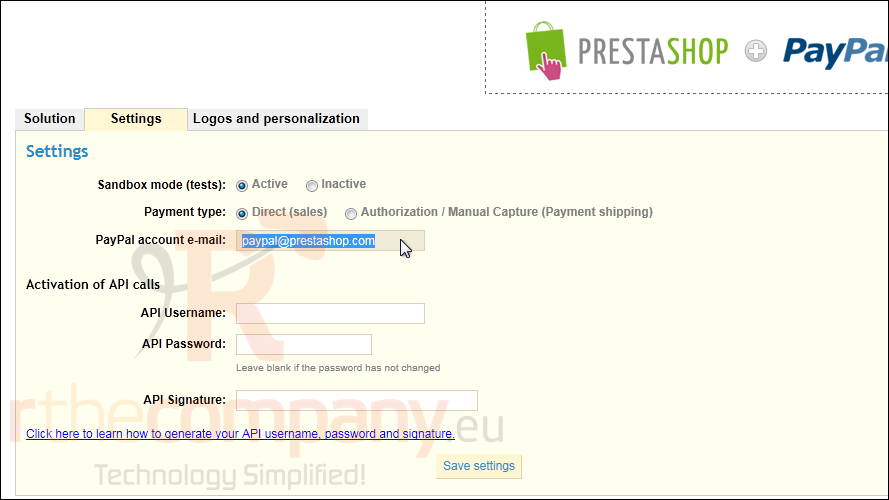
6) Click the Settings tab.
7) Enter the e-mail address associated with your Paypal account.
8) Click Save Settings.
That's it! Now you know how to setup a payment method in PrestaShop.