اعضا > مرکز آموزش > Parallels Plesk 11: reseller > 10. How to change a customer's login info in Plesk
10. How to change a customer's login info in Plesk
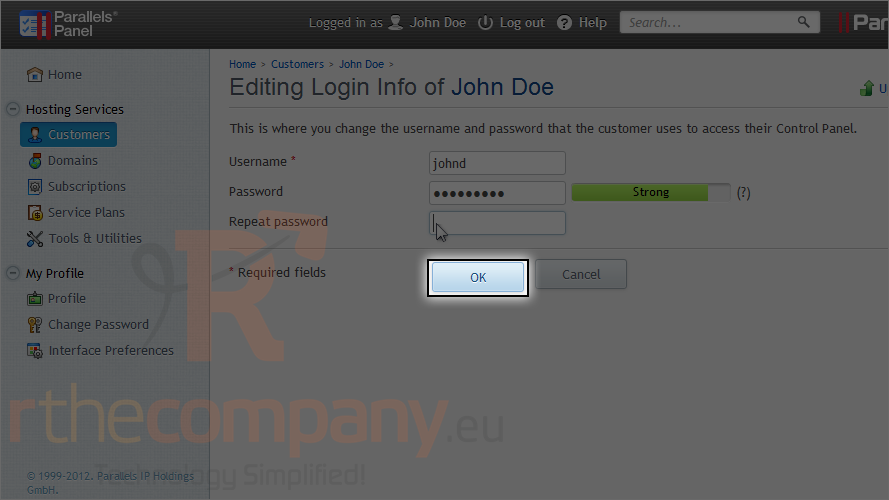
If you need to change a customer's login information in Plesk, follow these steps.
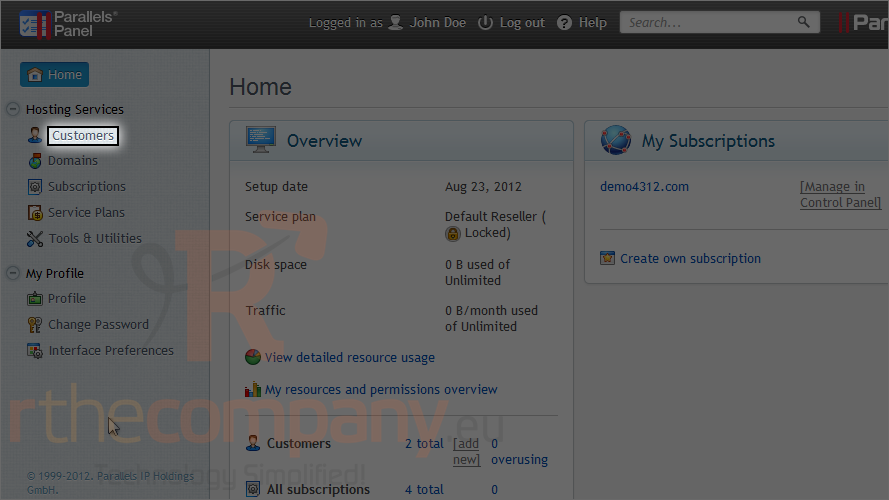
1) Click customers.
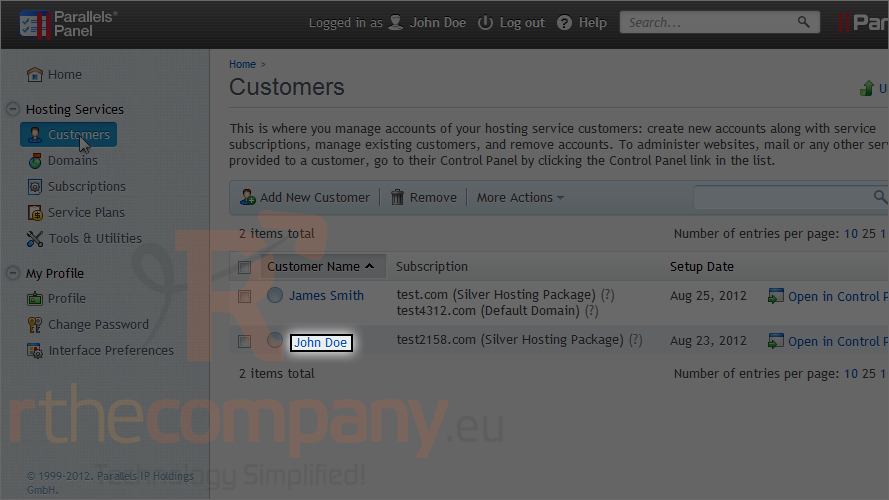
2) Click on a customer's name.
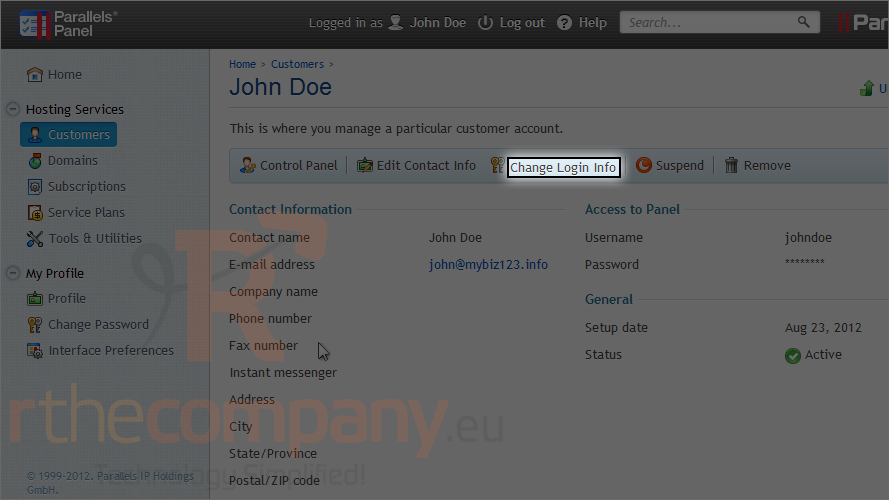
3) Click change login info.
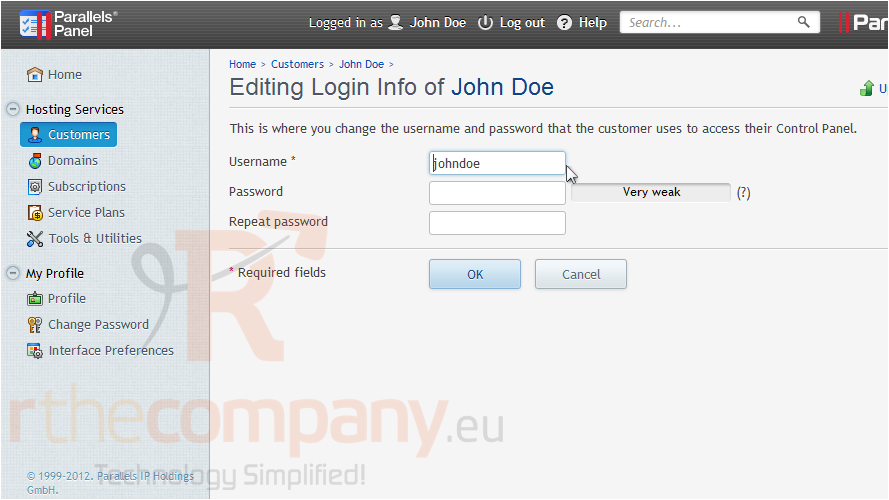
4) Type new information in these boxes.
5) Click ok.
That's all you have to do! The credentials that the customer uses to log in to his Plesk account have been updated.
This is the end of the tutorial. Now you know how to change a customer's login info in Plesk.
 افزودن به مورد علاقه ها
  پرینت این مقاله