客戶系統 > 知識庫 > Parallels Plesk 11: reseller > 11. How to access a subscriber's control panel in Plesk
11. How to access a subscriber's control panel in Plesk
At some point in time, you may need to access your customer's control panel, so let's see how to do that.
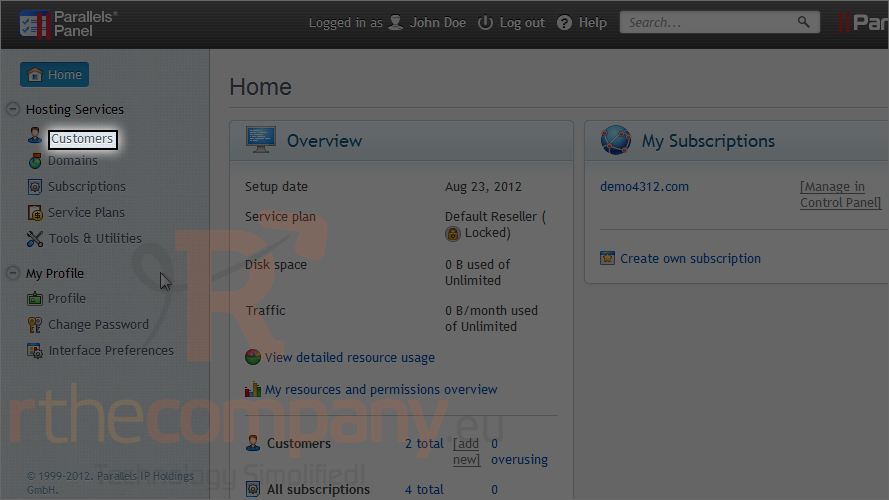
1) Go to customers.
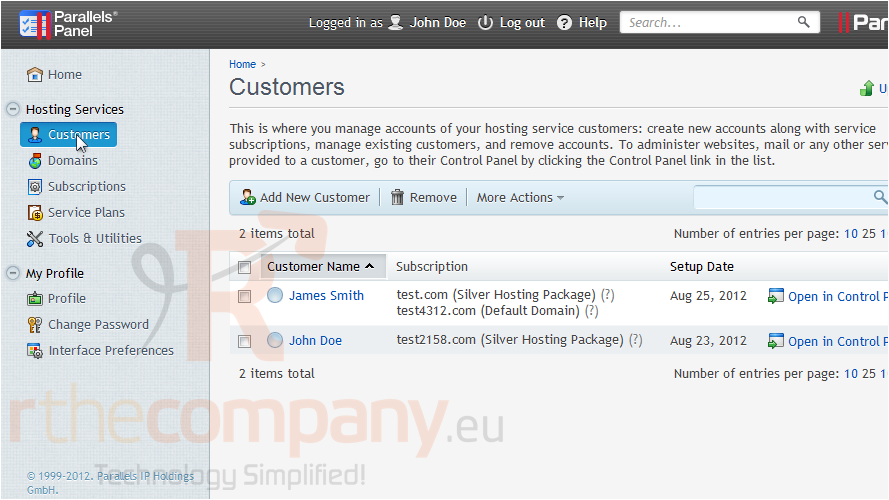
2) Click on a customer's name.
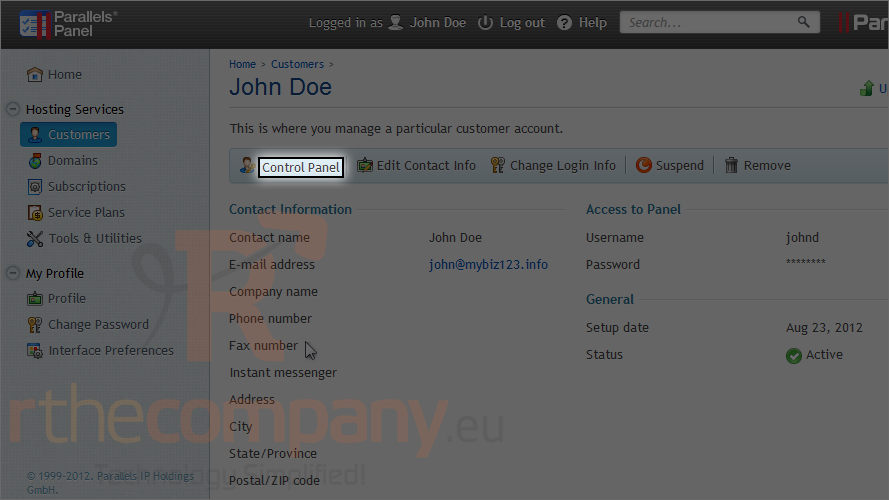
3) Click control panel.
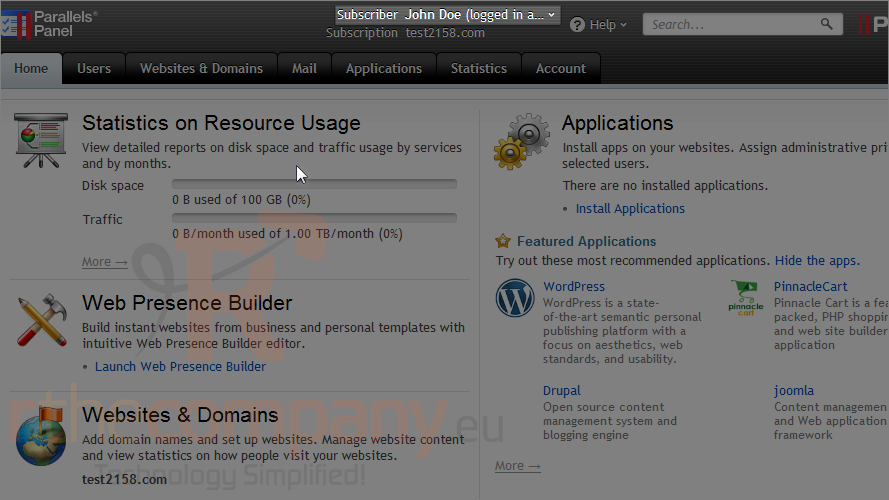
Notice that it indicates we're logged in as our reseller account next to the subscriber's name.
And you're there!
For detailed information on how to use this panel, please watch the end-user series.
This is the end of the tutorial. Now you know how to access a subscriber's control panel in Plesk.