Support > Wissensdatenbank > Parallels Plesk 11: reseller > 12. How to change a subscription's plan and add-ons in Plesk
12. How to change a subscription's plan and add-ons in Plesk
After you have created a subscription, you can easily change the plan and add-ons associated with it.
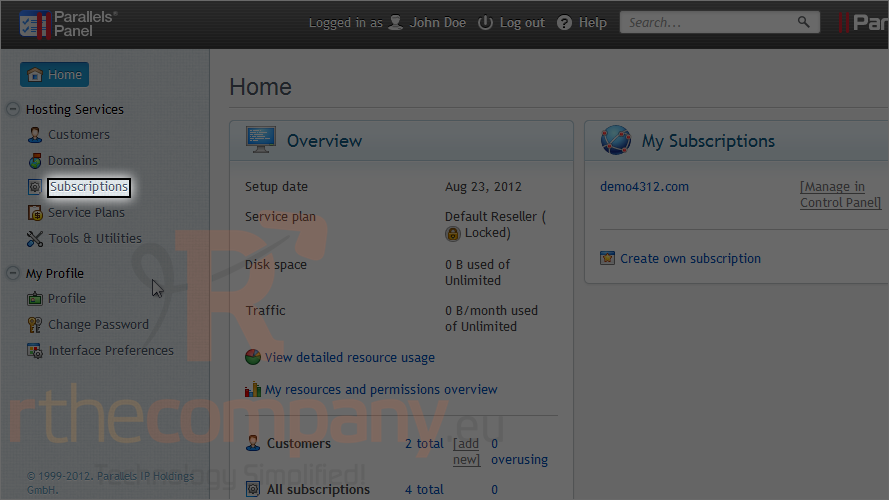
1) Go to subscriptions.
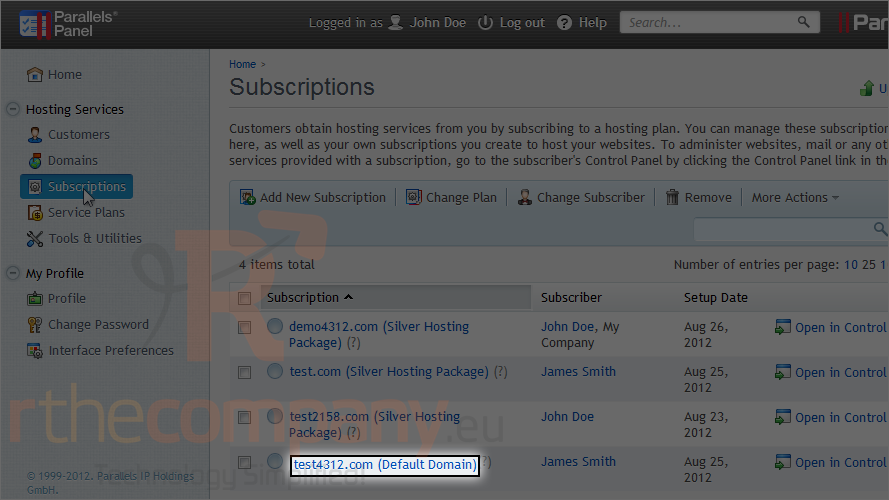
2) Click the subscription.
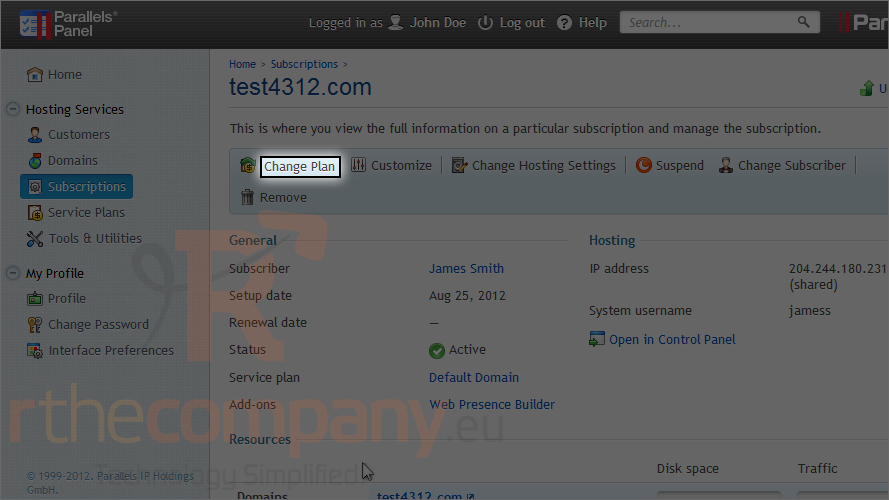
3) Click change plan.
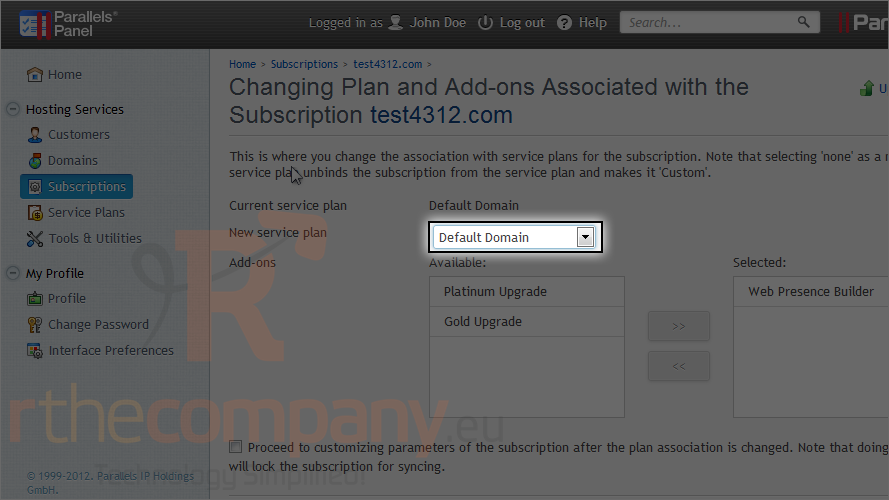
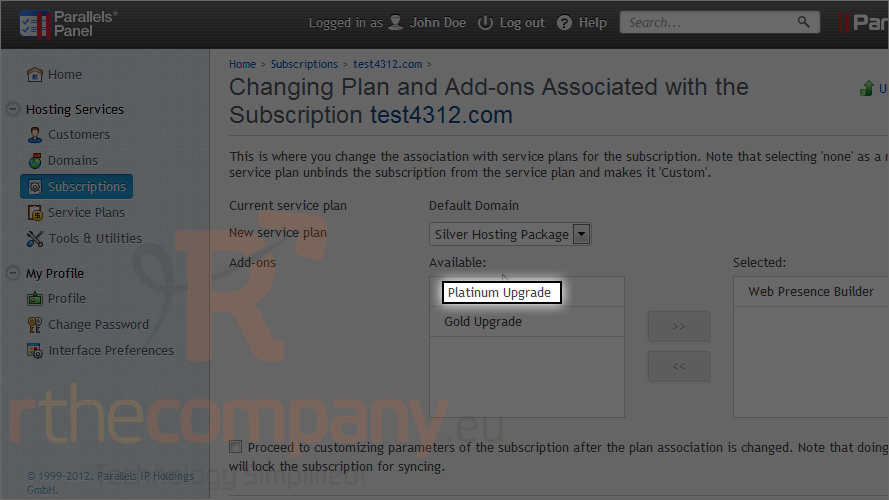
4) Choose the new service plan from the menu.
If you select "None" the subscription will be unbound from its plan and you will be given the opportunity to create a completely custom set of recources and services instead.
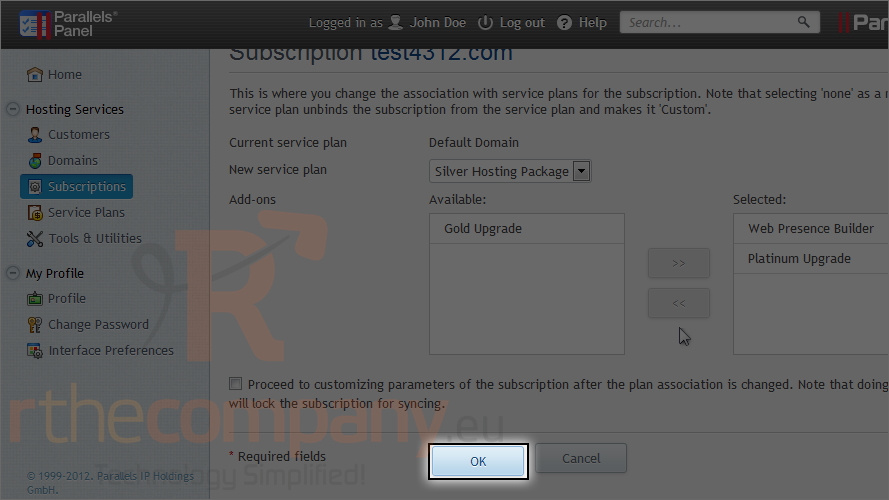
5) Add or remove add-ons here.
6) Click ok.
This is the end of the tutorial. Now you know how to change a subscription's plan and add-ons.
 Zu Favoriten hinzufügen
  Artikel drucken