Головна > База знань > Parallels Plesk 11: reseller > 13. How to customize a subscription in Plesk
13. How to customize a subscription in Plesk
Customizing a subscription can be useful if you want to offer features exclusive to the specific subscription.
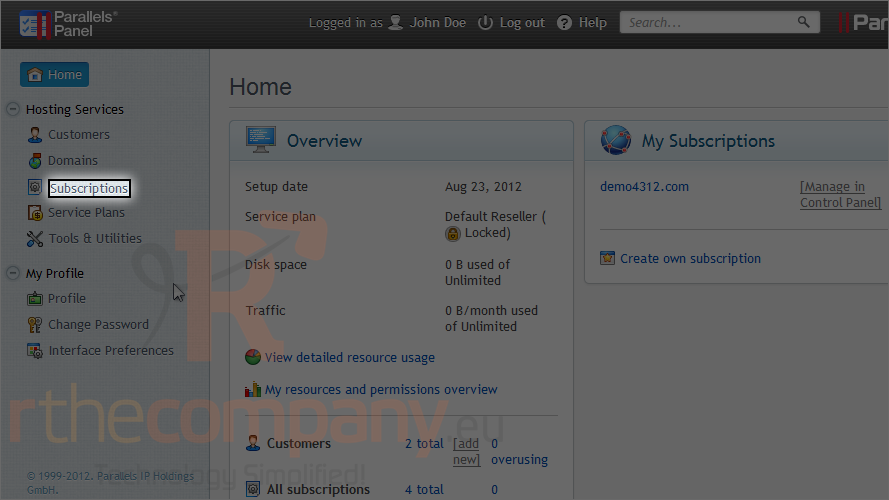
1) To do this, go to subscriptions.
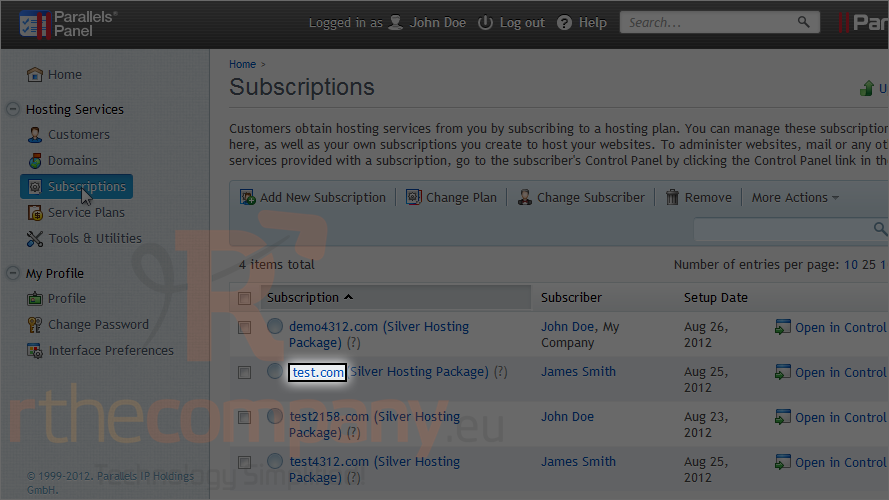
2) Choose a subscription.
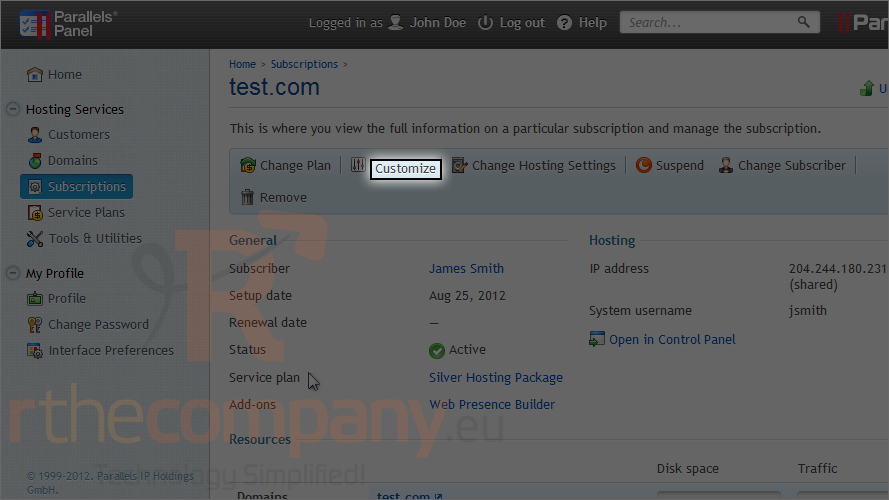
3) Click customize.
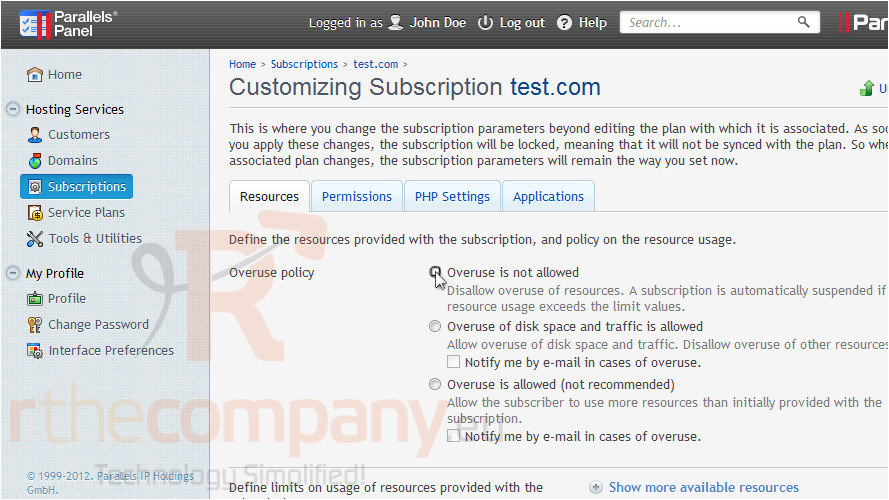
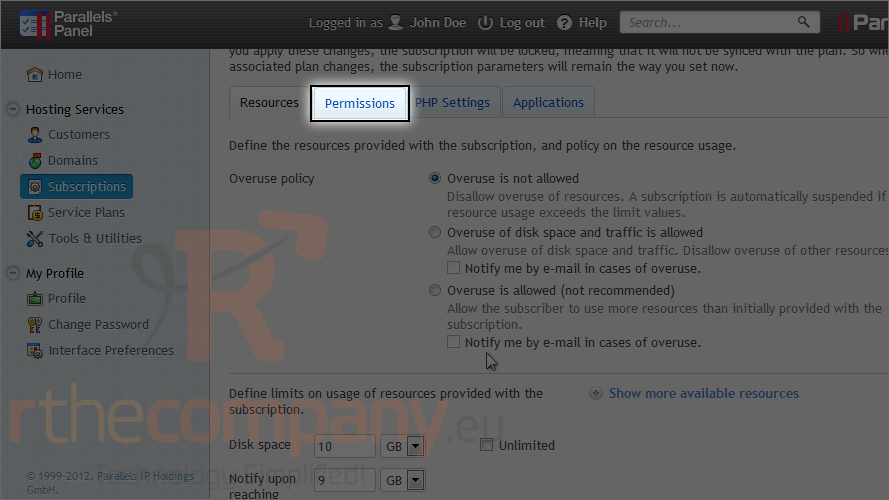
4) Choose the new settings.
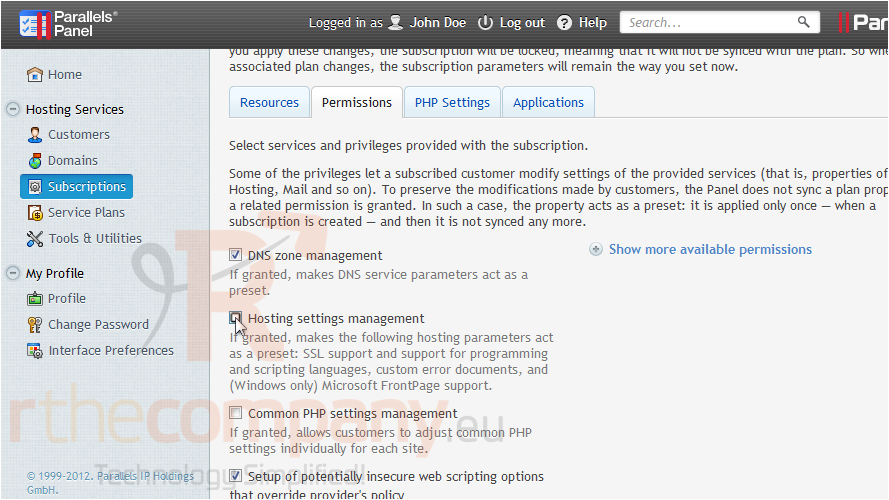
5) Go to permissions.
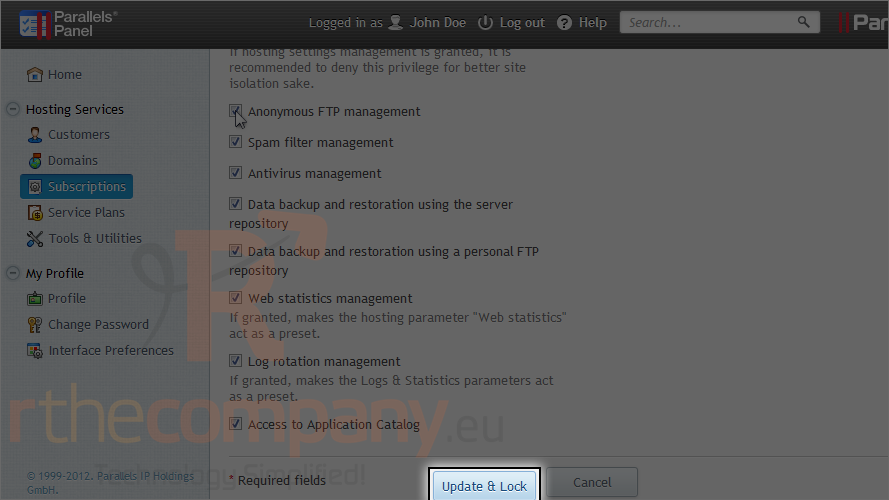
6) Set the new privileges to allow.
7) Click update & lock.
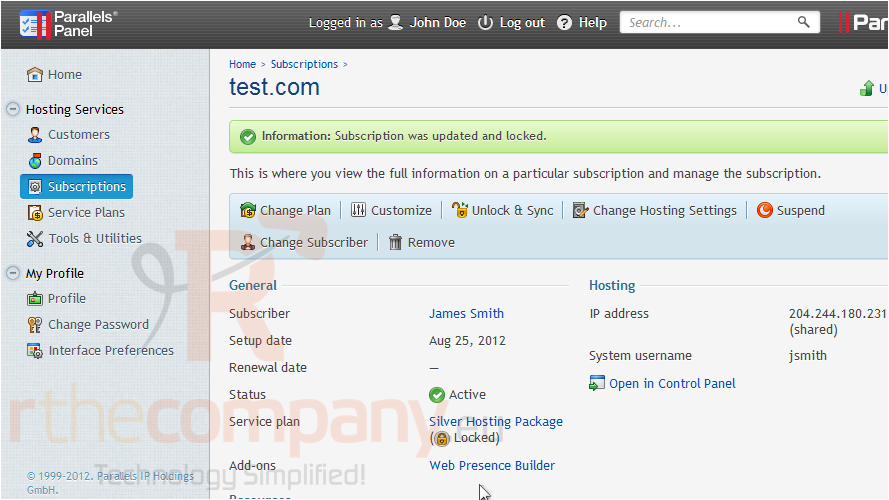
The subscription has been updated and locked from synchronizing with the hosting plan, so you can make changes to the original plan without this subscription being affected.
This is the end of the tutorial. You now know how to customize a subscription in Plesk.
 Додати до обраного
  Роздрукувати цю статтю