客戶系統 > 知識庫 > Parallels Plesk 11: reseller > 14. How to synchronize a subscription with its service plan in Plesk
14. How to synchronize a subscription with its service plan in Plesk
After customizing a subscription, you can revert back to the original plan by synchronizing it. This will unlock the subscription, so that any future changes made to the plan will apply to the subscription.
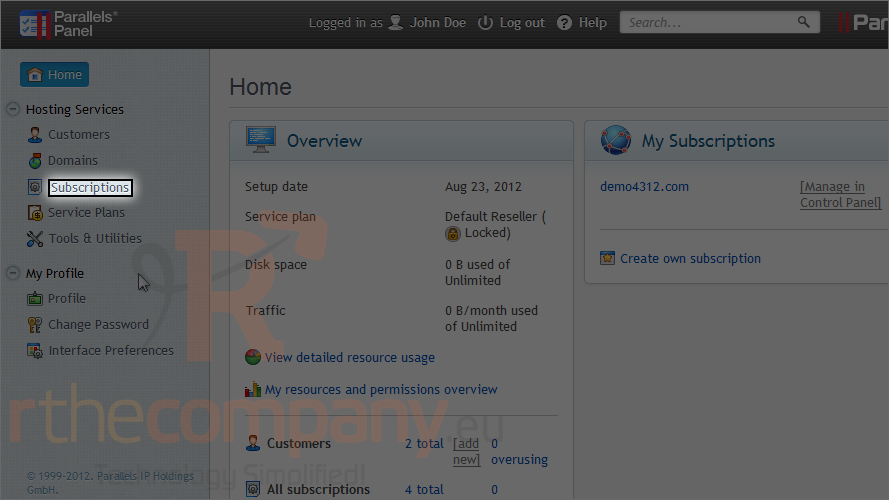
1) Go to subscriptions.
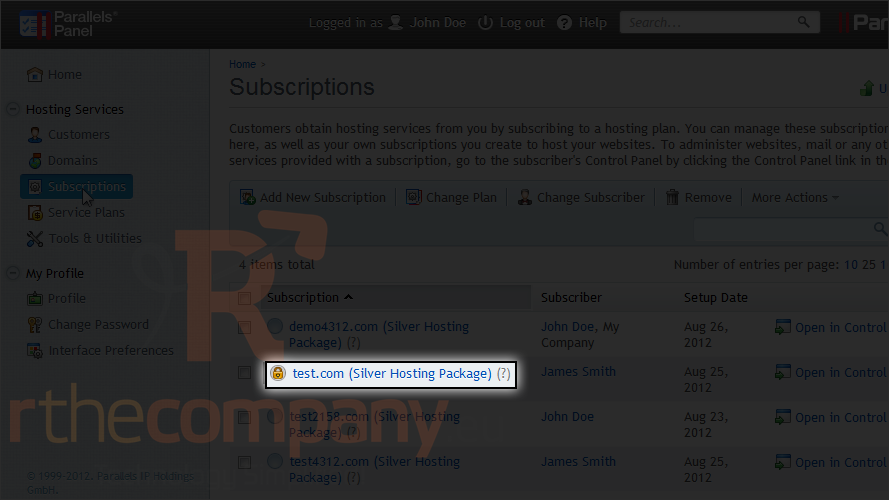
A subscription that has been locked from synchronization will have this icon next to it.
2) Click the locked subscription.
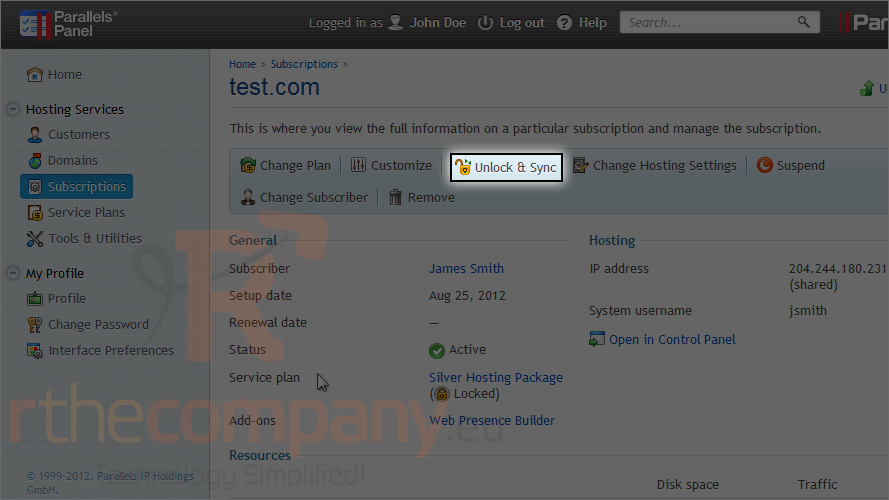
3) Choose unlock & sync.
This is the end of the tutorial. Now you know how to unlock and sync a subscription.