Portal Home > Databáze řešení > Parallels Plesk 11: reseller > 15. How to change a subscription's Expiration Date in Plesk
15. How to change a subscription's Expiration Date in Plesk
If you need to change a subscription's expiration date, follow these steps from your reseller panel.
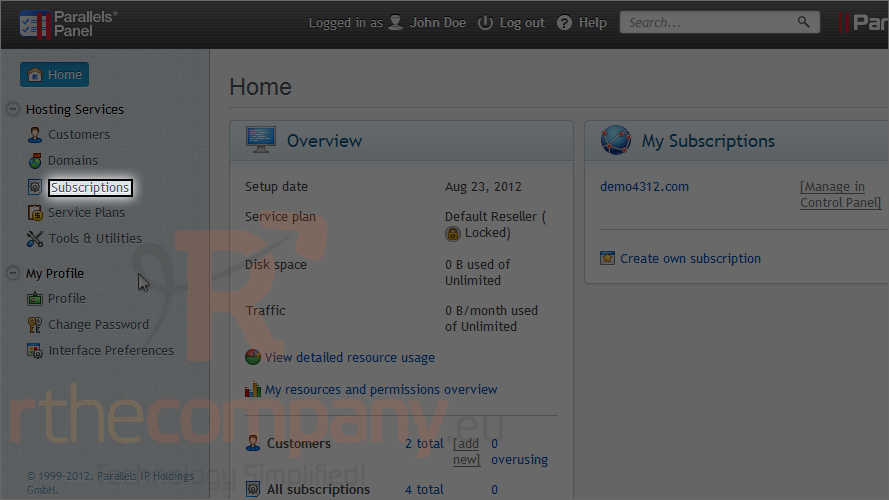
1) Go to subscriptions.
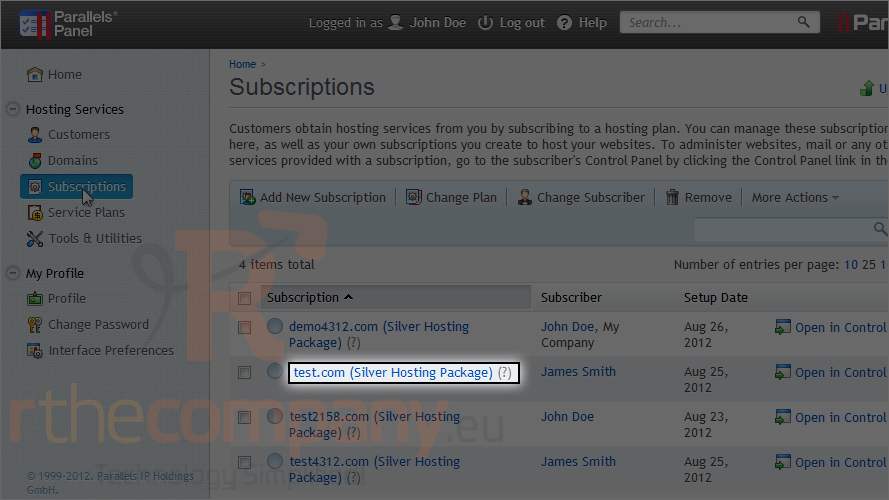
2) Choose a subscription.
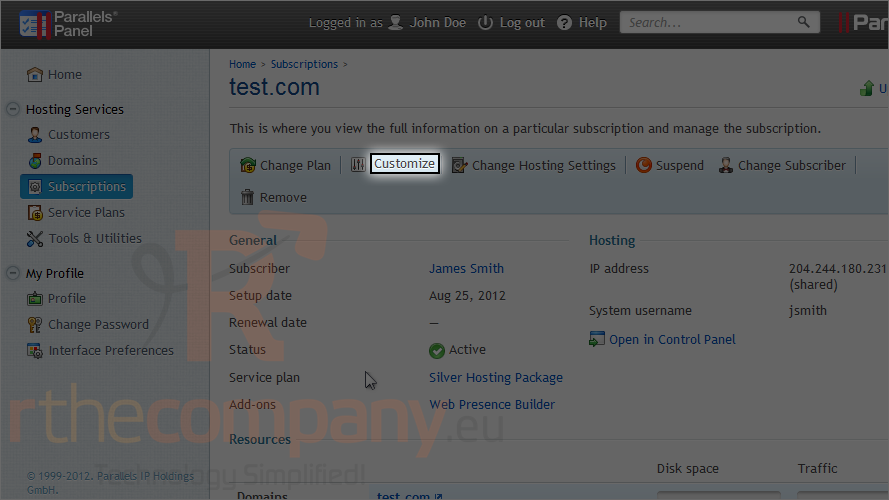
3) Click customize.
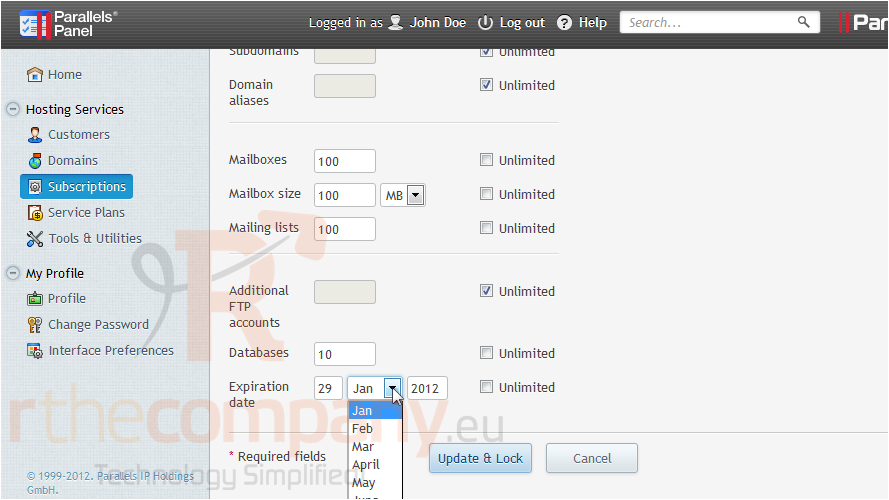
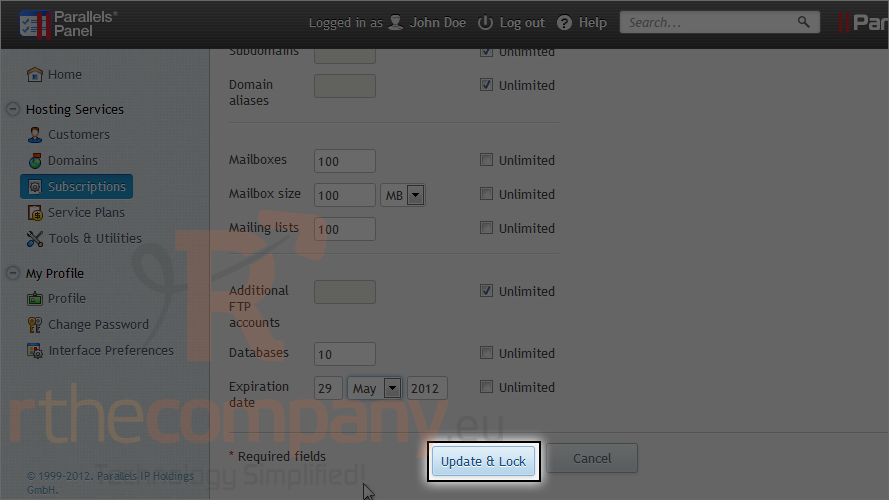
Scroll down to the bottom of the page.
4) Set the new expiration date here.
5) Click update & lock.
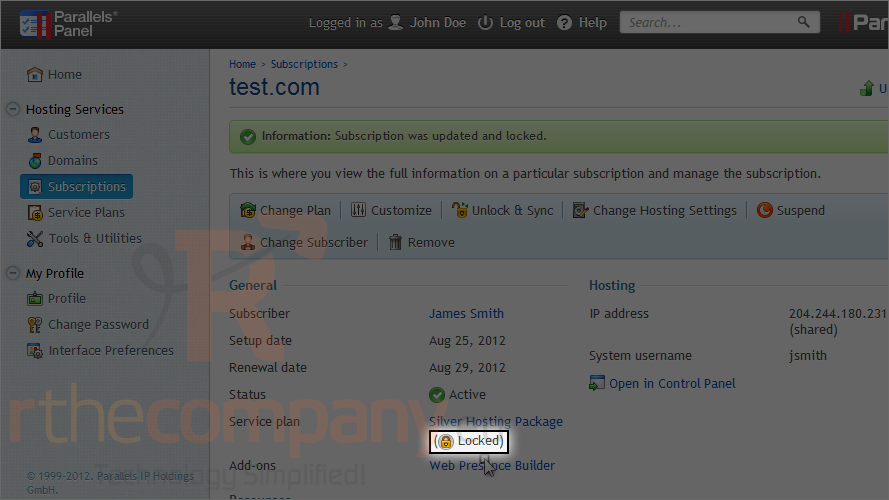
Because we submitted the customize form, the subscription has now been locked from synchronization with the service plan, as indicated by this lock icon.
This is the end of the tutorial. Now you know how to change a subscription's expiration date in Plesk.
 Přidat do oblíbených
  Tisknout tento článek