Головна > База знань > Parallels Plesk 11: reseller > 16. How to move a subscription from one customer to another in Plesk
16. How to move a subscription from one customer to another in Plesk
Transferring a subscription means that the ownership of a subscription changes. It reassigns a subscription of another user to either another customer or yourelf.
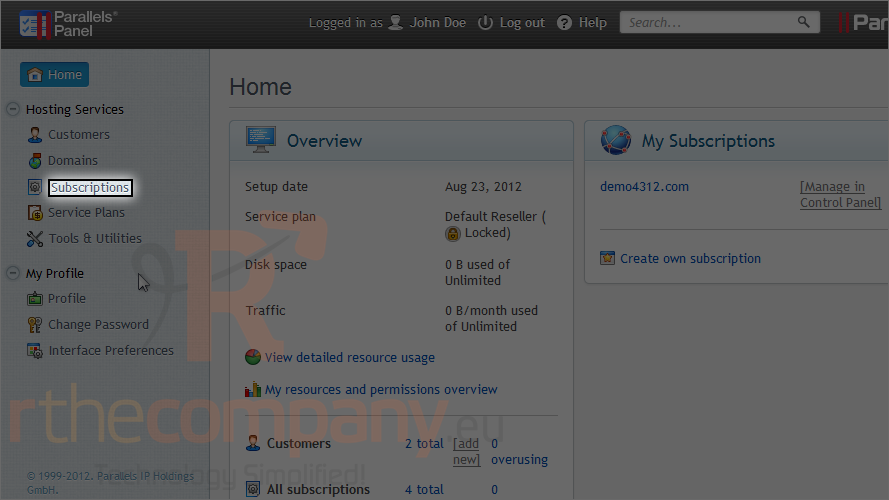
1) To do this, go to subscriptions.
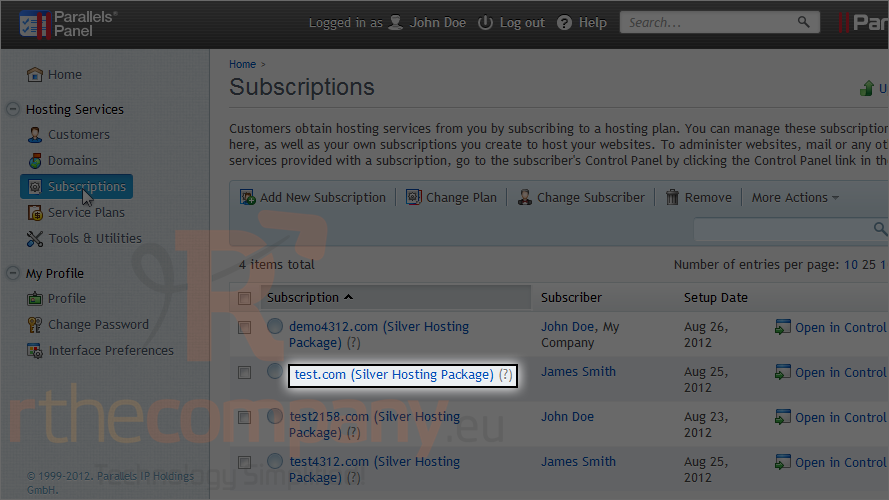
2) Choose a subscription.
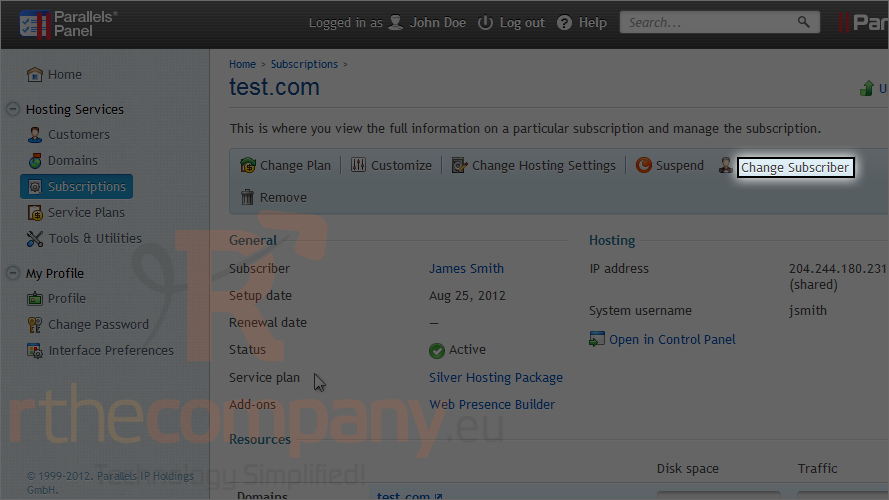
3) Click change subscriber.
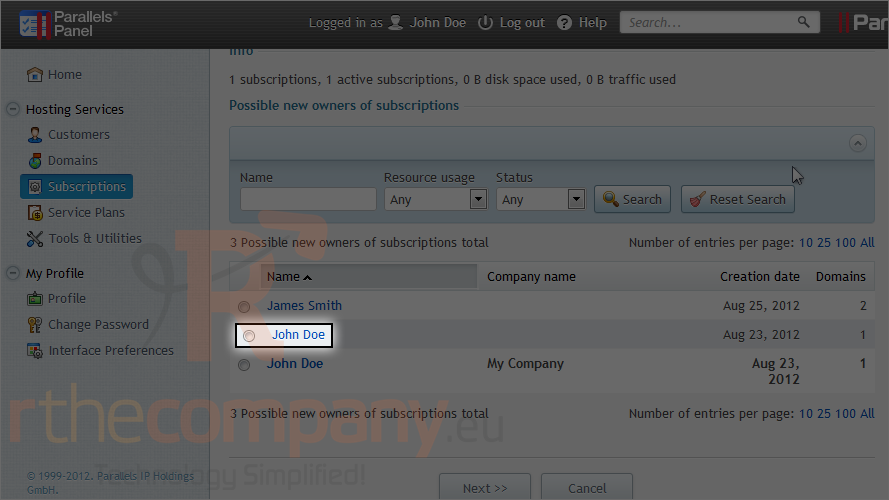
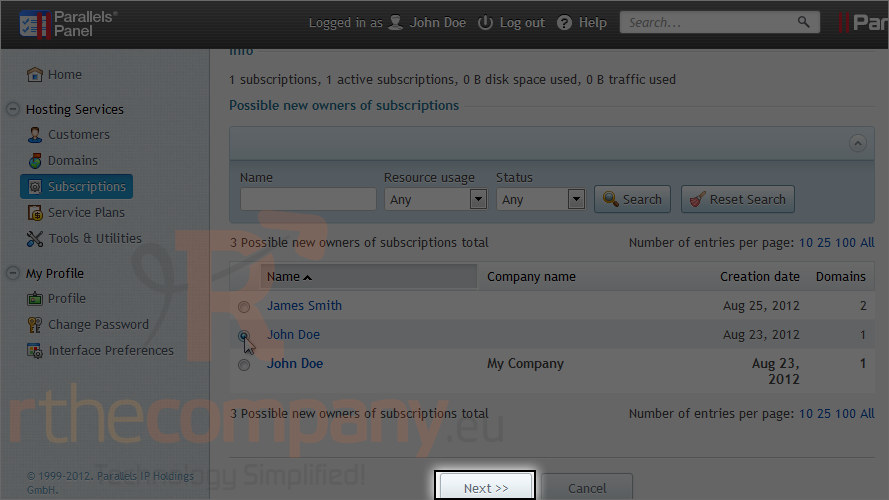
4) Select the new owner.
5) Click next.
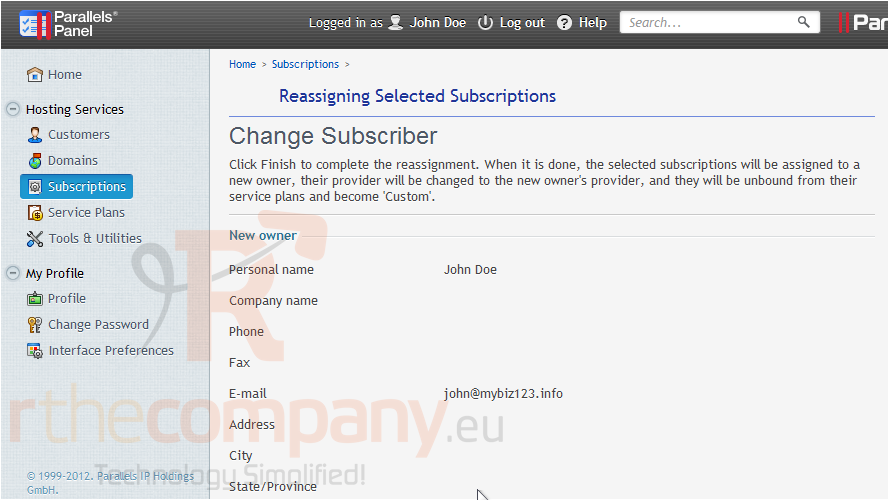
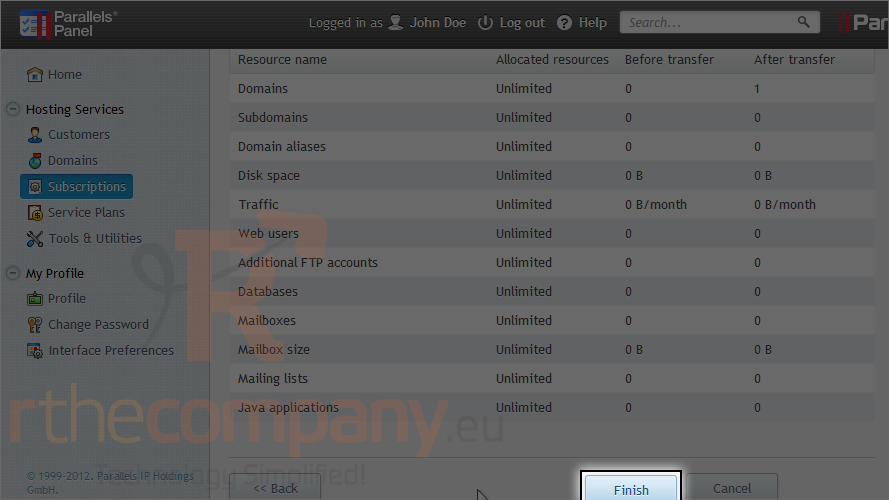
Review the new subscriber's information and scroll down to the bottom.
6) Click finish.
This is the end of the tutorial. Now you know how to change the ownership of a subscription in Plesk.
 Додати до обраного
  Роздрукувати цю статтю