Support > Vidensdatabase > Parallels Plesk 11: reseller > 17. How to view a report of app installations in Plesk
17. How to view a report of app installations in Plesk
Let's see how to view a report of the applications that have been installed for all subscriptions.
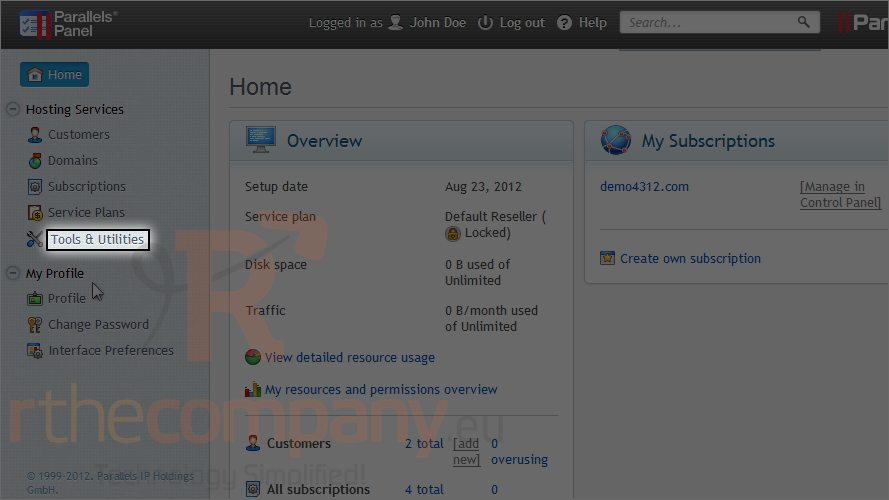
1) Go to tools & utilities.
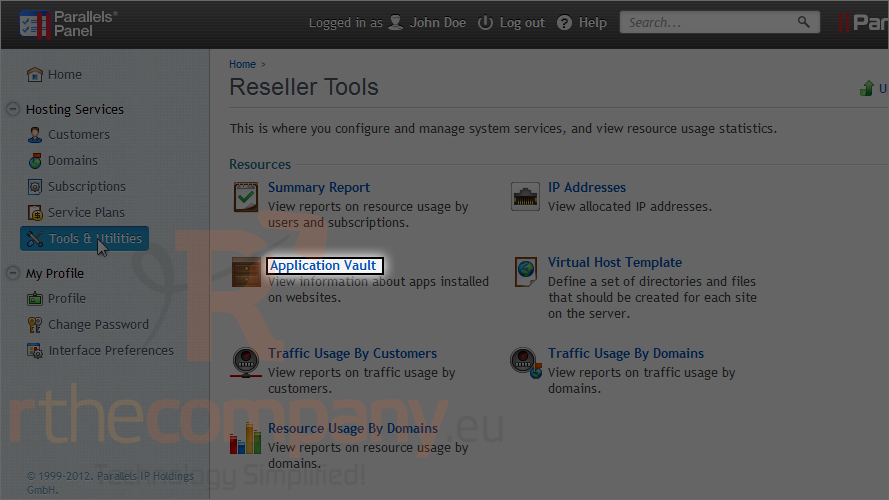
2) Click application vault.
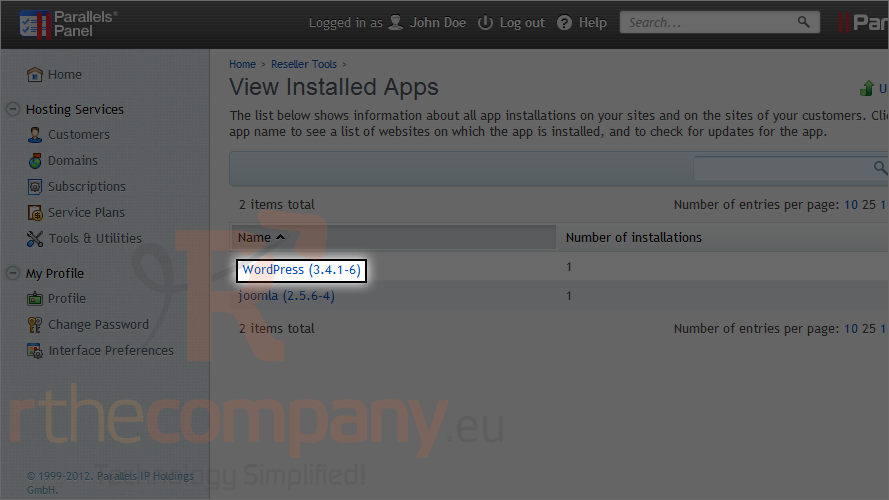
Here is a full report on all app installations on your sites and the sites of your customers.
3) Click an app name.
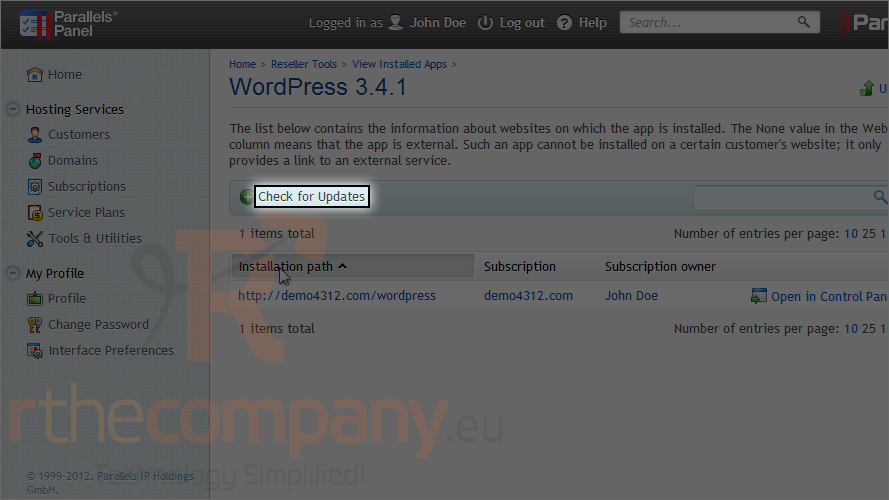
This page lists all the websites on which this app is installed.
4) Click this button to check for updates for this application.
This is the end of the tutorial. Now you know how to view a report of app installations.
 Føj til favoritter
  Print denne artikel