Почетна > База на знаења > WHMCS 5: Setup > 7. How to set up your support departments in WHMCS
7. How to set up your support departments in WHMCS
This tutorial assumes you've already logged in to your WHMCS admin panel.
Now let's learn how to set up support departments.
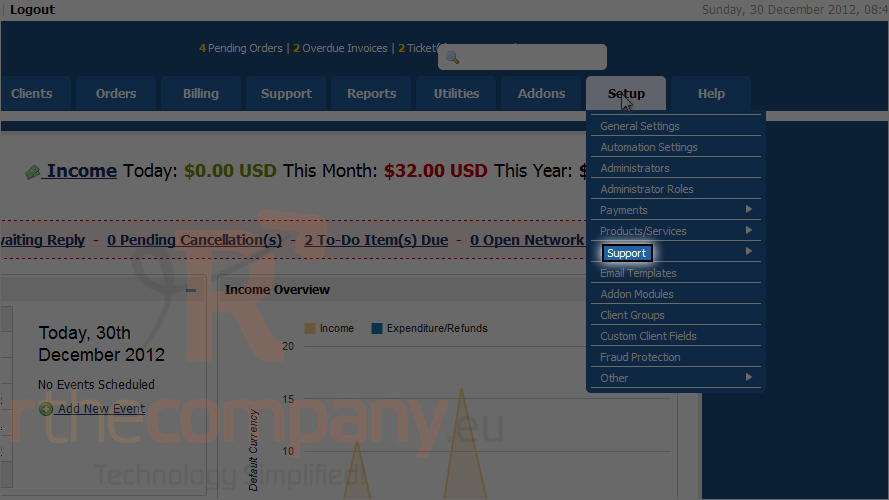
1) Go to the setup menu.
2) And click support.
3) Finally click support departments.
4) Click add new department.
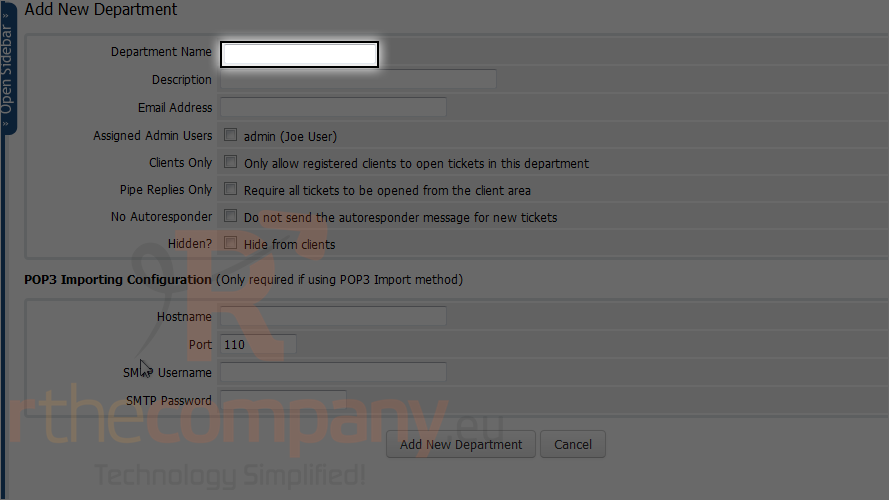
5) Type the department name.
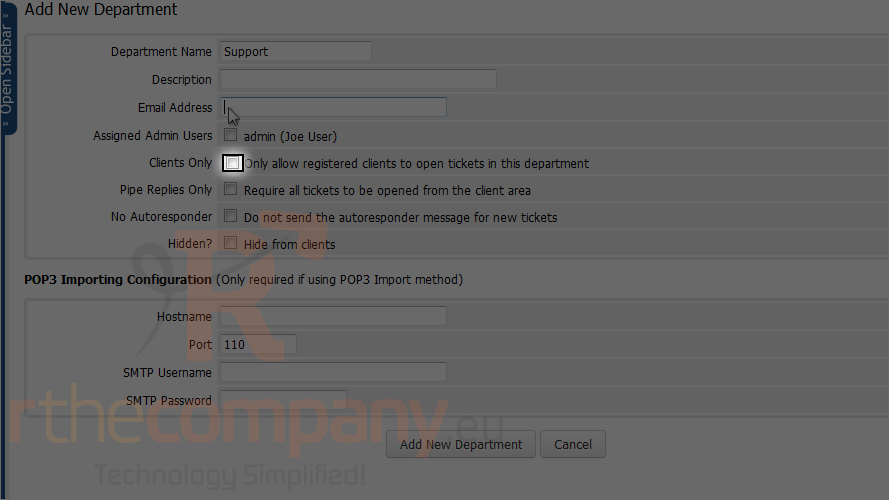
6) Enter the email address this department should use to send and receive mail.
7) Check this box to allow only registered users to send tickets to this department.
8) By default, clients will receive an automated response upon the creation of a new ticket. Check the no autoresponder box to disable that functionality.
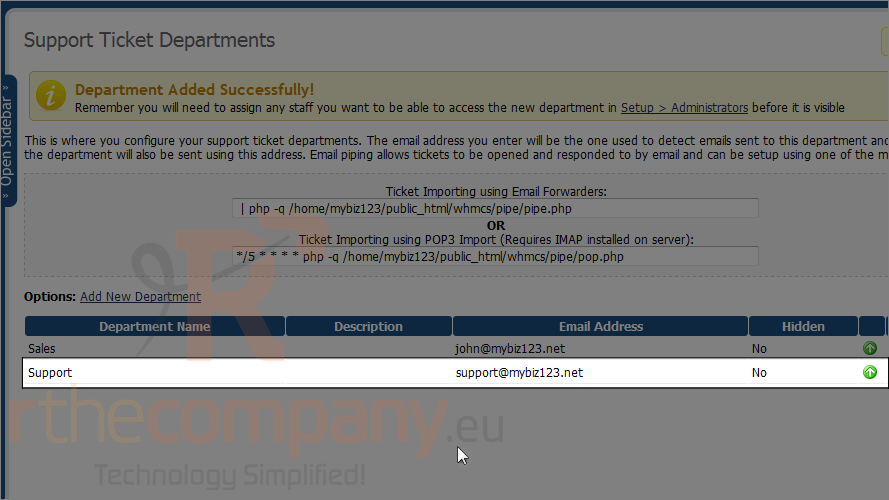
9) Click add department.
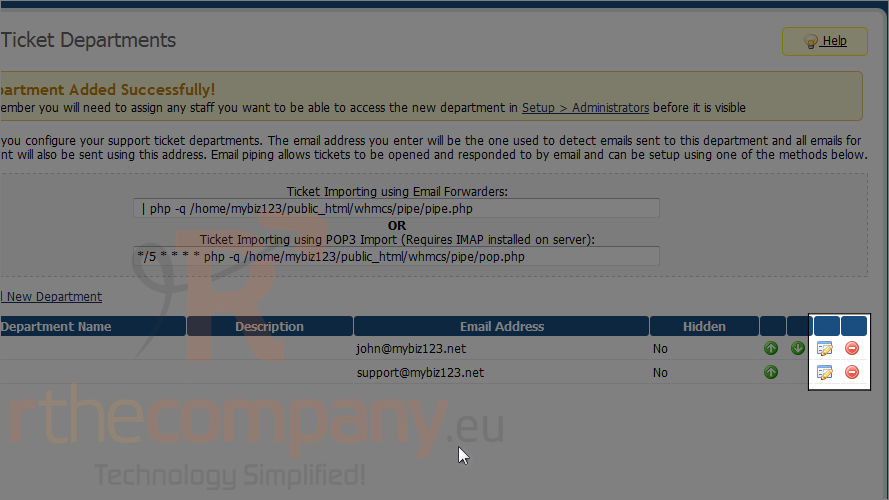
Department is created successfully!
You can always edit a department or delete one by clicking these buttons.
This is the end of the tutorial. You now know how to set up your support departments in WHMCS.
 Додате го во листа на фаворитни прашања
  Испечати