Suporte > Base de Conhecimento > WHMCS 5: Setup > 10. How to manage security questions in WHMCS
10. How to manage security questions in WHMCS
This tutorial assumes you've already logged in to your WHMCS admin panel.
Now let's learn how to manage security questions.
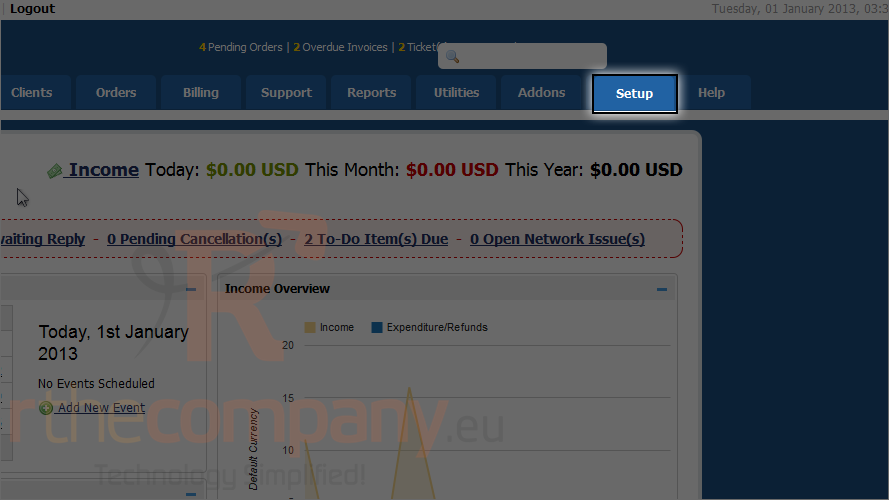
1) Go to the setup menu.
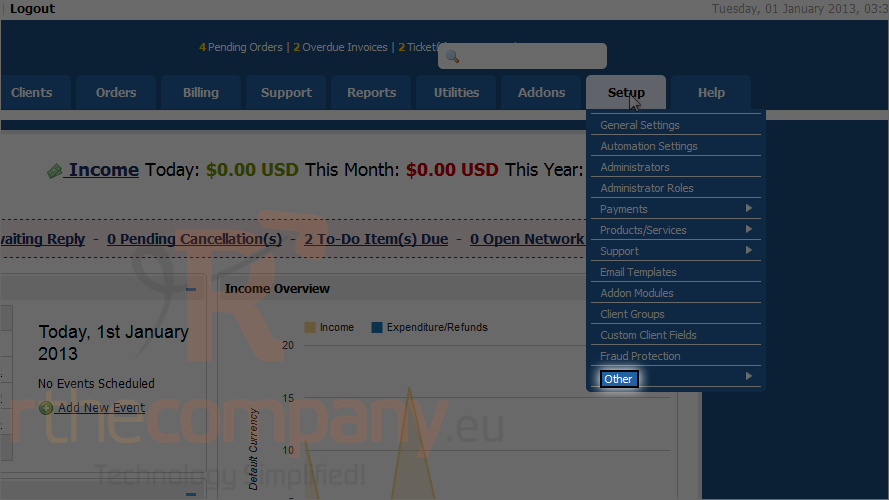
2) Mouse hover other.
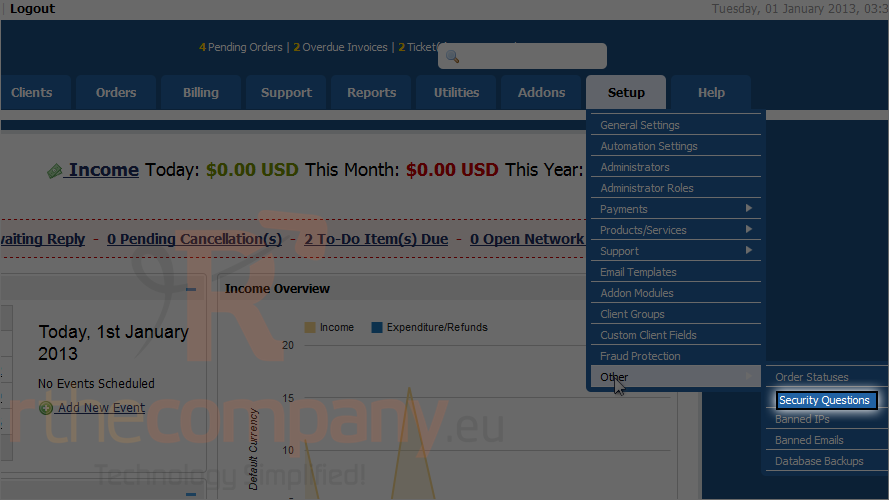
3) Click security questions.
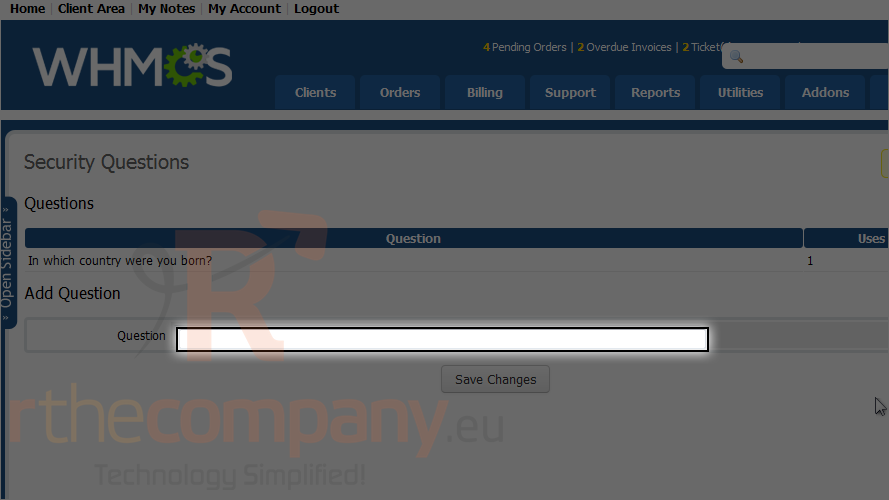
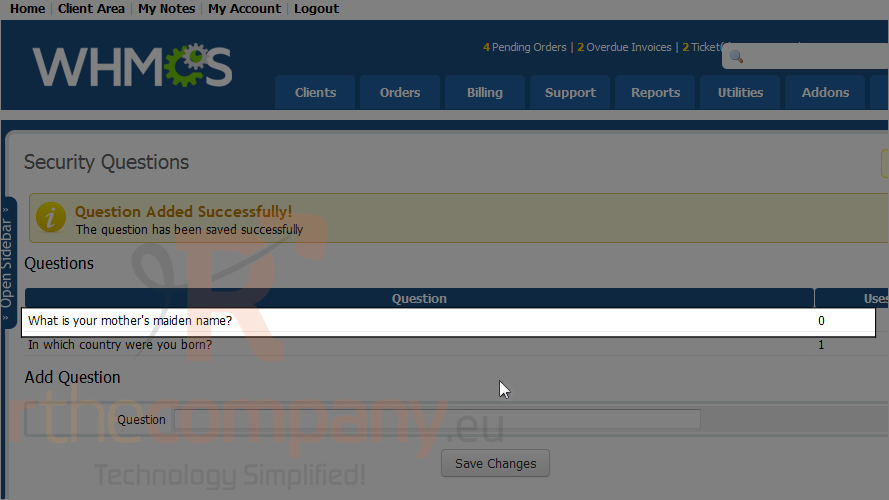
4) Type a question and click save changes.
The security question shows up here.
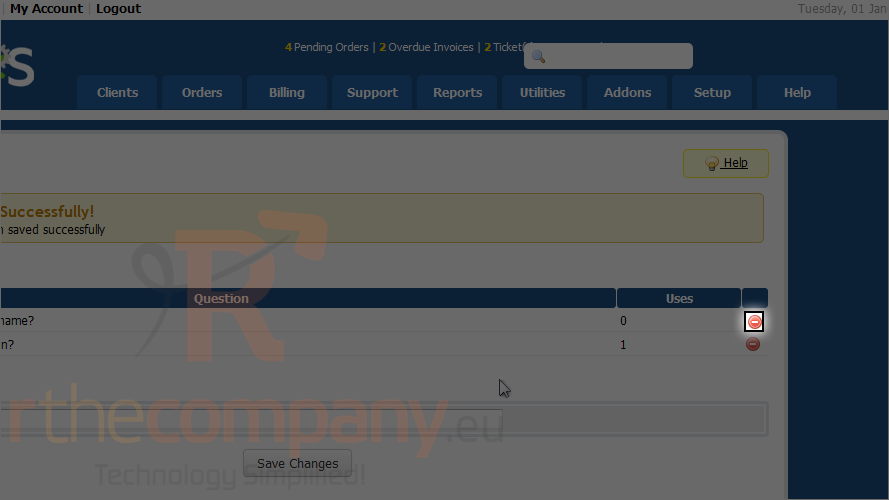
5) To delete a security question click the red button.
This is the end of the tutorial. You now know how to manage security questions in WHMCS.
 Adicionar aos Favoritos
  Imprimir este Artigo