Головна > База знань > WHMCS 5: Setup > 13. How to log in to and become familiar with the WHMCS admin area
13. How to log in to and become familiar with the WHMCS admin area
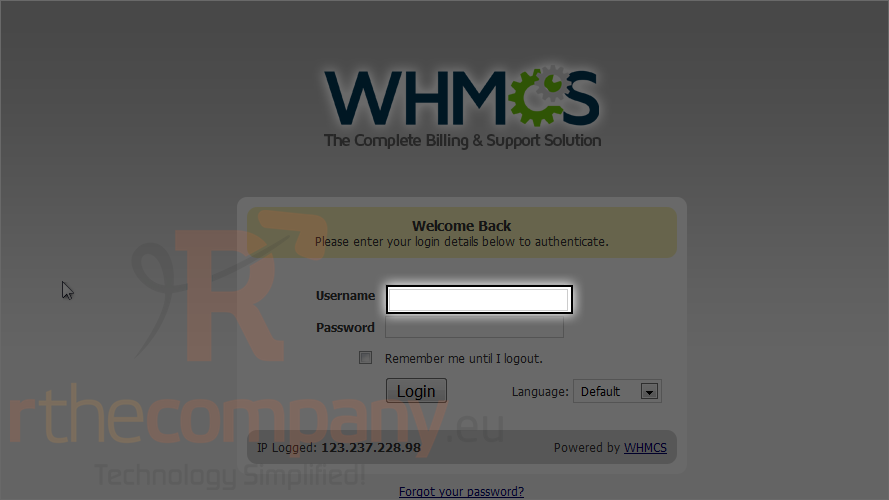
1) First type your username.
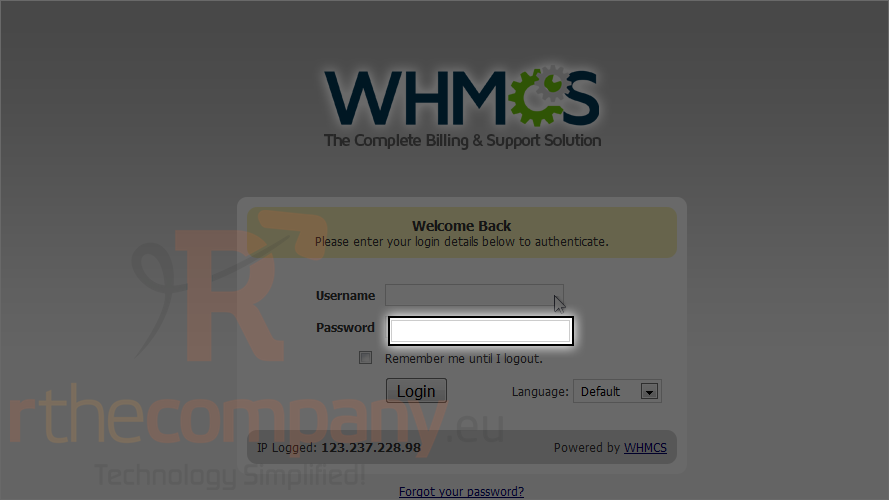
2) Type your password.
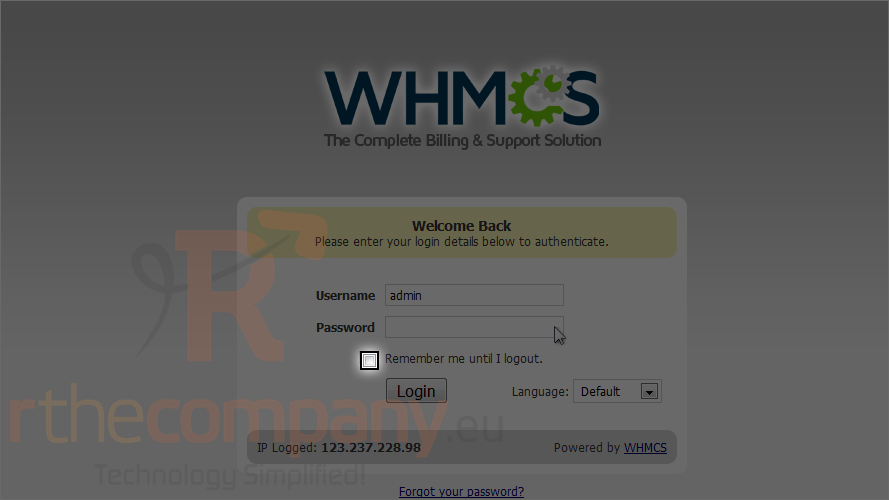
3) Choose the remember me option, if you want.
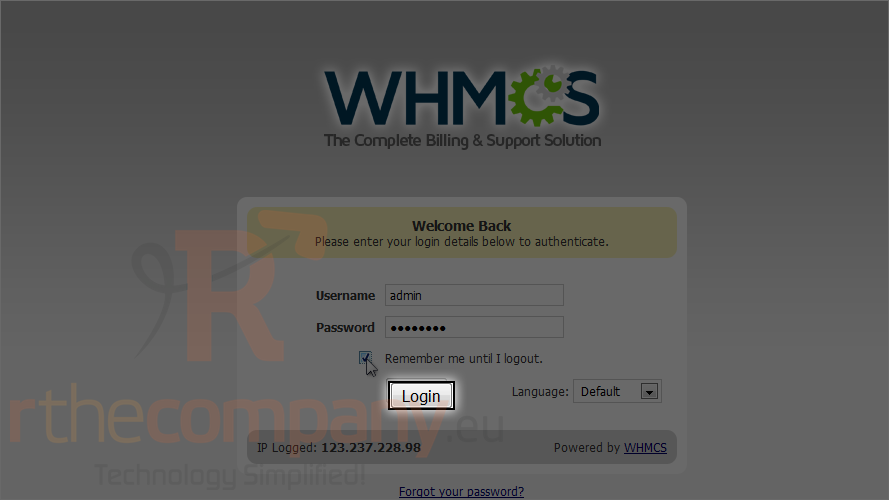
4) Finally, click login.
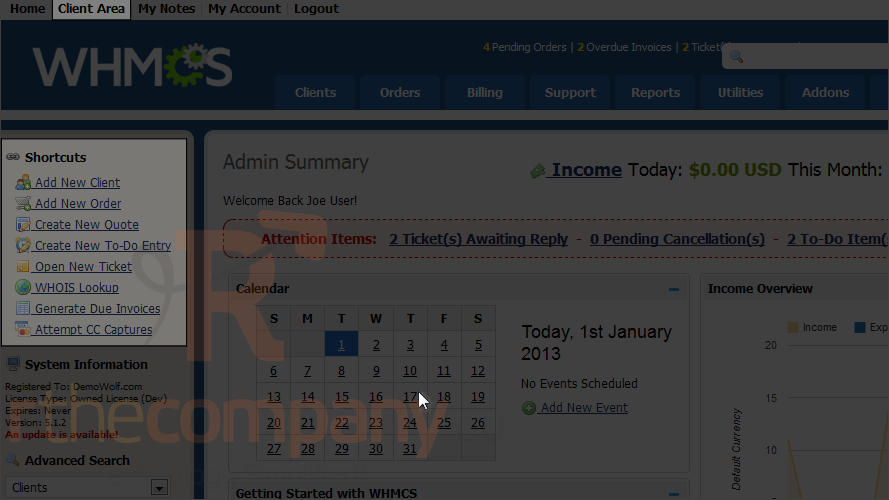
The first page you'll see is the admin summary page. This is where you can view statistics and a list of recent activity, among other things.
You also have access to a number of shortcut links in the menu here.
Success! You're now logged in as the administrator.
5) At any time, you can switch to the client area by clicking this link.
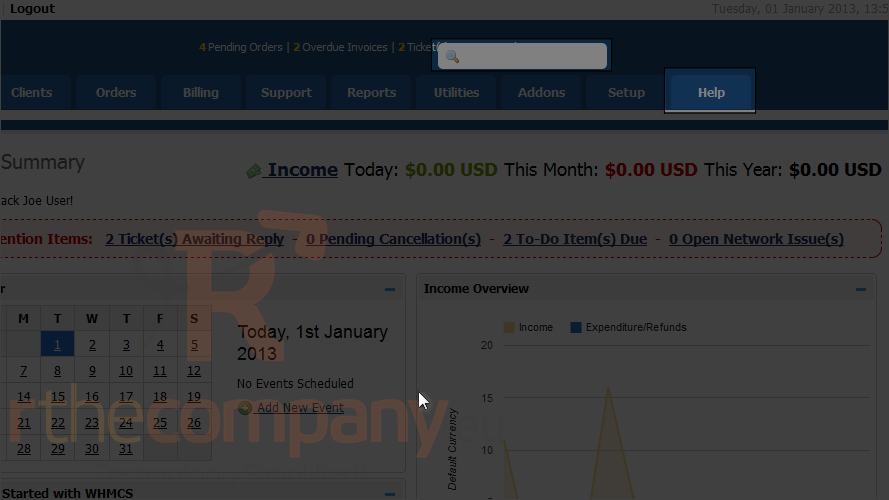
Look to the right.
Once you have some clients and other information entered into the system, the intelligent search box at right will enable you to quickly find the pages you're looking for.
If you ever get lost, the help menu contains a number of links to help you get back on track. Browse the documentation, make a support request or participate in the community forums whenever you need additional help.
Look to the left again.
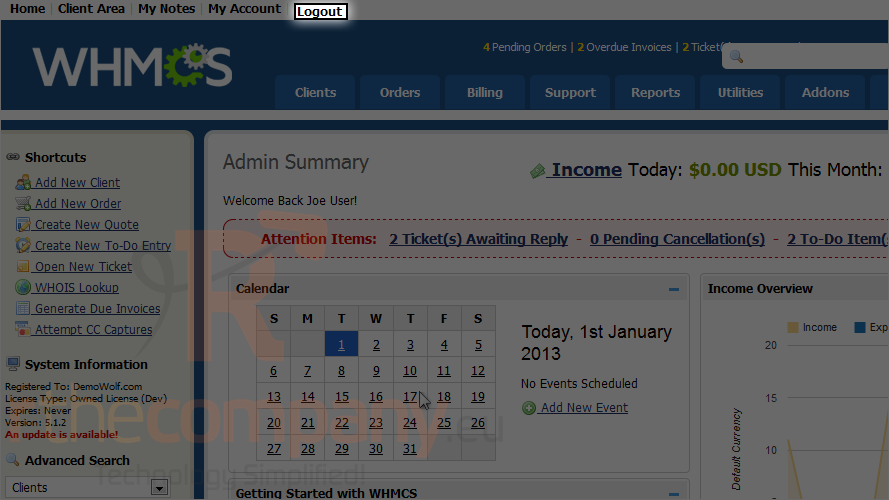
6) Now let's log out.
This is the end of the tutorial. You now know how to log in and out of WHMCS and should have a good idea about how to find your way around.
 Додати до обраного
  Роздрукувати цю статтю